Create New Company
| Step 1 | A new company is created by opening the software’s registration page. Enter the number of your server in your browser with the following URL extension: http://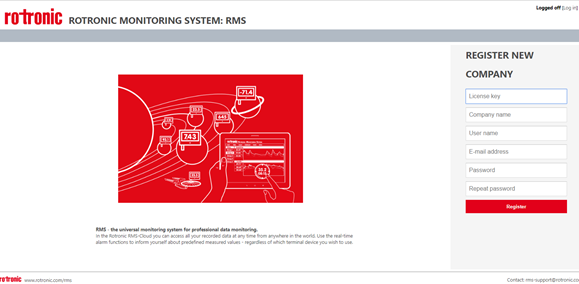 |
|---|---|
| Step 2 | Fill in the following points in the input window including the license key1 received from Rotronic: 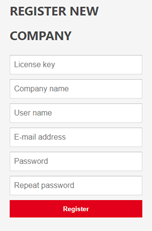 |
| Step 3 | Your company account is then created with the following settings: |
1 If you have a trial key, it is valid for one month.