Important First Steps for On-premis Users
| Step 1 | Once logged into RMS, click on Tools>Setup: 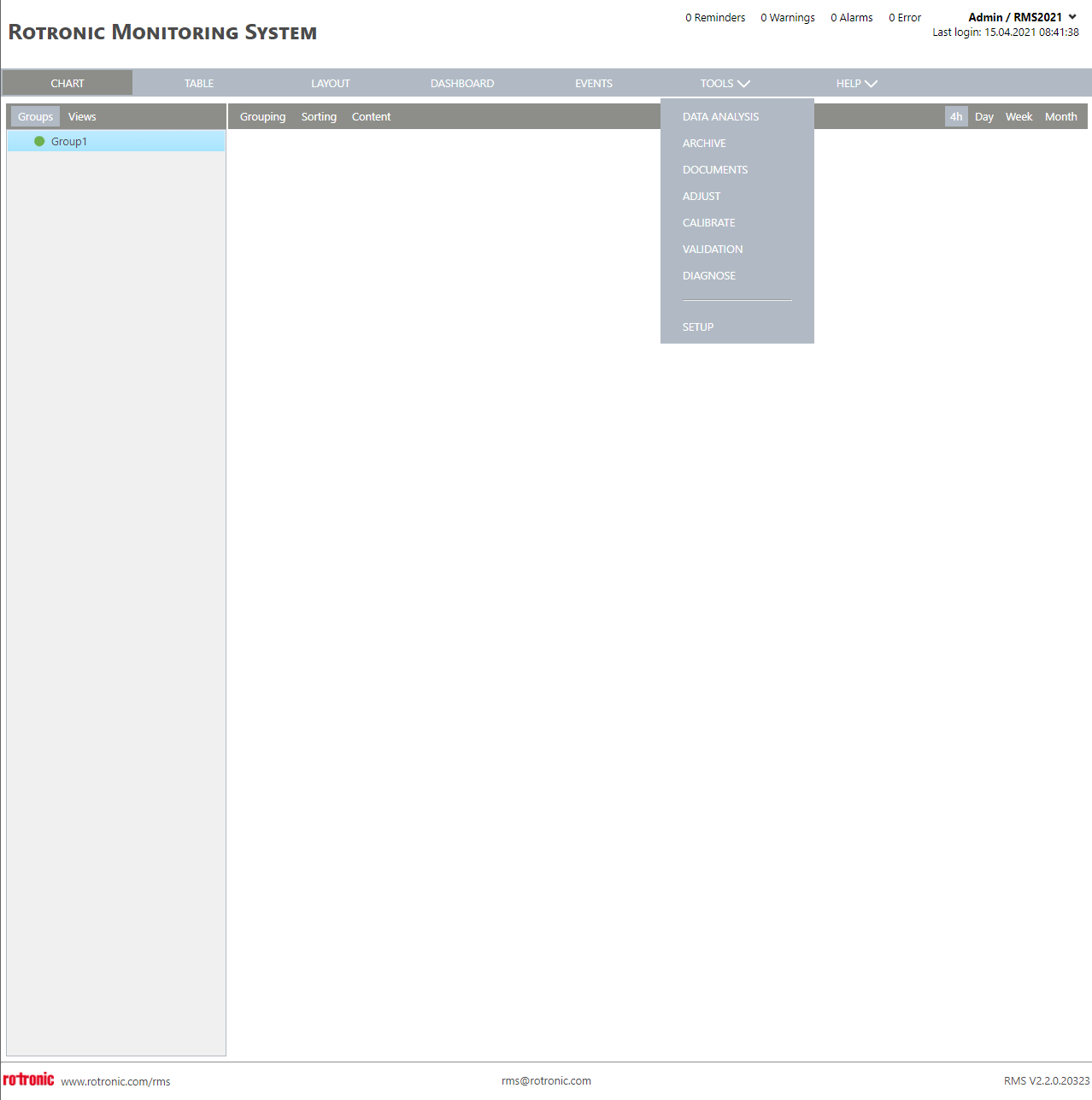 |
|---|---|
| Step 2 | Click on System: 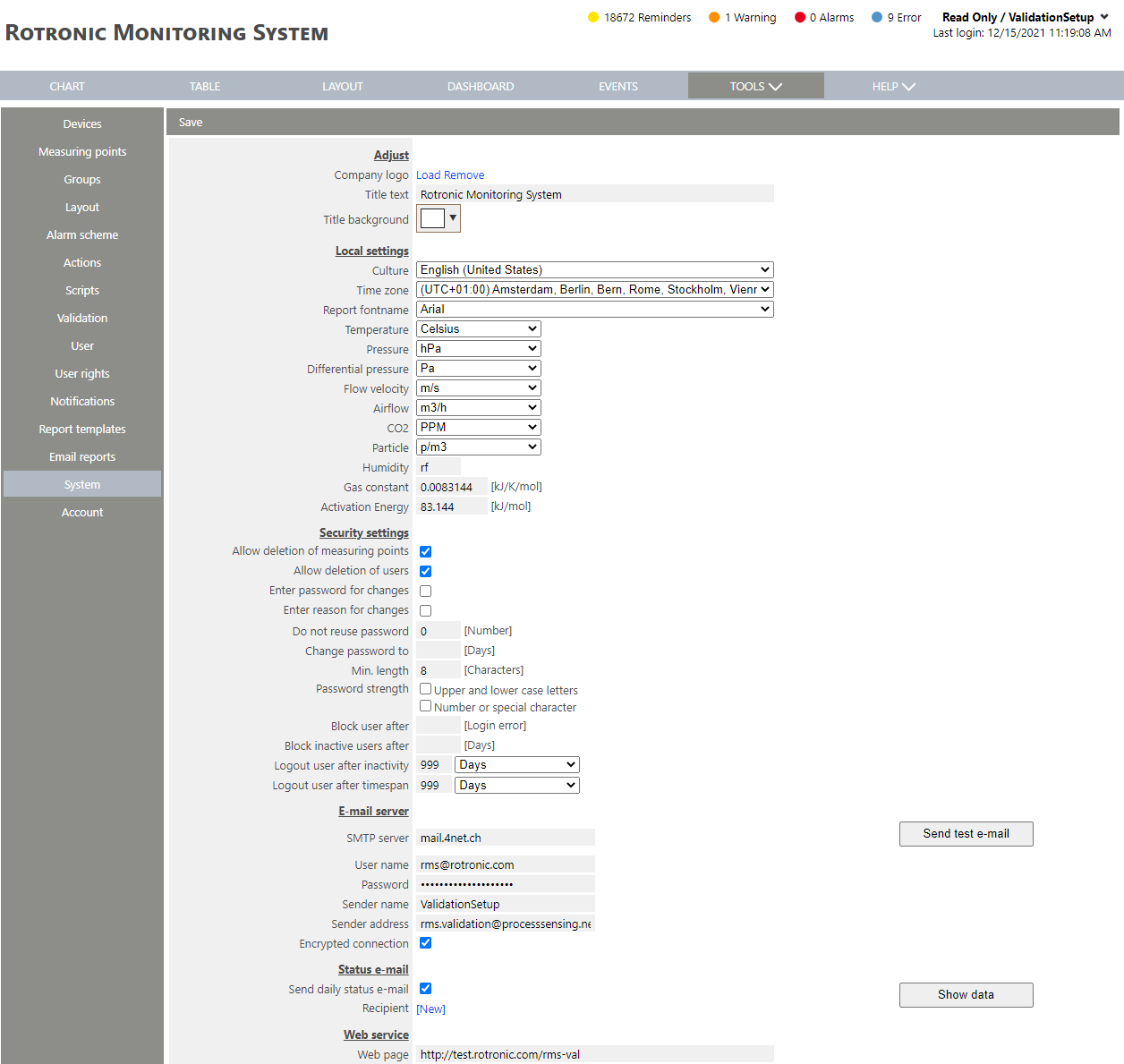 |
| Step 3 | Update the culture under local settings: Select the required language. |
| Step 4 | Update the time zone under local settings: Select the required time zone. |
| Step 5 | Update the web page under web service: Add http(s):// |
| Step 6 | Check to ensure that all settings are correct: 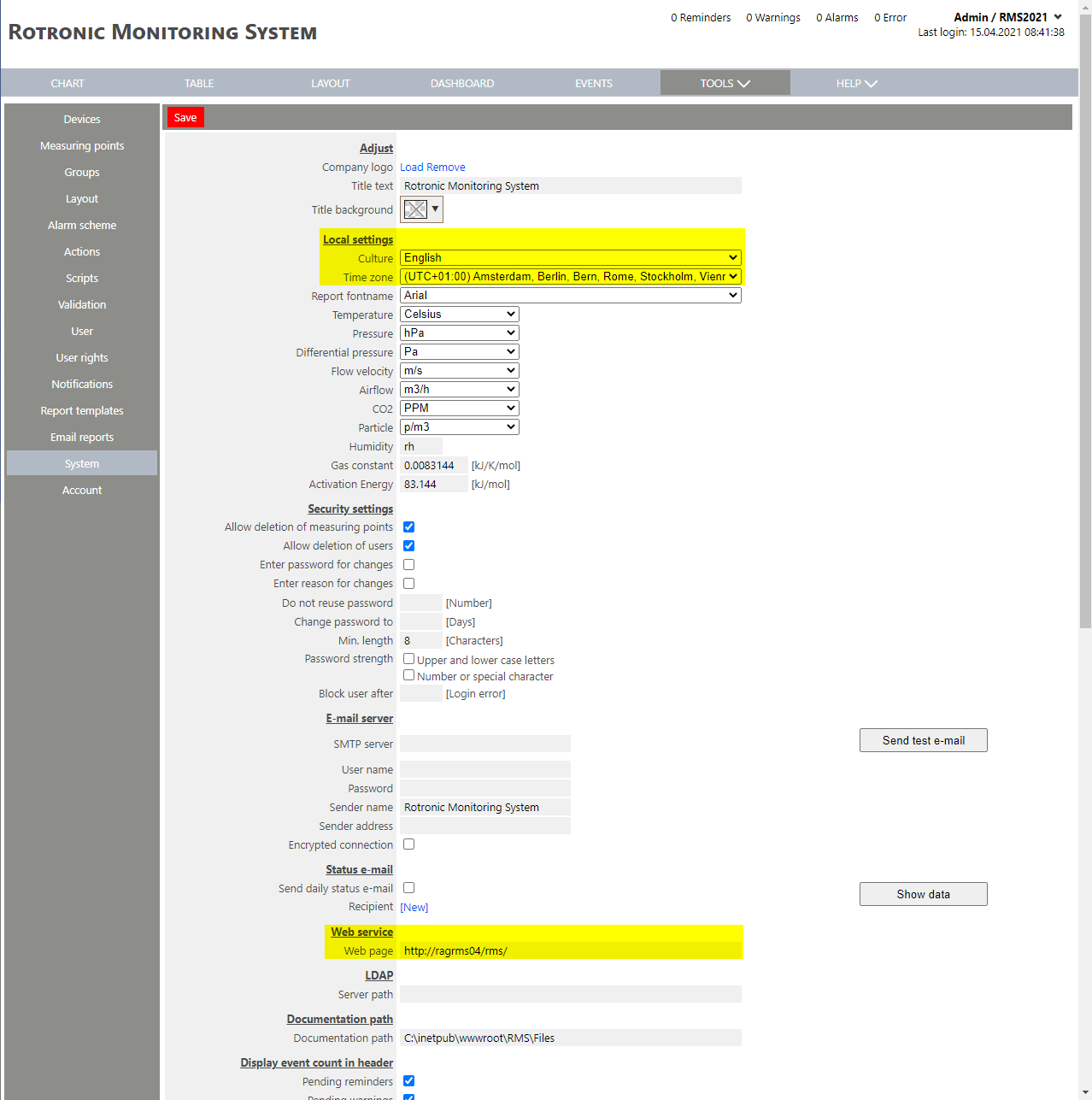 |
| Step 7 | Click on Save. |