Log in to your RMS Account
| Step 1 | Click on this link to log in to your Cloud/SaaS company if it is already registered: https://rms.rotronic.com/rms/login.aspx (For on-premise solutions, please replace rms.rotronic.com by the server IP address or DNS, please speak to your IT team for more details.) 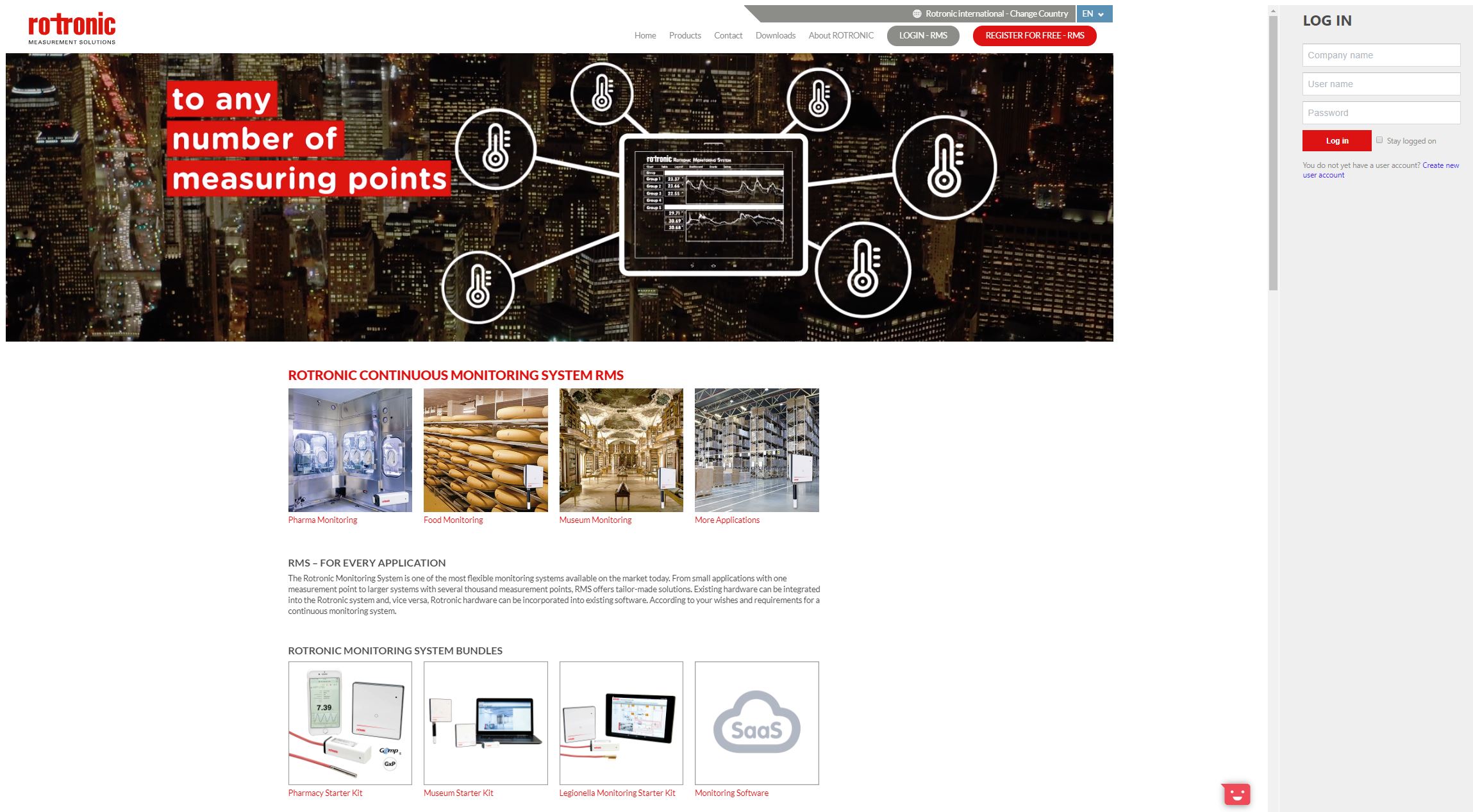 |
|---|---|
| Step 2 | Company name: Add your company name. User name: Add your user name. Password: Add your password (this will be required for all future logins). |
| Step 3 | Click on "Log in". The following window opens: 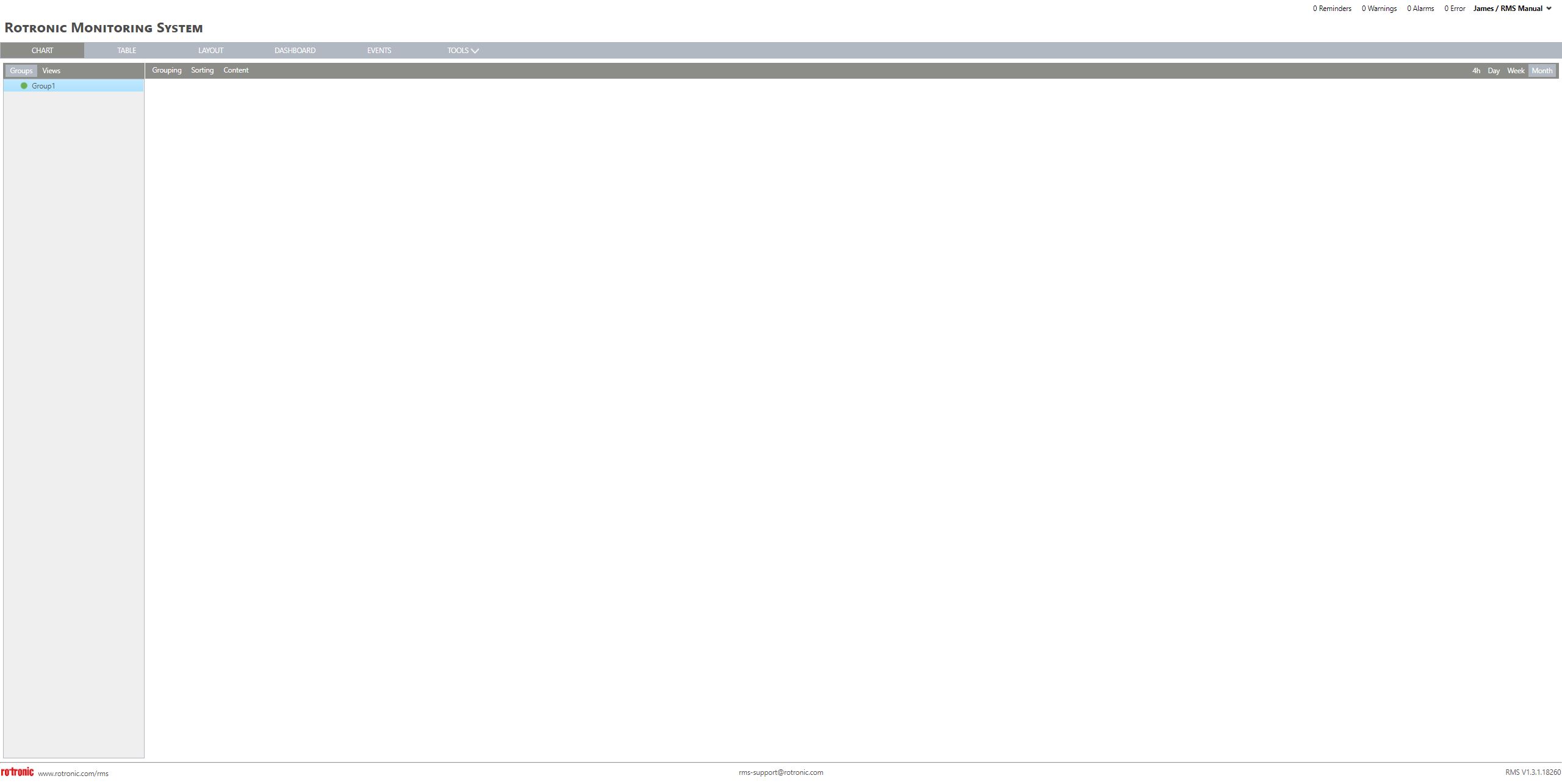 |
| Update V2.9.0 | New: No Comany input field for on-pemise / exclusive cloud RMS on the login page. - Before: If an (on premise) RMS has only one registered company, the customer still need to fill out the "company" field when doing a login. - New: If only one (active, non disabled, non deleted) company exists, the "Comany" field is prefilled and readonly on the login page. |
Update: 19.11.2025