Device
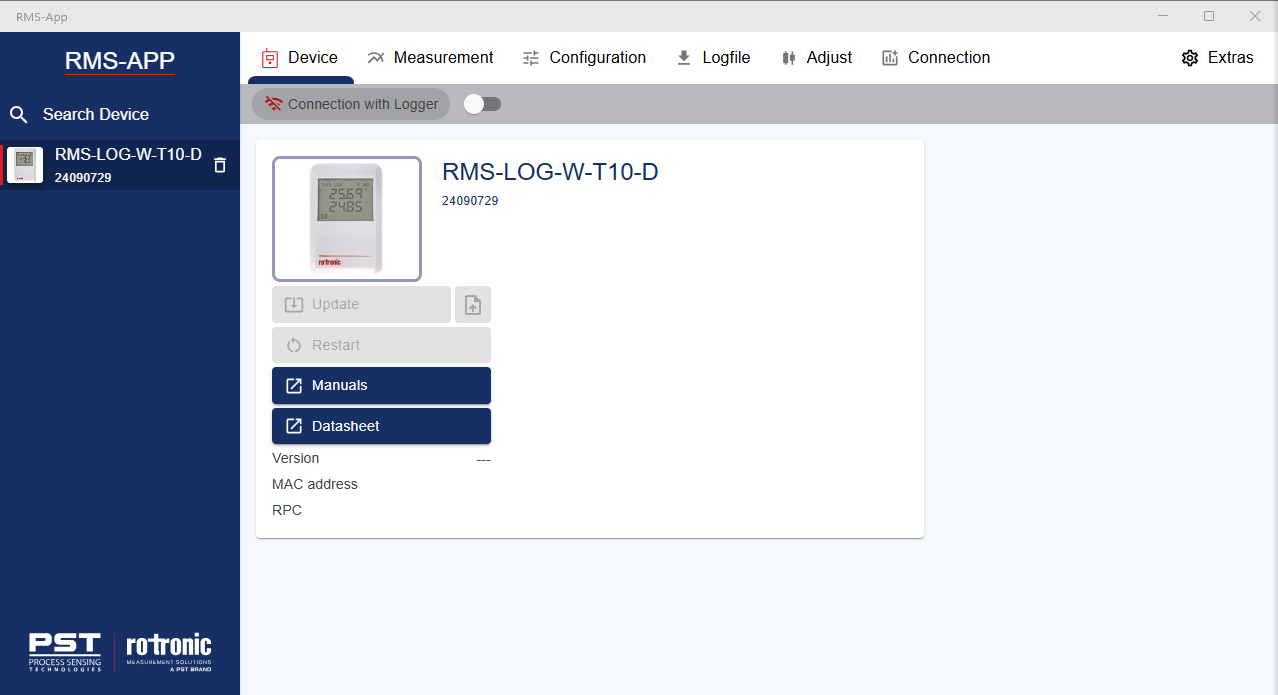
The device menu shows the device details, together with some functions and links:
- Device name: details about the device name.
- Device serial number: details about the device serial number.
- Firware update: click on the button to update the firmware.
- Restart: click on the button to restart the datalogger.
- Manuals: click on the button to go to the device within the online manaul.
- Datasheet: click on the button to go to the device datasheet.
- Version: details about the device firmware version.
- MAC address: details about the device MAC address.
- RPC: details about the Rotronic Product Code.
Created: 10.03.2025.