Create Groups & Layout
| Step 1 | Create the group structure you want in the menu "Tools" > "Setup" > "Groups". 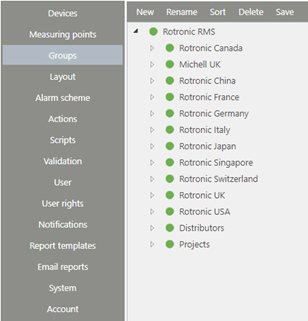 |
|---|---|
| Step 2 | Integrate background pictures and labels for the group in the menu "Tools" > "Setup" > "Layout". The measuring point labels can only be arranged once devices and measuring points have been added, see next chapter 2.3.2. 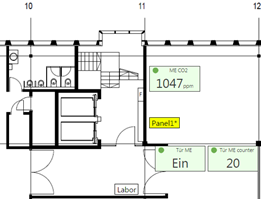 |