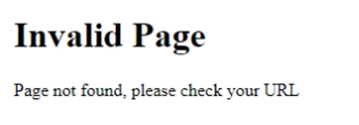
Invalid Page, Page not found, please check your URL
Webservice test successful and Webpage test failed.
Problem:
http://
http://
Cause:
Either web.config of Page folder is broken or the whole page folder.
Solution:
- Download the correct zip file.
- Unzip it under c:\temp and change the customer settings, like connection.config, nlog.config, web.config etc.
- Remove the actual version folder (save to another place, if you want to keep it).
- Copy the correct version folder with it change to the rms folder.