Add Wireless Device
| Step 1 | Add wireless device 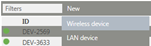 |
|---|---|
| Step 2 | Select gateway to which the wireless device is to be connected 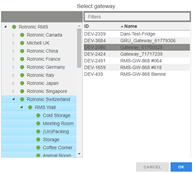 |
| Step 3 | Press the button on the device for clear identification 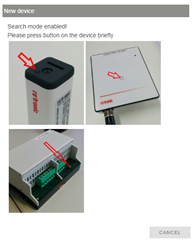 |
| Step 4 | Setting of: 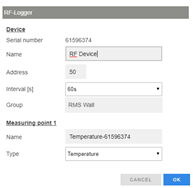 |
| Step 5 | Finish procedure 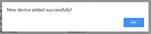 |
| Step 6 | When all devices have been added, add the measured value labels to the measuring points in the menu "Tools" > "Setup" > "Layout". |