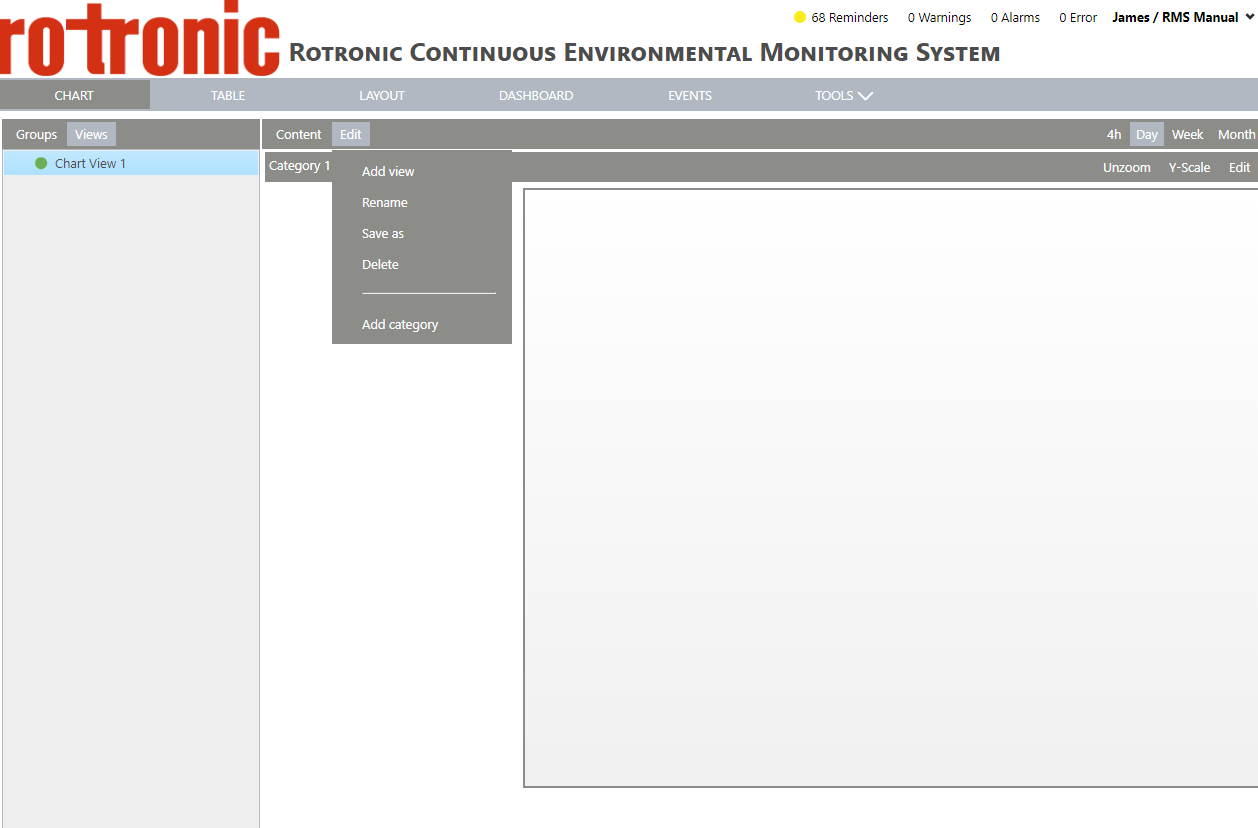
Configure your Views
| Step 1 | Within "Views", you first have to setup a view via the "Edit" drop down menu. Click on "Edit" > "Add view": 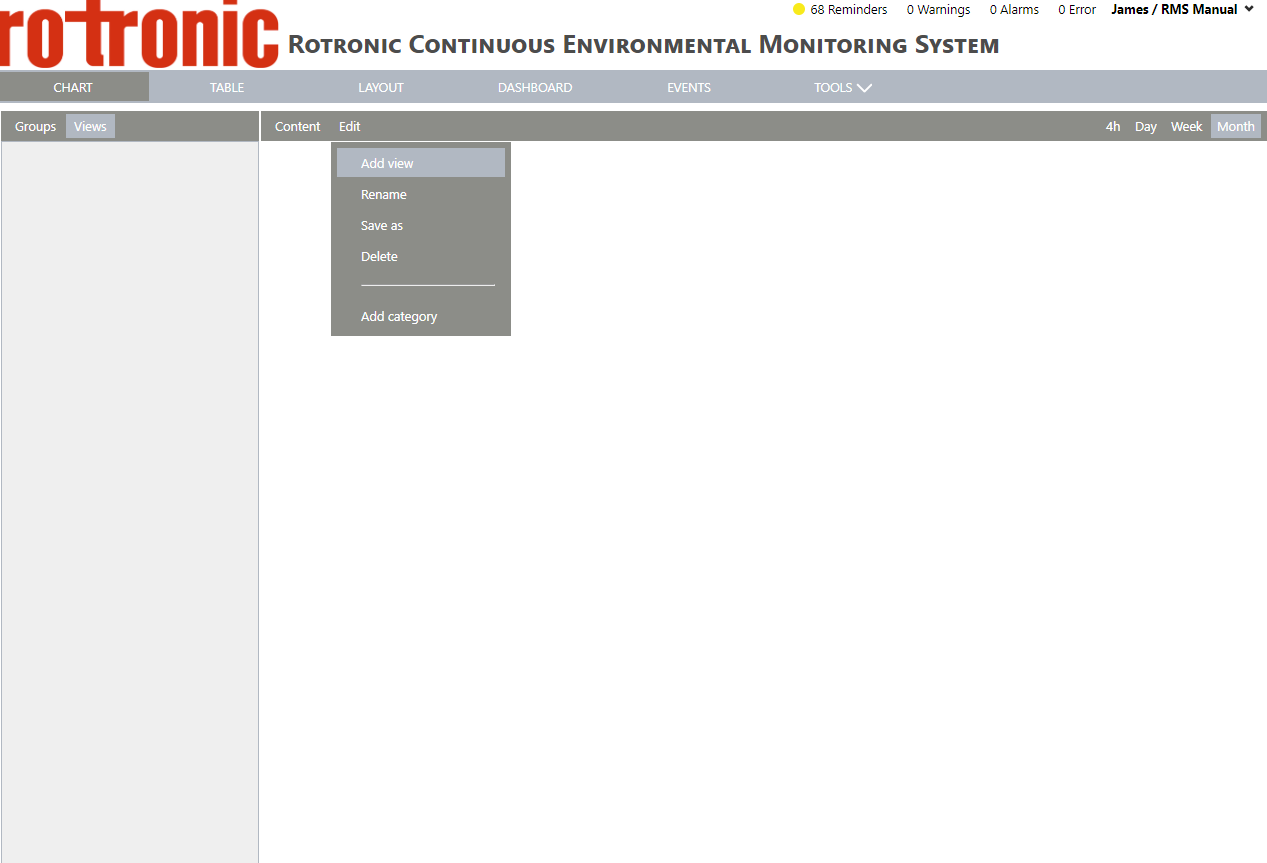 |
|---|---|
| Step 2 | Enter a name for the view and click on "OK": 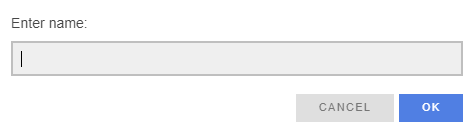 |
| Step 3 | A new view is created with category 1 already added: 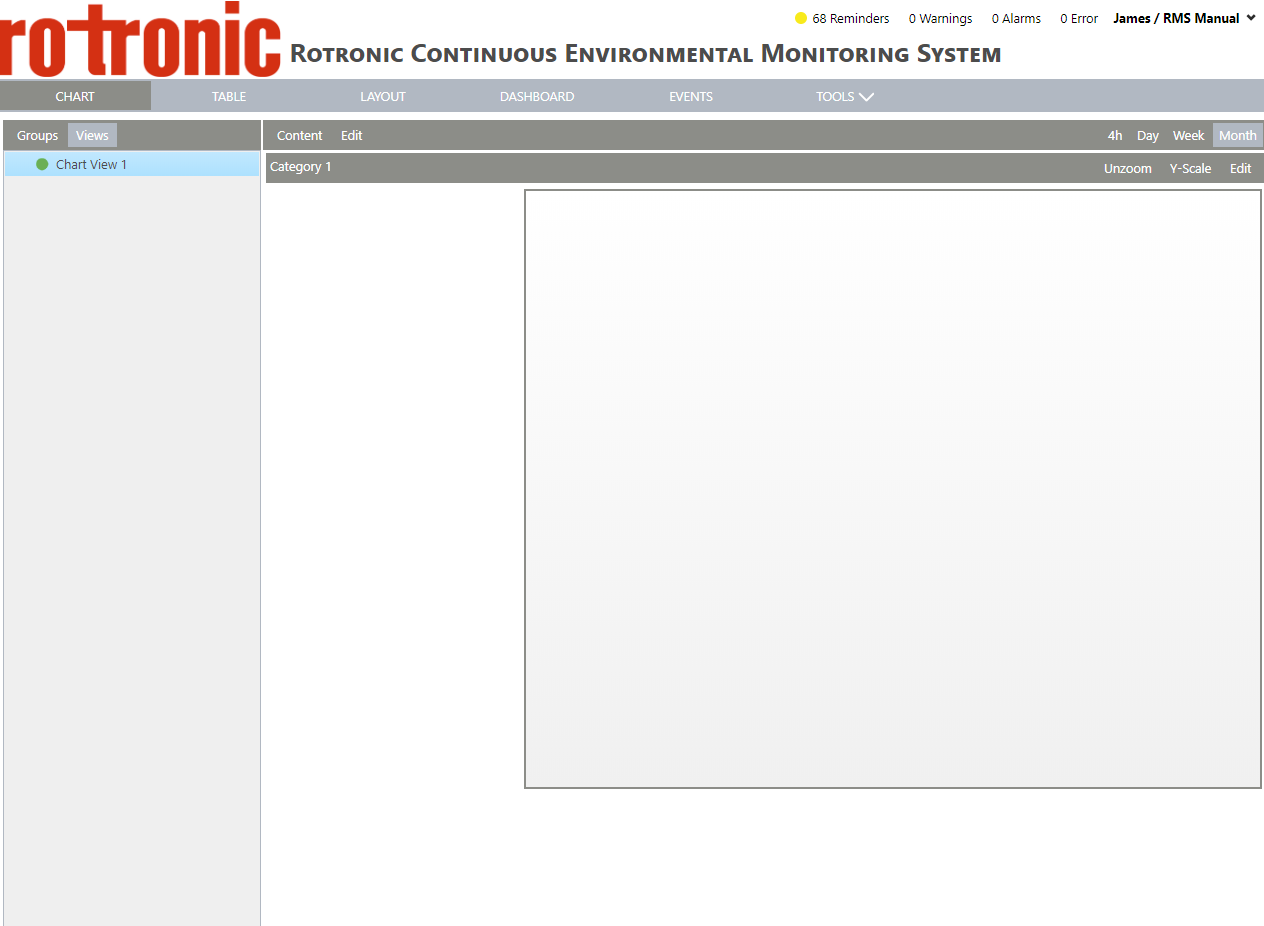 |
Various different possibilities exist, via the "Edit" button: