Configure your Device
Under Tools > Setup > Devices, select a device:
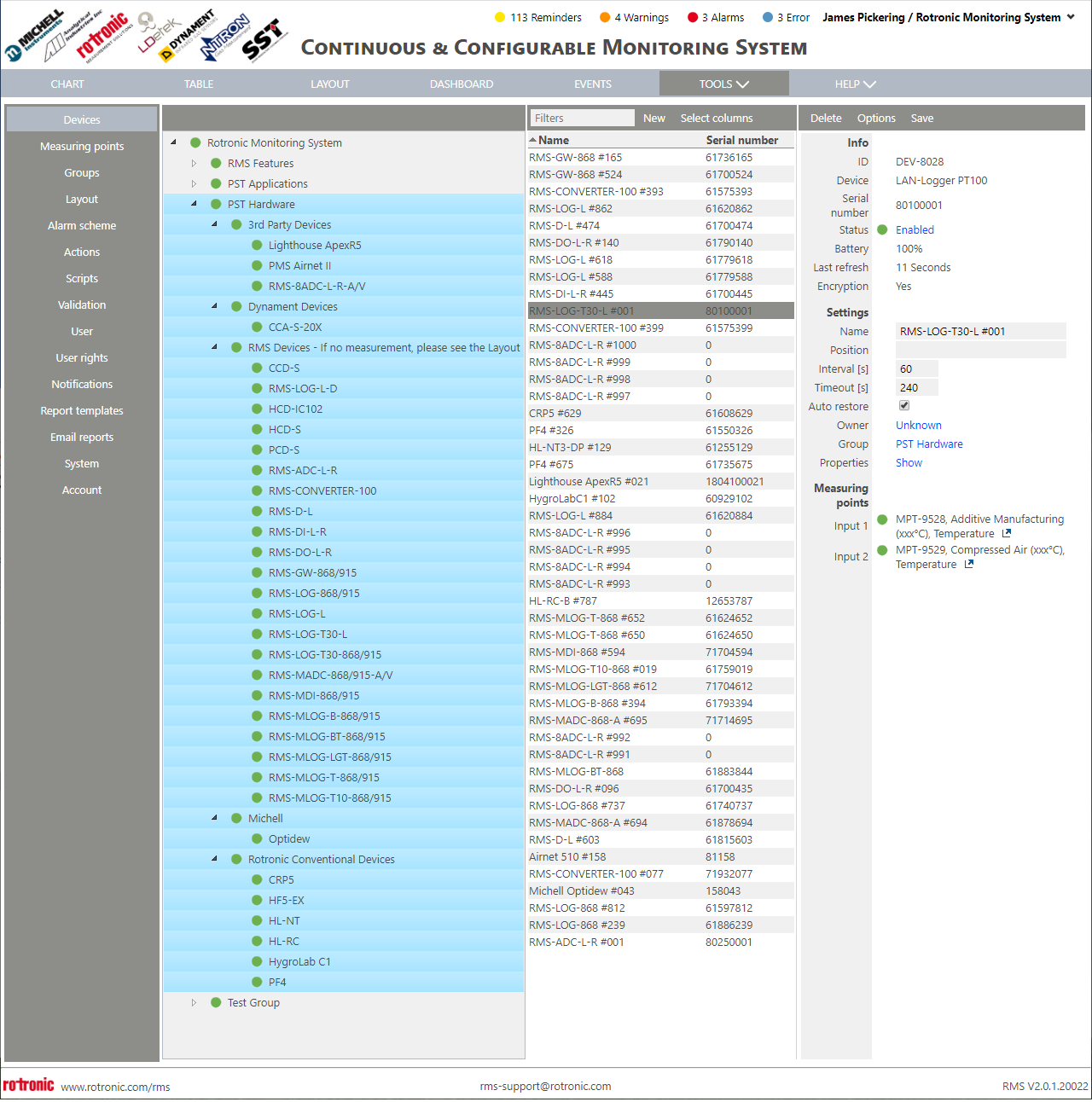
On the top right 3 tabs can be seen:
- Delete: Click here to delete the device.
| Important: If a device is to be deleted and added to the system again straight away, we recommend disabling the device and clicking on save before deleting it. If this is not done the system might not recognize that the device has been removed and the user will have to wait for a WebService recycle before being able to add the device again (every 29 hours). An error message will appear "Device already exists" when trying to add it to the system. |
|---|
-
Options: Click here to see the following options:
-
Save: Click here to save the settings.