| Step 2 |
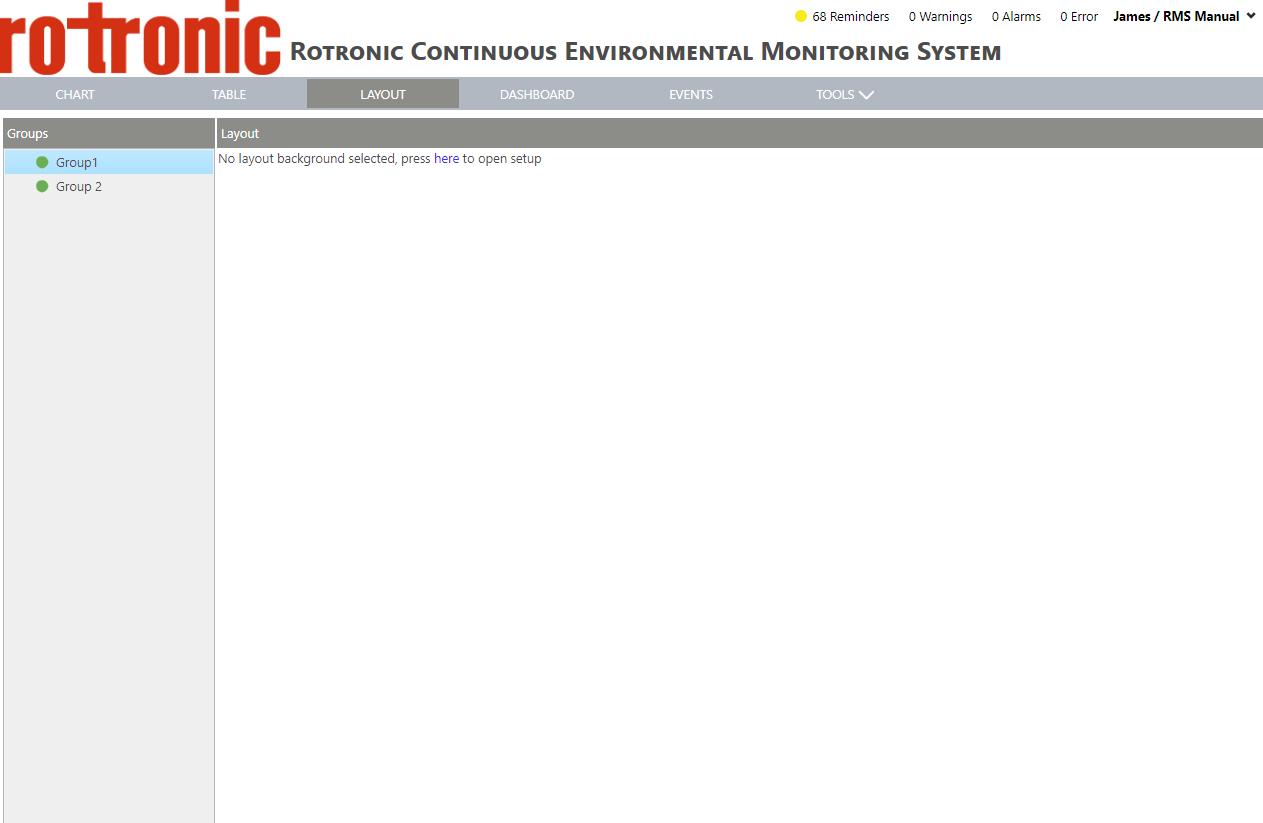
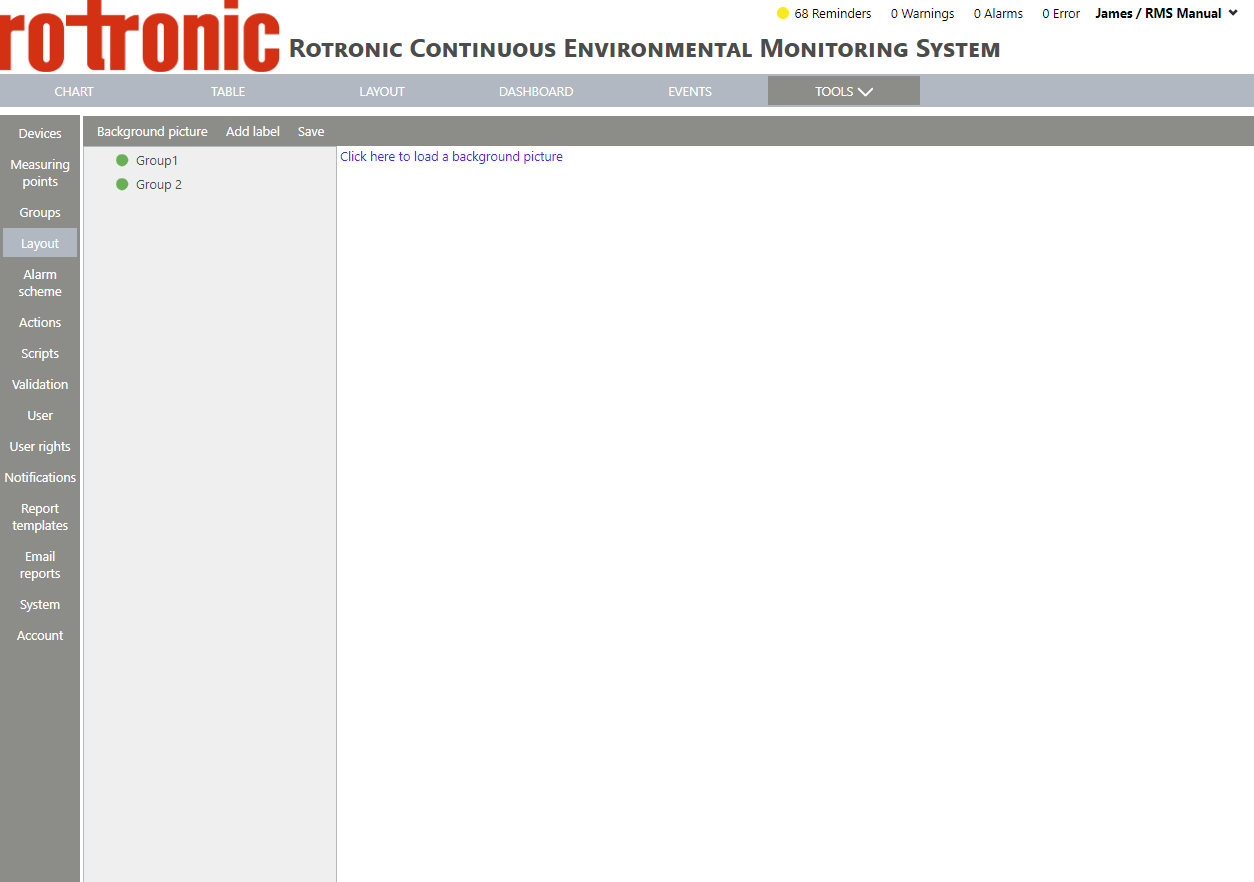
Select the group where the layout is to be added and click on "Here" from "Press here to open setup" to add an image. The software automatically takes the user to the settings within "Tools":
 |
| Step 3 |
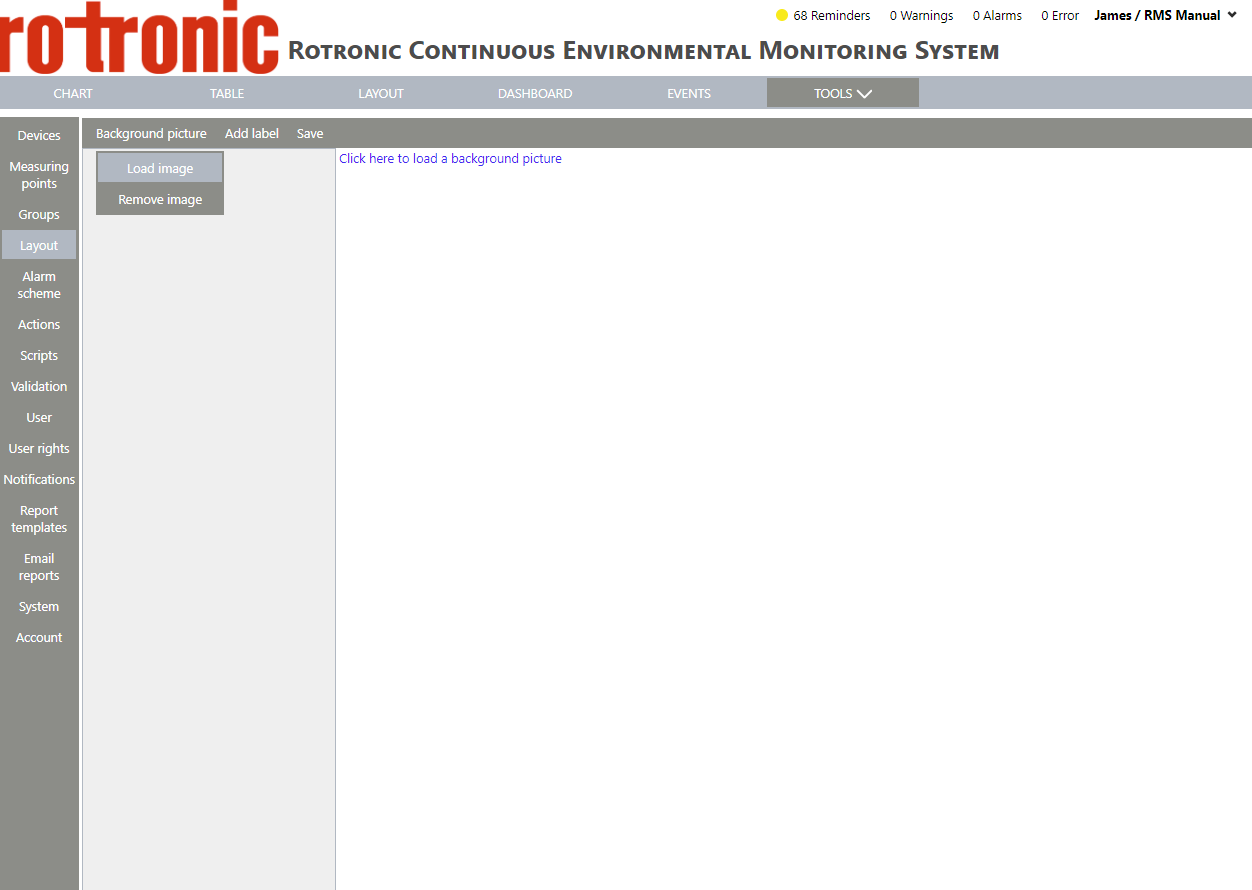
In order to add a background picture, either click on "Click here to load a background picture" or on "Background picture" > "Load image":
 |
| Step 4 |
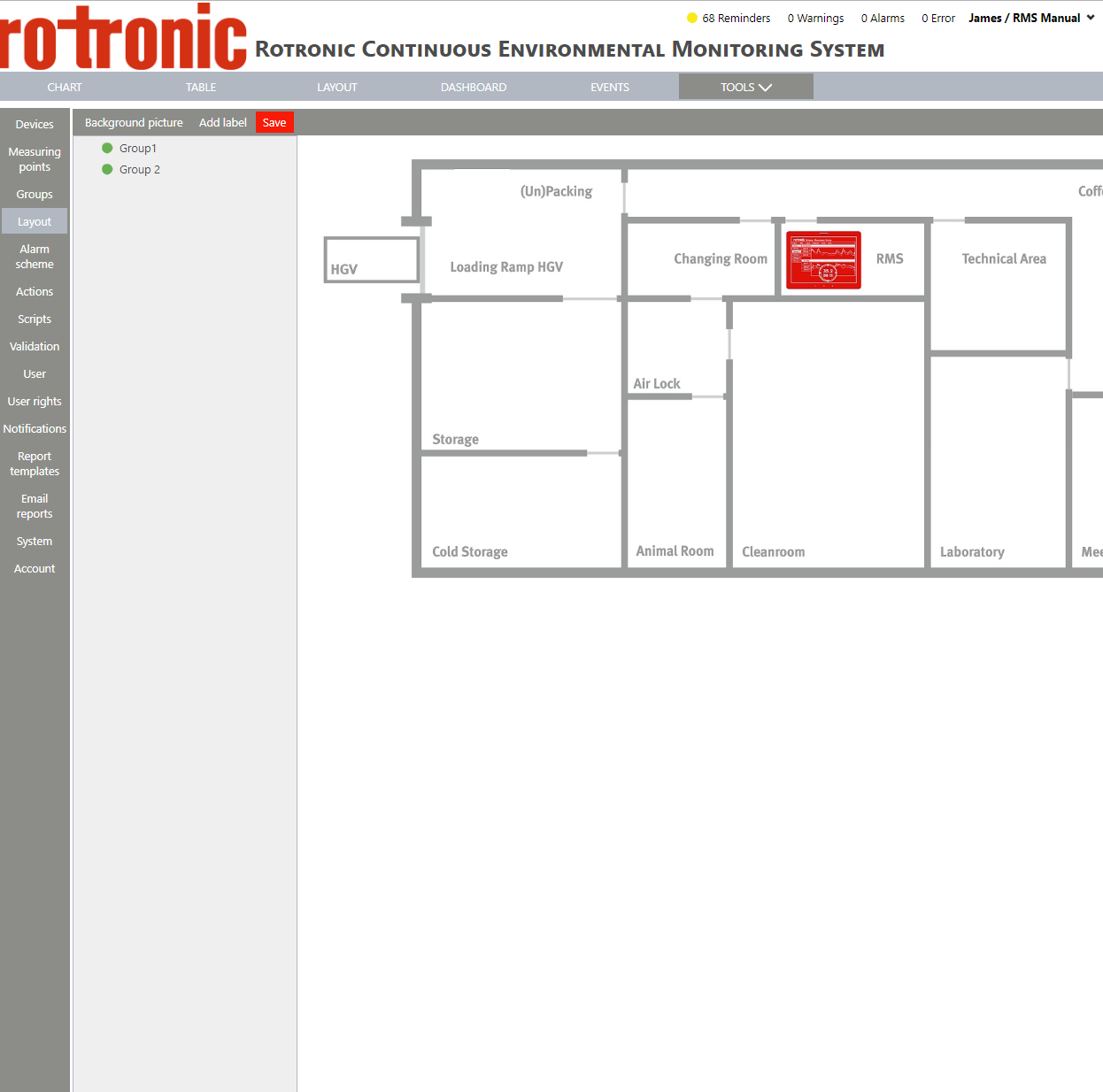
Windows Explorer will open. Select the desired picture and click on "Open". The file will be uploaded:
 |
| Step 5 |
To remove the background picture, click on "Background picture" > "Remove image". |