Install RMS-JSON-API
| Step 1 | Once the RMS-JSON-API file is downloaded, extract everything from the .zip file.  The "Release Notes" contain all changes from the previous versions. |
|---|---|
| Step 2 | Open the Application installer folder:  |
| Step 3 | Double click on the RMS JSON API Setup.exe file. The following window will open, click on the "More info" located near the 1: 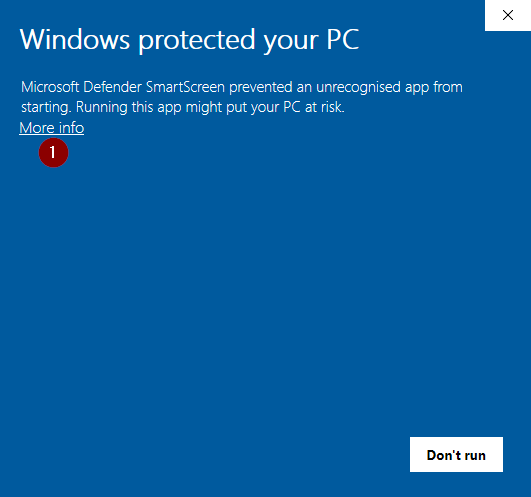 Click on "Run anyway": 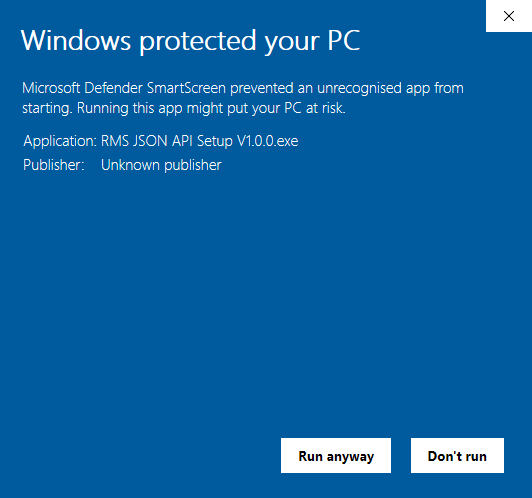 |
| Step 4 | The User Account control will ask if you want to allow this app from an unknown publisher to make changes to your device? Click on Yes: 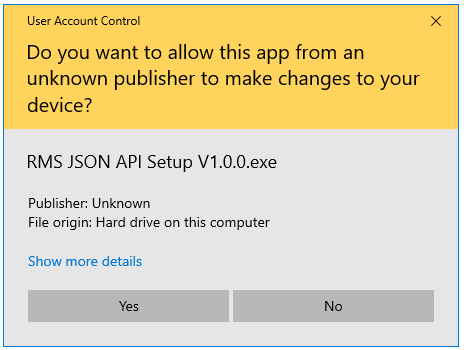 |
| Step 5 | The RMS JSON API Setup Wizard will open: 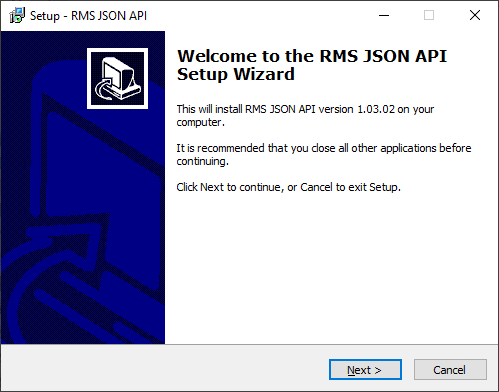 Click on next, next and then install. Till the following window appears, then click on Finish: 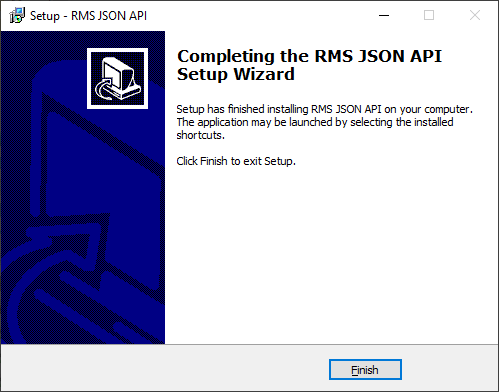 The installation is now complete. To communicate external API and RMS server a background process runs as a service. |