Register RMS-JSON-API
| Step 1 | On the desktop, double click on the shortcut: 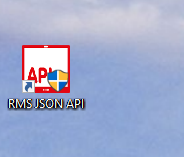 The User Account Control will ask if you want to allow this app from an unknown publisher to make changes to your device? Click on Yes: 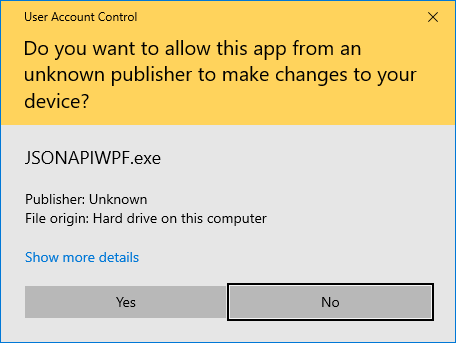 |
||||
|---|---|---|---|---|---|
| Step 2 | The following window will open, click on Register. \ |
Important: The user license is only valid for 1 server/PC/laptop and cannot be used more than once. \ |
\ | --- \ | 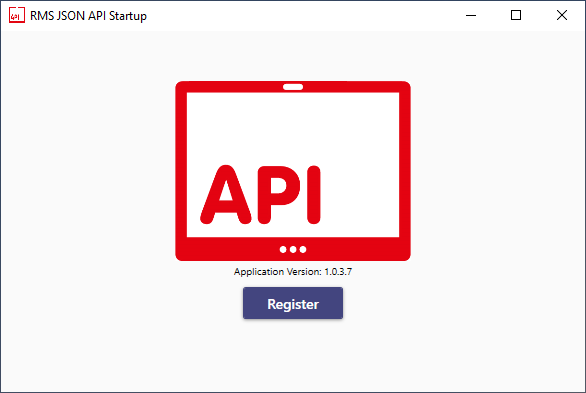 The license UID, needs to be sent to Rotronic ([email protected]), in return Rotronic will send a license file. 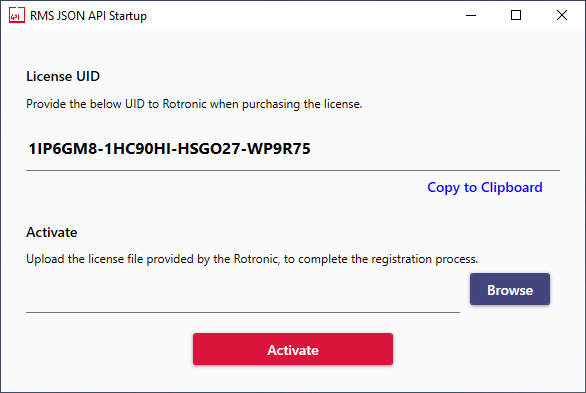 Upload the .lic file via the browse function and click on Activate. The RMS-JSON-API software will open: 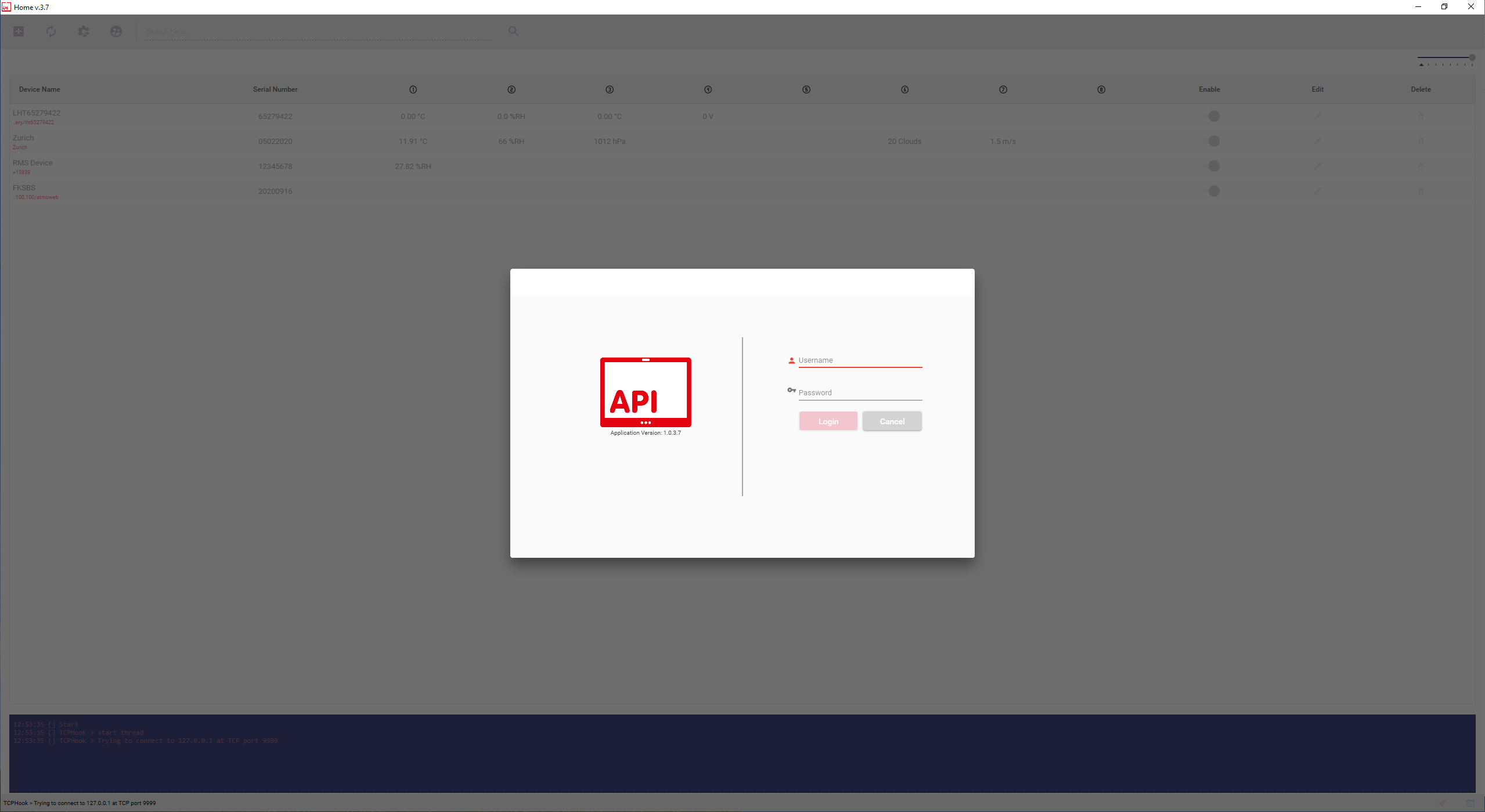 |
| Important: The user license is only valid for 1 server/PC/laptop and cannot be used more than once. |