Download the RMS Software V2.5.1 on a Specific Path
| Step 2 | Save the downloaded .zip file onto your desktop. 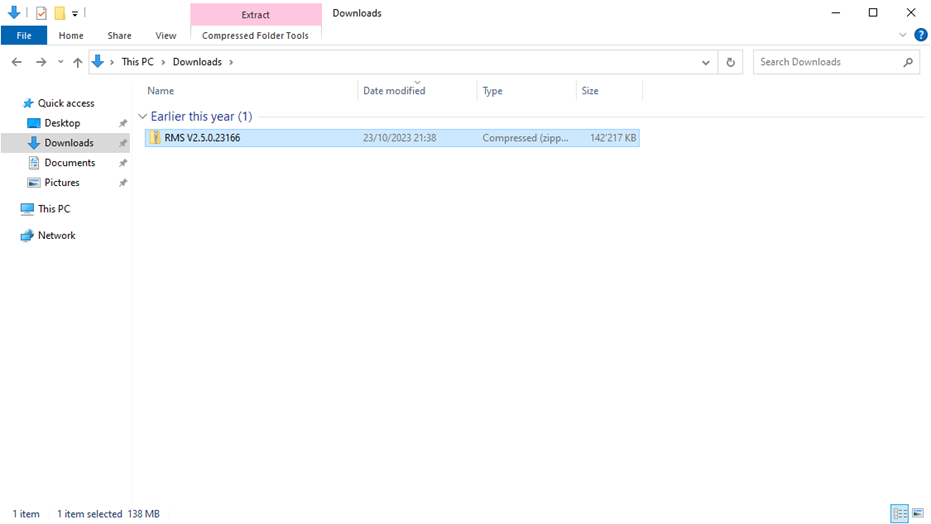 |
|---|---|
| Step 3 | Extract the .zip file. 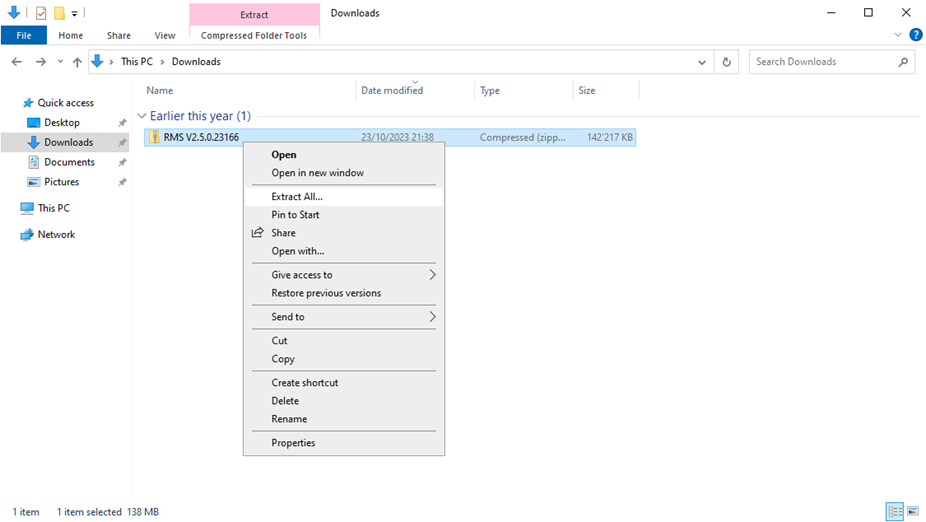 The RMS software file is protected. Enter Rotronic123 to start the extraction. 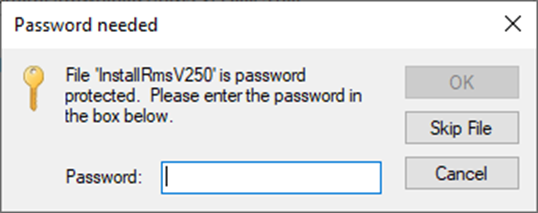 |
| Step 4 | If using C:, please see: Download the RMS Software V2.5.1 on C:, otherwise create a new folder "rms" under the desired path on the server: 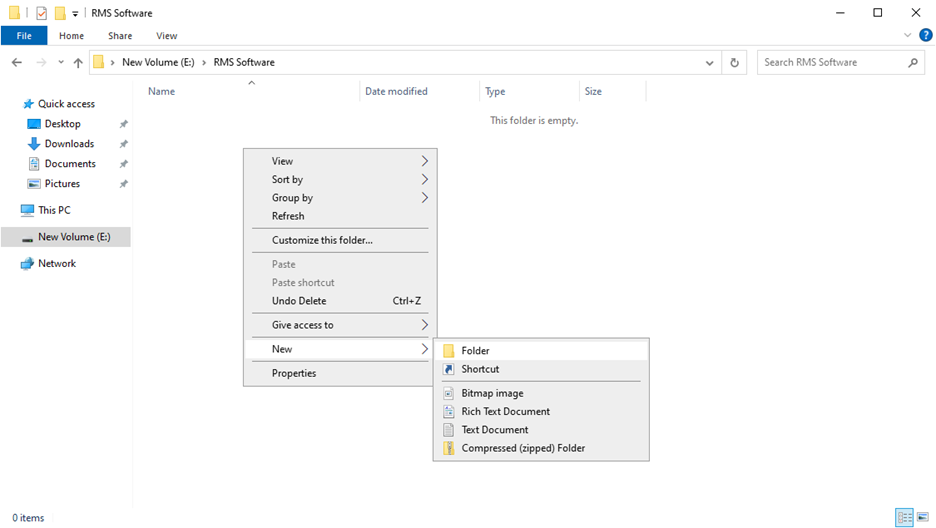 Copy the "251.24068" file into the new "rms" folder: 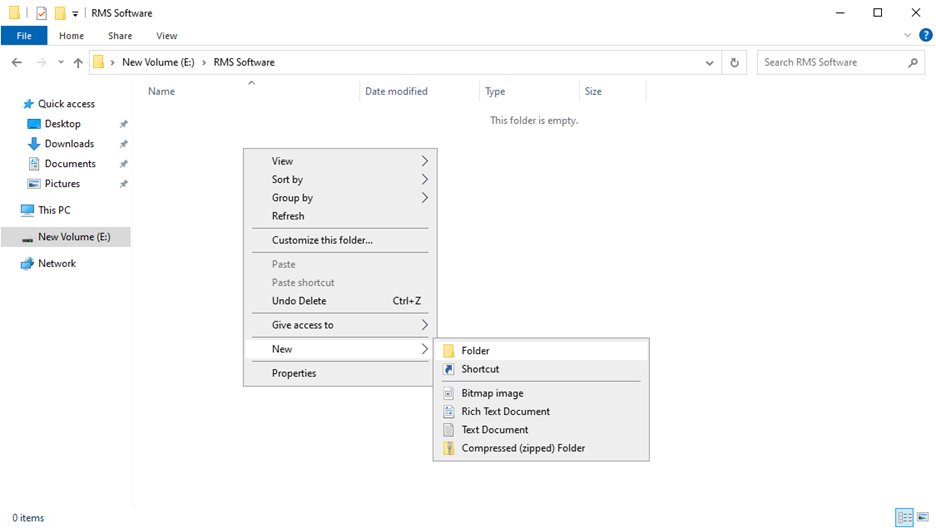 |
| Step 5 | Option 1: Creation of a New Database Using Mixed Authentication Mode. Option 2: Creation of a New Database Using Windows Authentication Mode. |
Updated: 05.03.2024.