Add a Widget - Measuring Point Value
| Step 1 | Within the "Dashboard" view, select the correct dashboard and click on "Add widget": 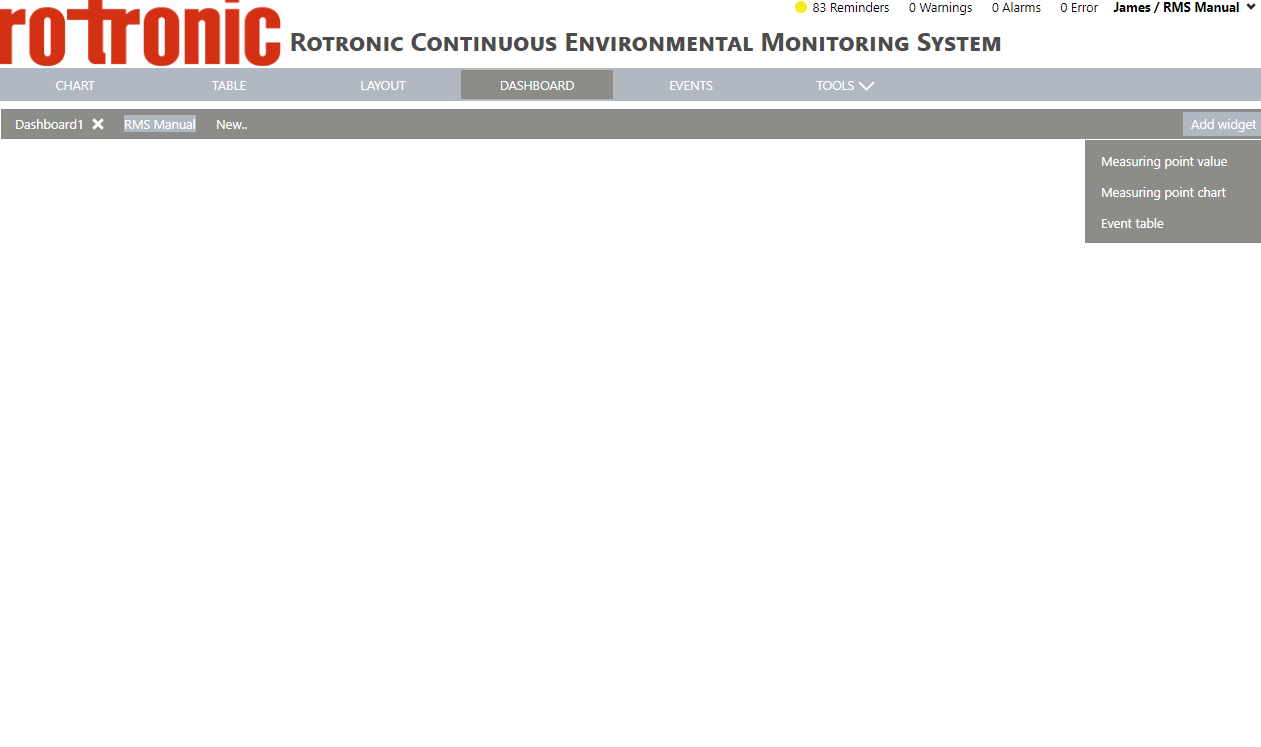 |
|---|---|
| Step 2 | Click "Measuring point value" and from the table select the correct measuring point and click on "OK": 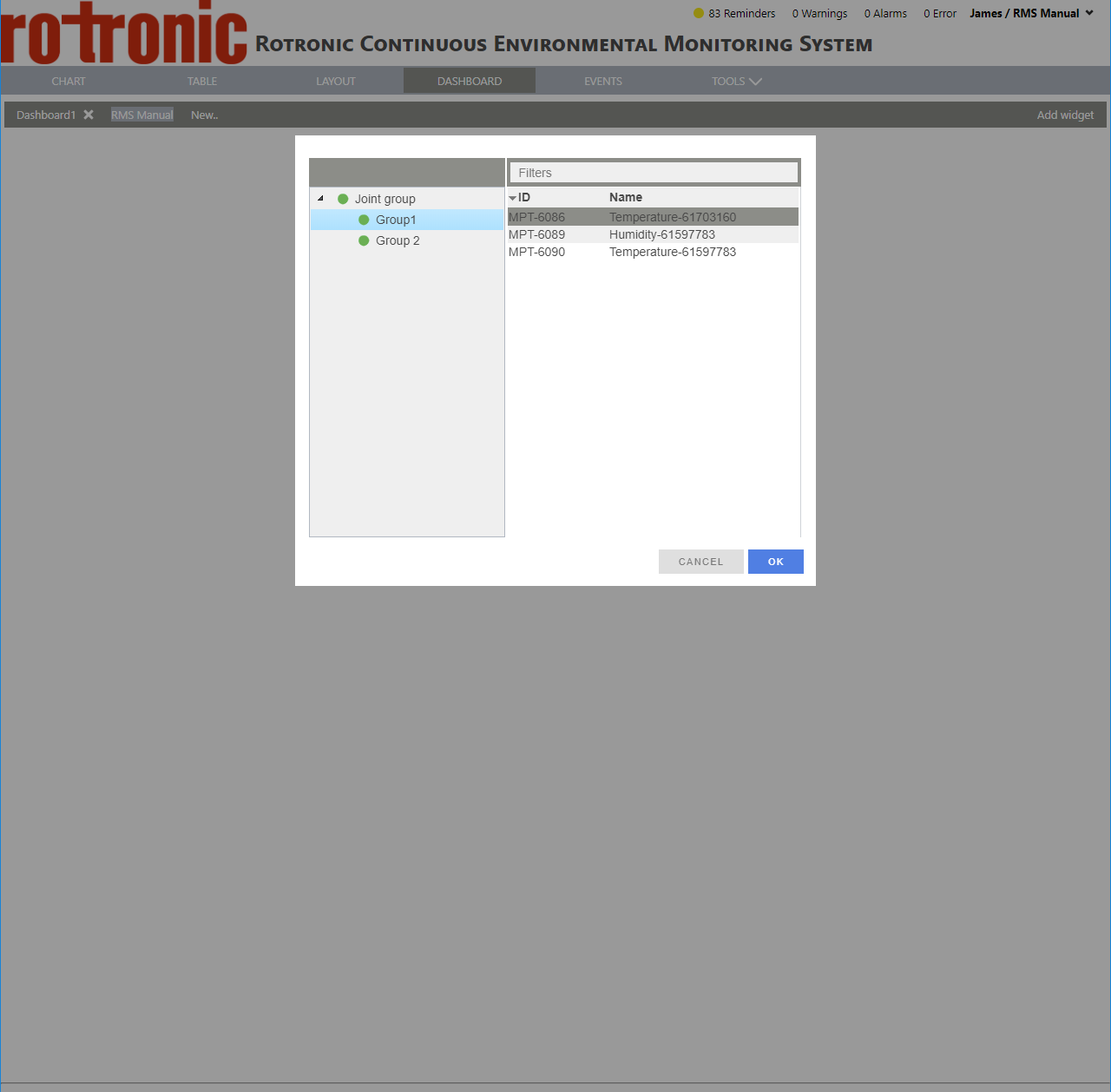 |
| Step 3 | The measuring point value is added to the dashboard. 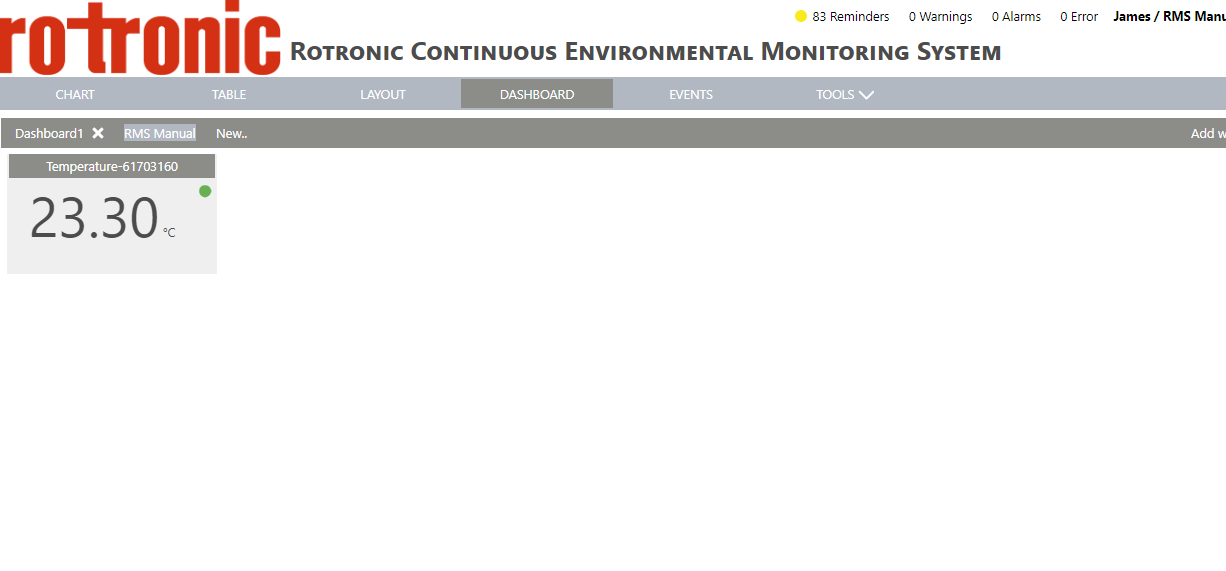 |
| Step 4 | To move the value, click on the banner of the measuring point value: 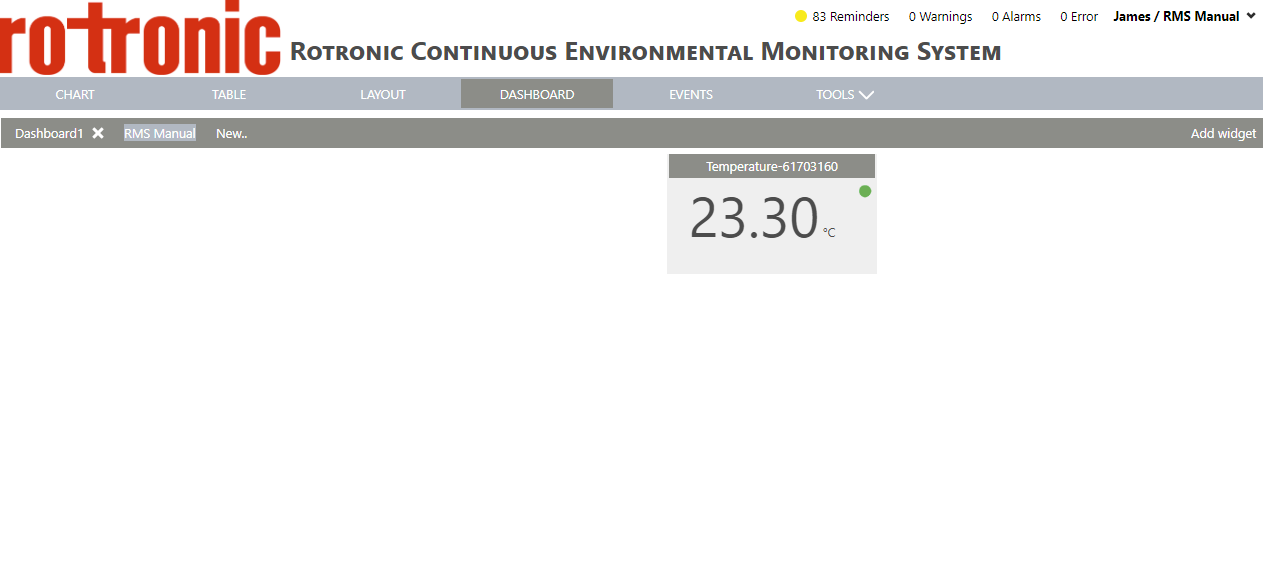 |
| Step 5 | To resize the value, click on the bottom right of the measuring point value: 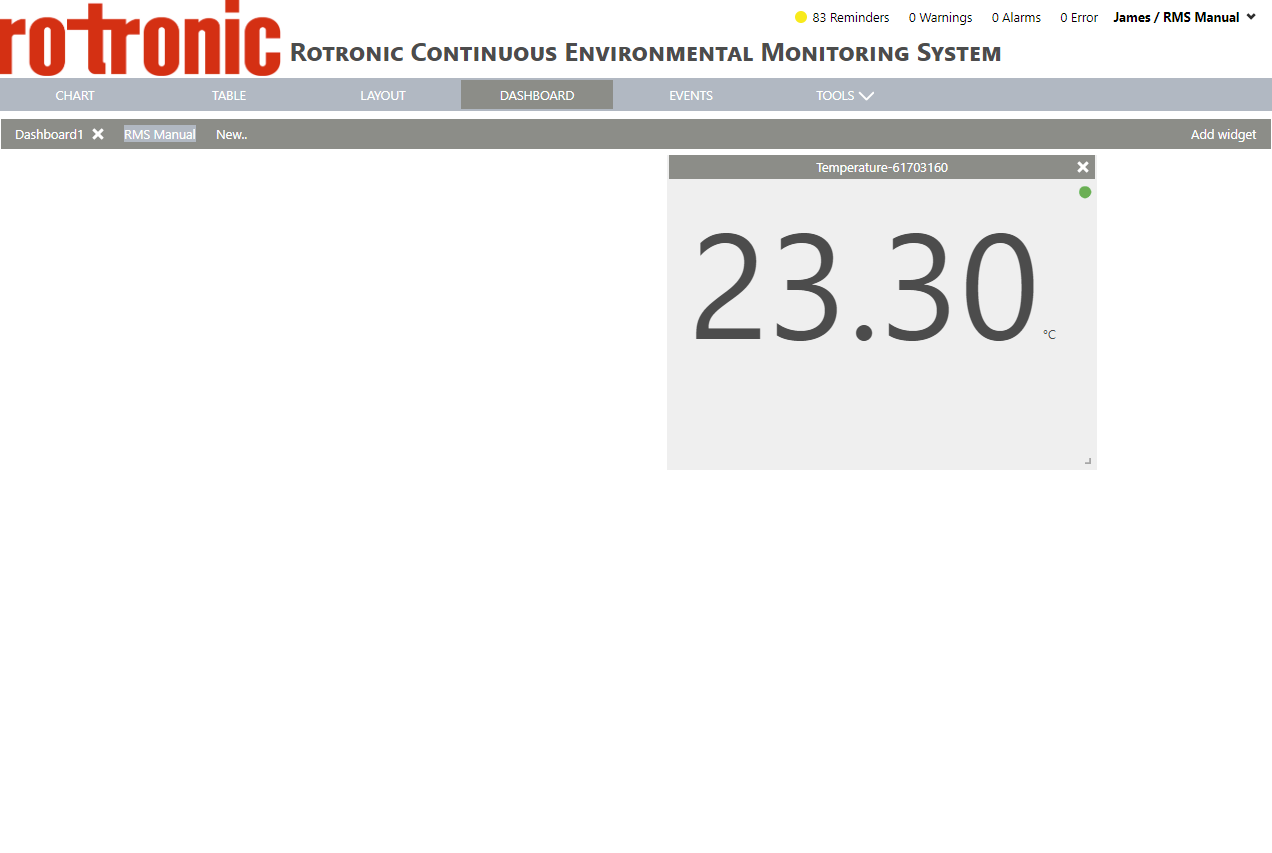 |