Table View
All data on the measuring points in table form. The following columns can be selected:
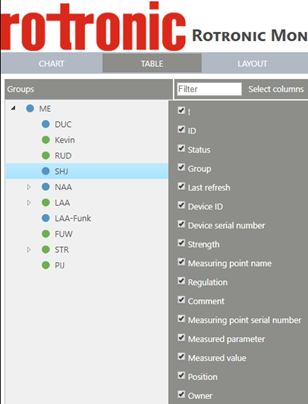 Figure 1: Selection of system parameters for display |
|
|---|---|
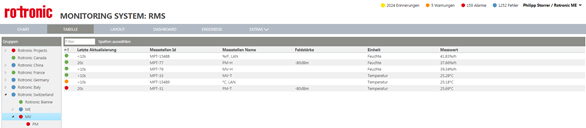
Figure 2: "Table" view with measuring point ID, last refresh, current measured value, etc.
The filter function shown in Figure 1 can be used to search in all columns by the filter criterion. The table can be sorted in ascending or descending order by clicking the column header.
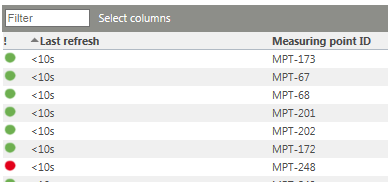
Figure 3: Sorting in the "Table" view