Creation of Database Tables
The creation of the RMS database tables are imported.
| Step 2 | Open the extracted RMS software file. Open the file Rotronic-Rms-Tables.sql. 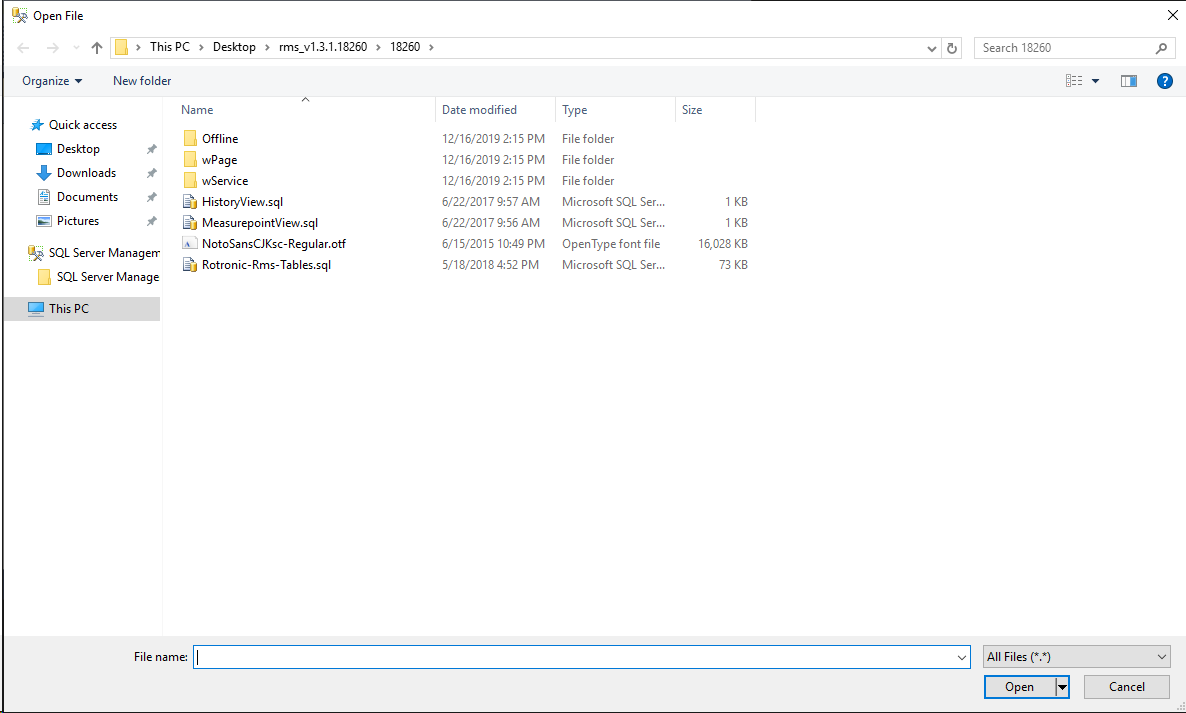 |
|---|---|
| Step 3 | The following window will open. 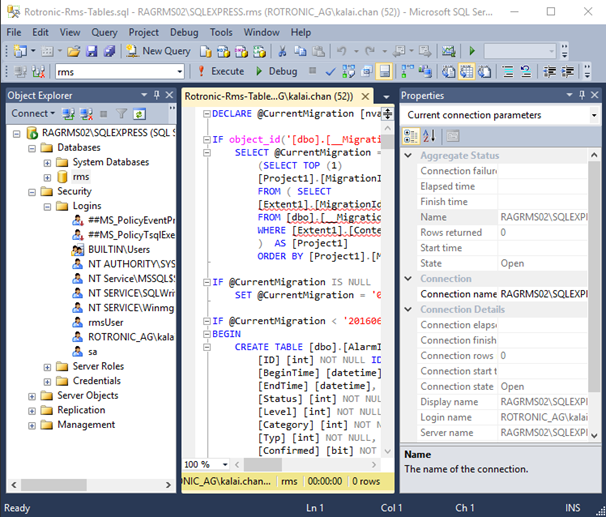 |
| Step 4 | Click on "Execute" to generate the tables. The RMS database tables are now created. Close the window. 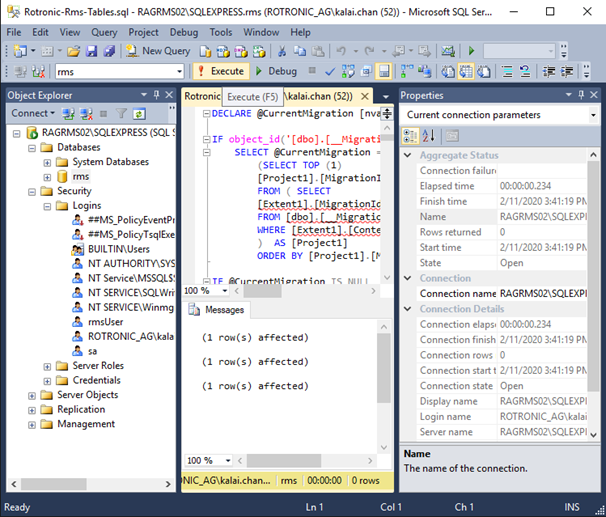 |