Configure the User and Password
| Step 1 | Once the converter is accessed, click on "New Password": 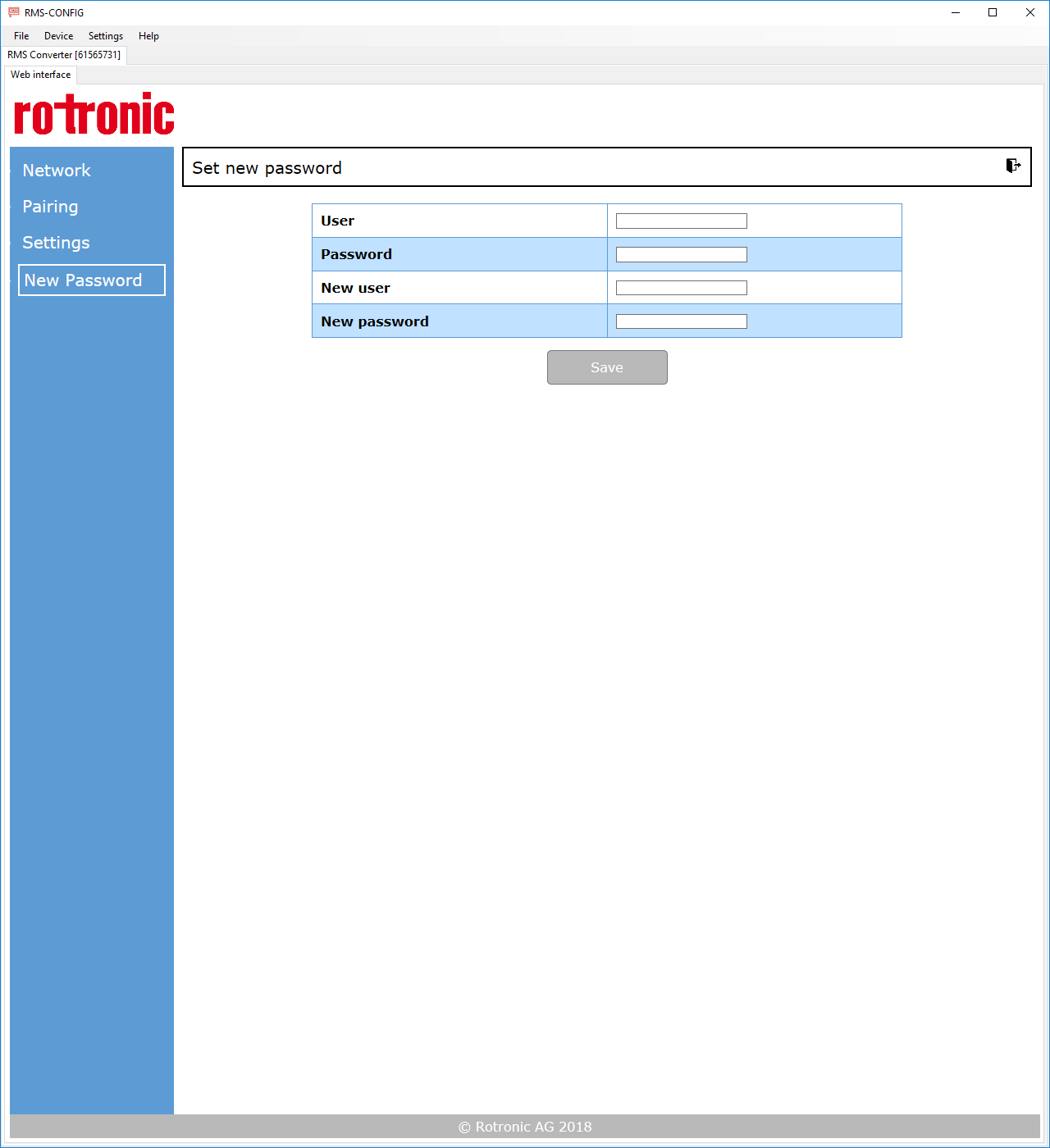 |
|---|---|
| Step 2 | Add the current user name and password and the new user name and password. Click on "Save" to save the settings. The following message will appear: 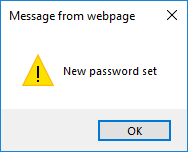 |