Download SQL Server Express
| Step 1 | To download SQL Express, use the following link: https://www.microsoft.com/en-us/download/details.aspx?id=42299 |
|---|---|
| Step 2 | When downloading, make sure you select the right language. It must match the language set on the server (where the database is later installed). 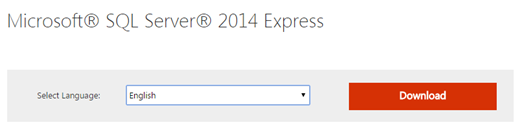 |
| Step 3 | Then select the SQL version with tools according to the server operation system. 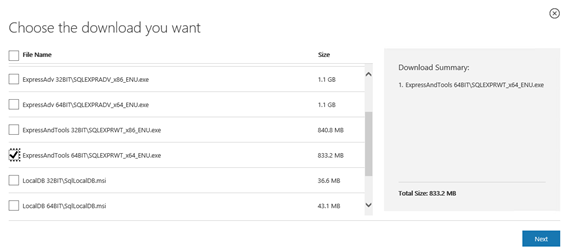 |
| Important: The Express version is limited to a database file size of 10 GB and also offers only limited performance (according to Microsoft’s terms of use). 10 GB suffice typically for 200 million measured values. |
|---|