Access a Converter via RMS-CONFIG
| Step 1 | Open "RMS-Config".  |
|---|---|
| Step 2 | Add a device under "Device" > "Search" > "Network device": 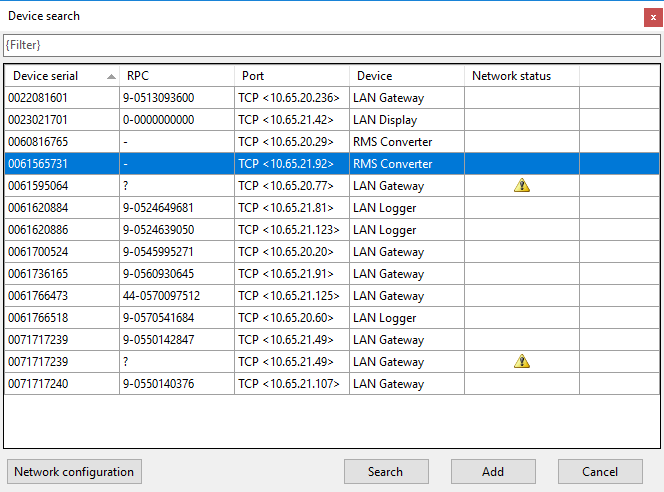 |
| Step 3 | Select the converter by double clicking on the device or by clicking on "Add": 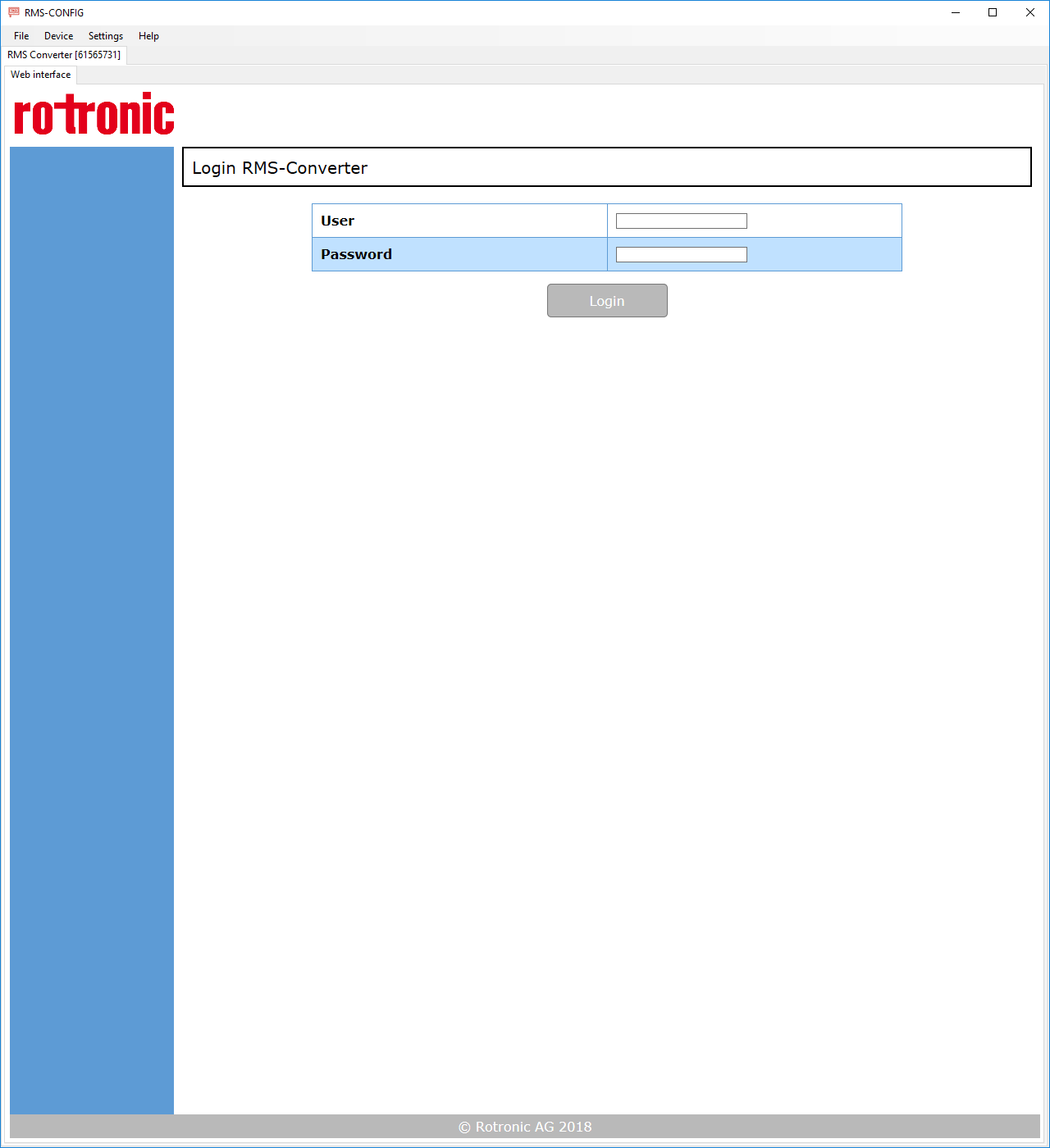 |
| Step 4 | Login to the device by entering the following credentials and clicking on "Login": The following window appears: 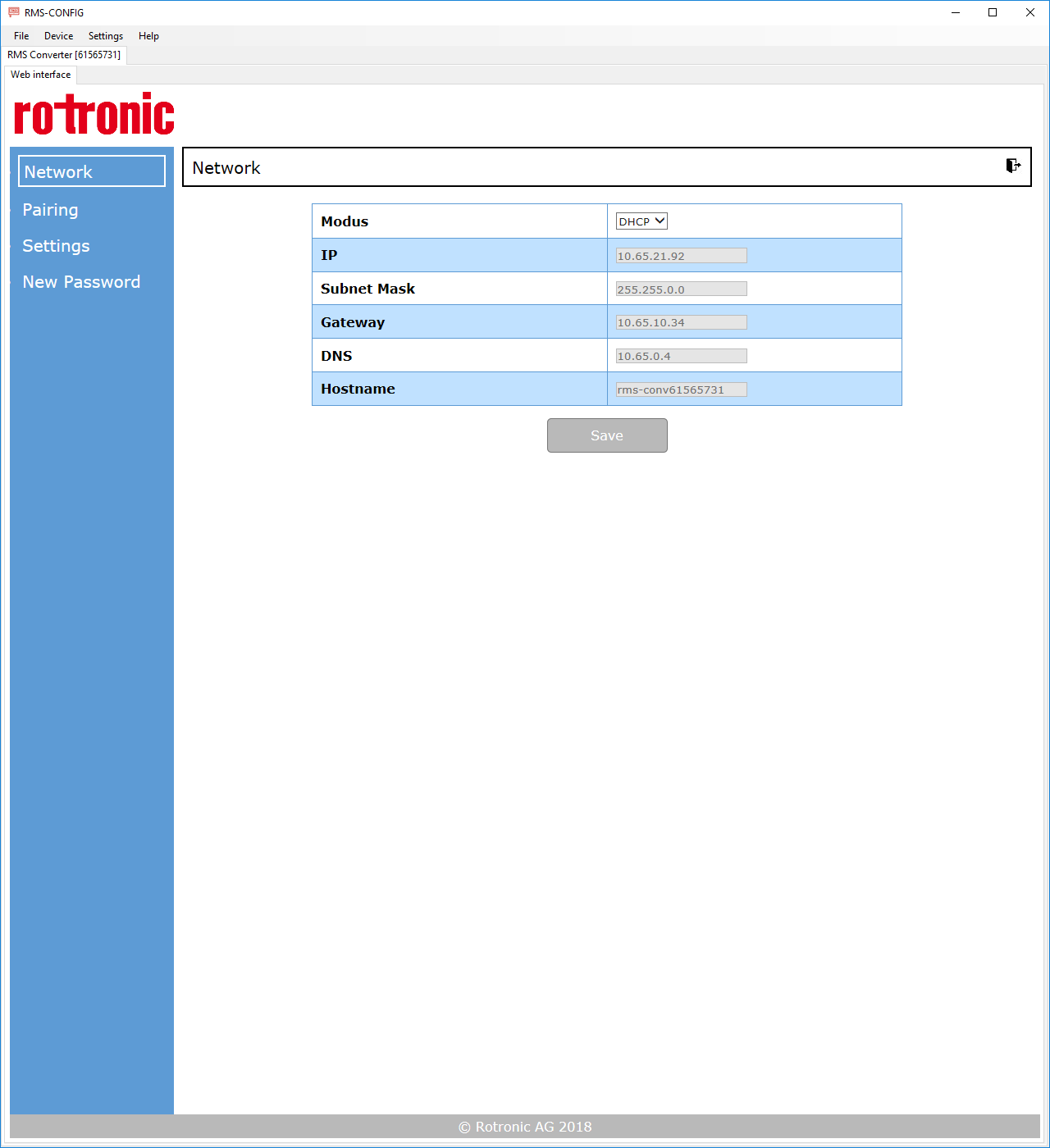 |