Software Version
The software version will tell the user what software is currently running on the converter.
Please check www.rotronic.com/en/rms/downloads-rms for the latest RMS-CONVERTER software.
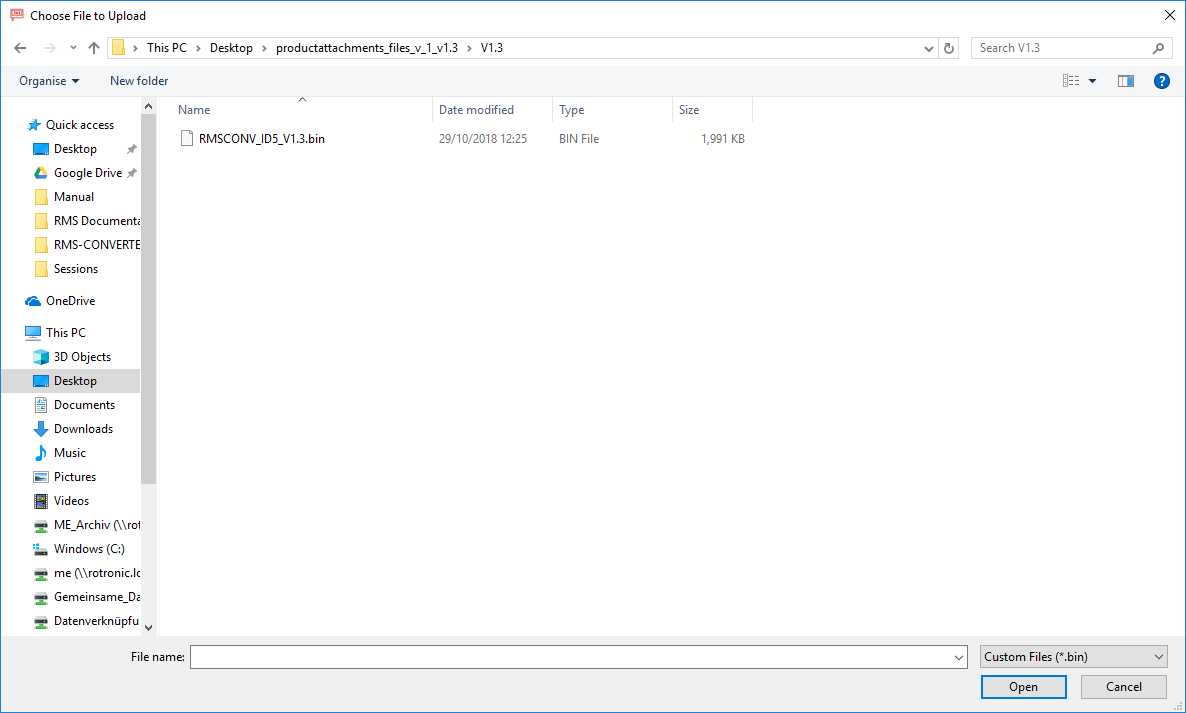
To update the software, click on "Update Firmware". Windows Explorer will open. Select the RMS-CONVERTER file (.bin):
| Warning: If the RMS-CONVERTER is already linked to a software, the device is write-protected and the update must be done directly via the RMS Software. 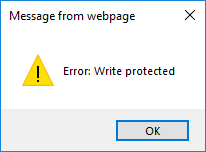 |
|---|
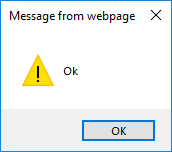
Once the firmware uploaded, the following message will appear and the software version will be updated: