SQL with Windows Authentication Only
If SQL authentication is not allowed, then use SQL with Windows authentication.
| Step 1 | Using the Windows search function open Internet Information Services (IIS) Manager app. Application Pool Identity - Open "IIS Manager" - Select your Application Pool - Select "Advanced Settings" - Under "Identity", select "Custom Account" and provide a User and Password for an account with access to SQL Server 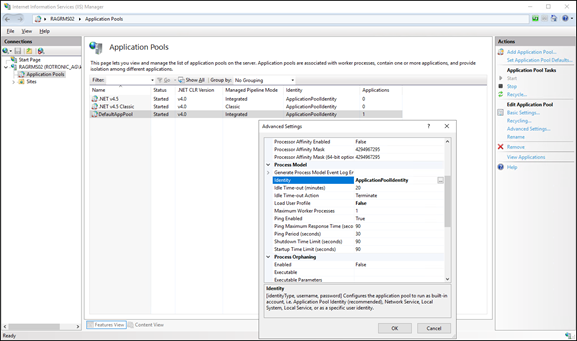 Connection String - Edit the RMS connection string in the file "Connections.config" (Use your server and database name): 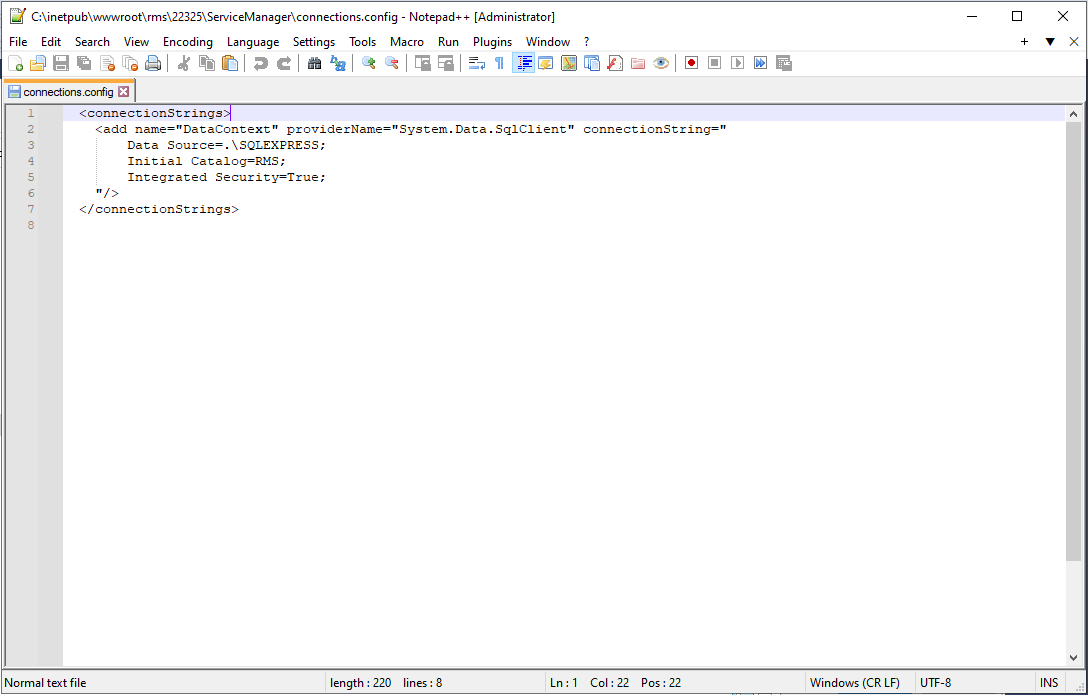 The RMS Server Service is now connected to the database. 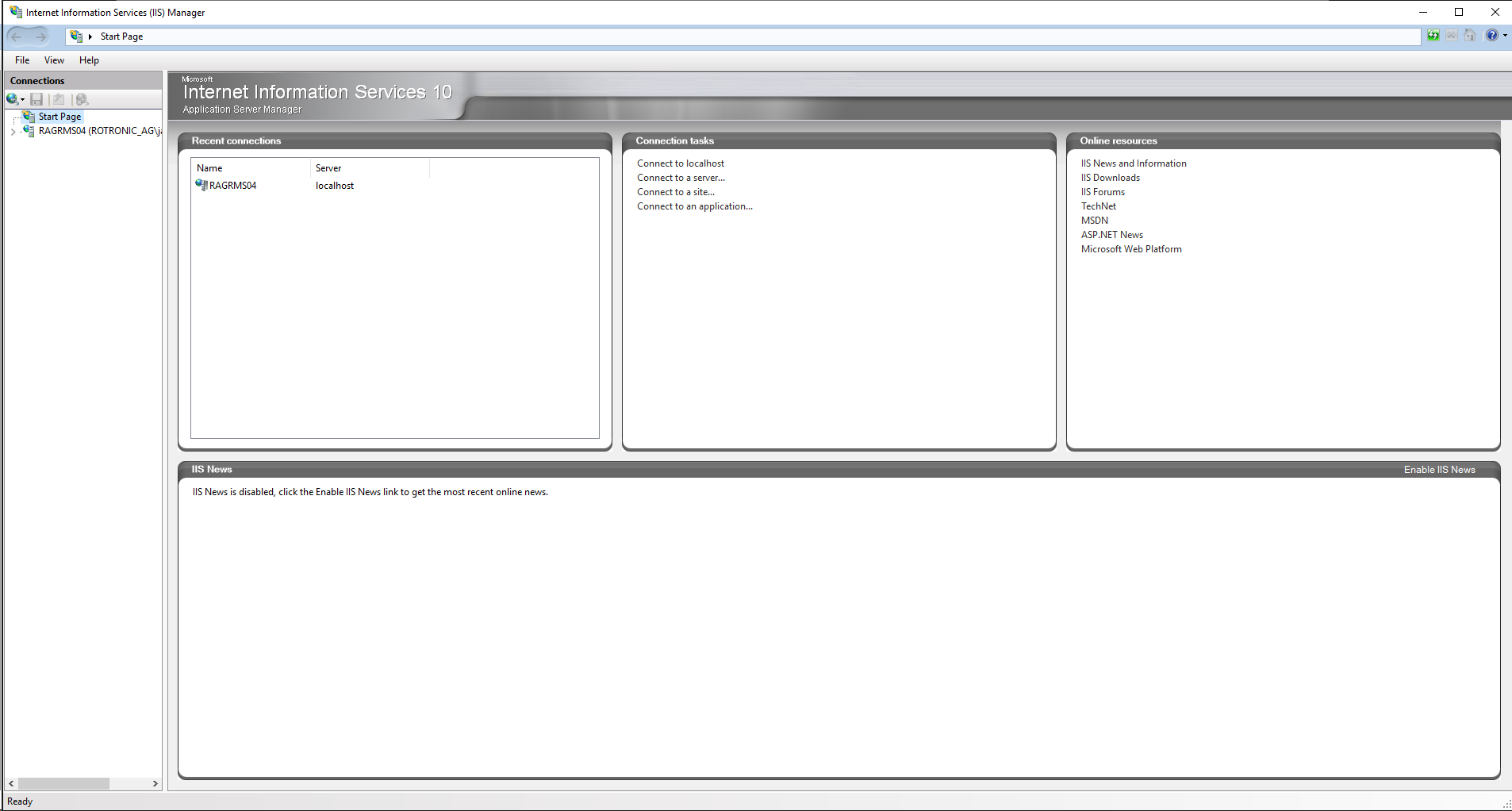 |
|---|---|