Setup Connection Configuration for wService
| Step 2 | Open the "C:\inetpub\wwwroot\rms\18260\wService" file. 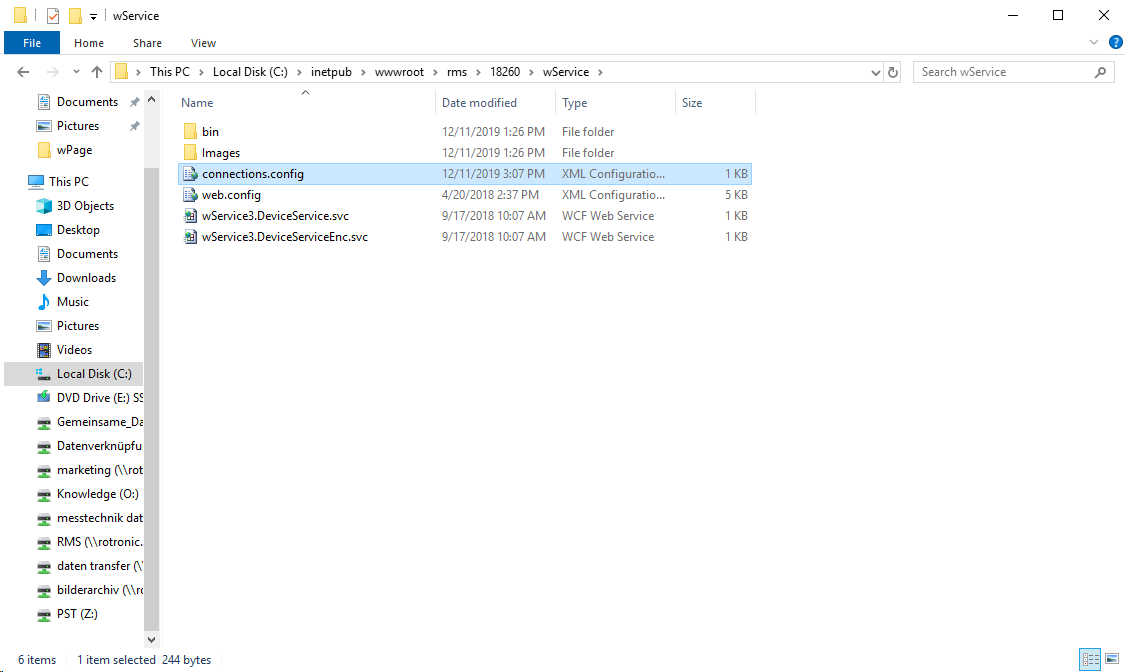 |
|---|---|
| Step 3 | Open the "XML Configuration" File: connections.config with wordpad/editor. 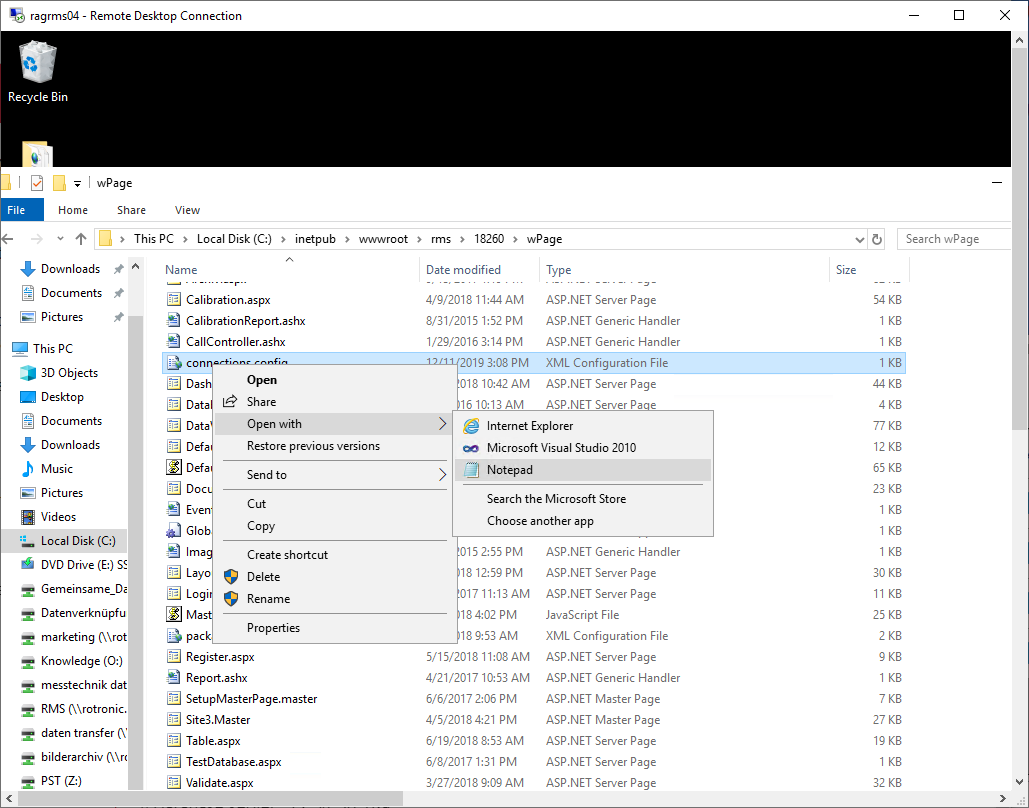 |
| Step 4 | The following information in the connection string must be modified based upon the settings added to creation of database and the database instance: The following information in the connection string must be modified: 1. Data source is the database instance. SQLEXPRESS as used here: Installation and Configuration of the SQL Server Express. This must be adapted, when external SQL database is used. For example: 1. Initial catalog: Name of the database. "RMS" as used here: Creation of a New Database Instance. 1. ID User ID for database access of the software. "rmsUser" as used here: Creation of a New Database Instance. 1. Password Password for database access of the software. "Rotronic123" as used here: Creation of a New Database Instance. If every step has been done based upon this manual, simply copy and past the following string: 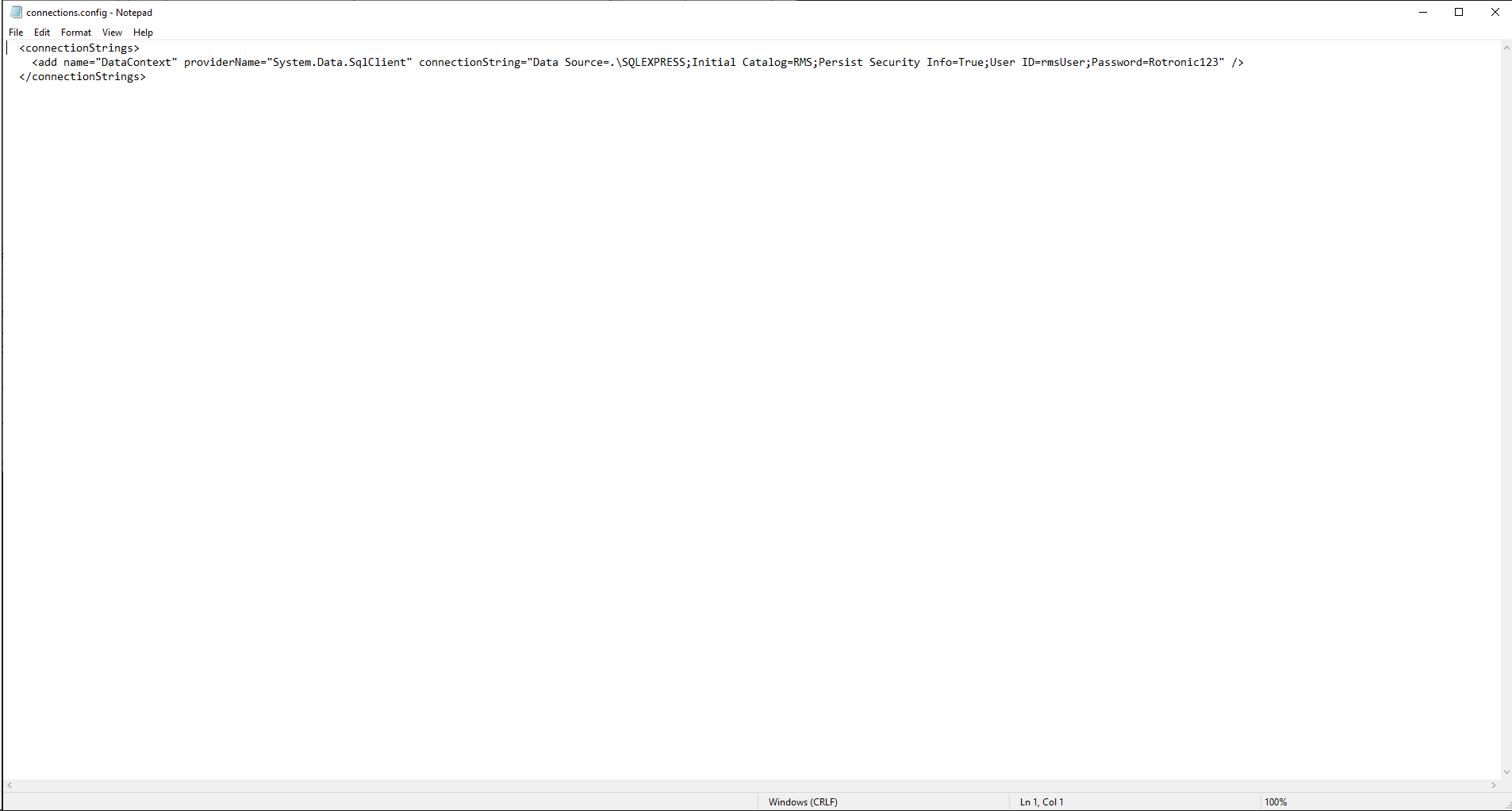 |