Integration of the RMS-Converter into RMS
The RMS-CONVERTER-100 is integrated into RMS with the following 6 steps.
| Step 1 | Add new LAN device: Log in to the RMS Software > "Tools" > "Setup" > "Devices" > "New" > "LAN device" 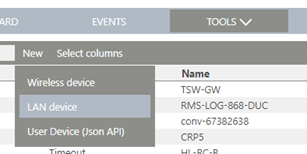 |
|---|---|
| Step 2 | Type the serial number of the RMS-CONVERTER-100 and click "OK" 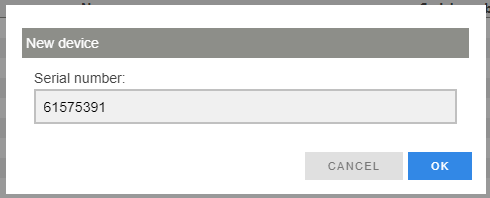 |
| Step 3 | Click the link 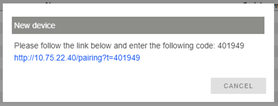 |
| Step 4 | Log in to the device: 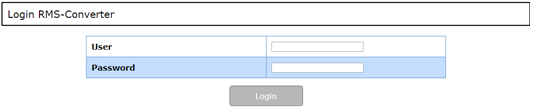 |
| Step 5 | A token will be given to the RMS-CONVERTER-100. Click "Pair" and change back to the browser tab "Devices" > "RMS Setup". 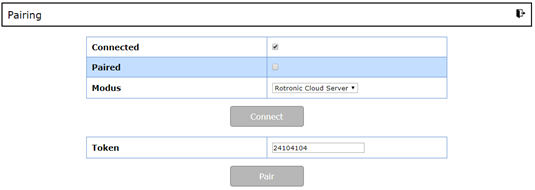 |
| Step 6 | Configure the device further (device name, interval, group) 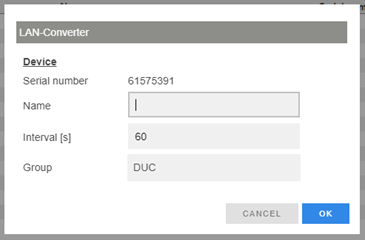 |
| Step 7 | The configuration / integration of the RMS-CONVERTER-100 is finished 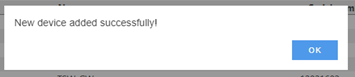 |