Unpacking an RMS-CONVERTER-100
| Step 1 |  |
|---|---|
| Step 2 | 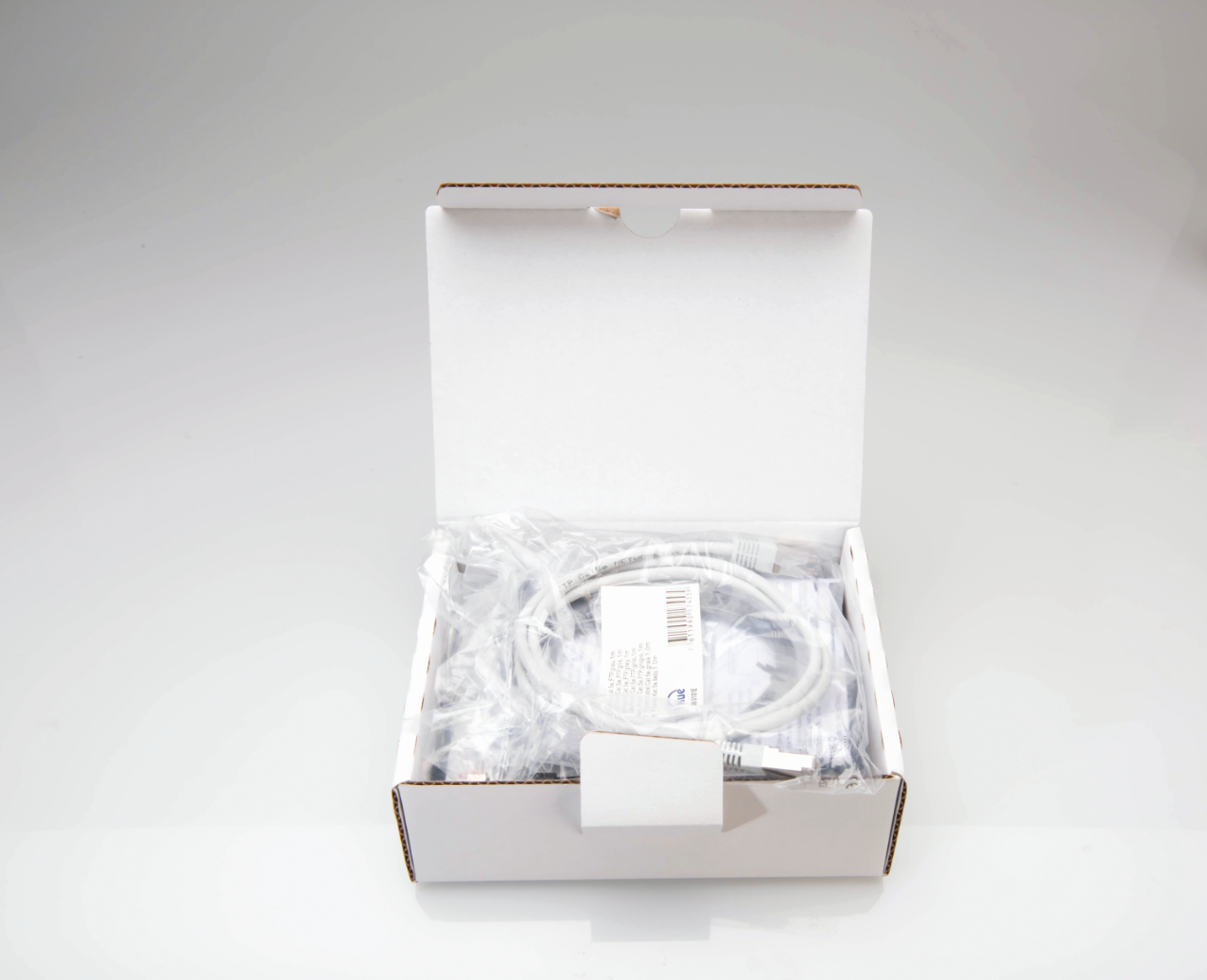 |
| Step 3 | 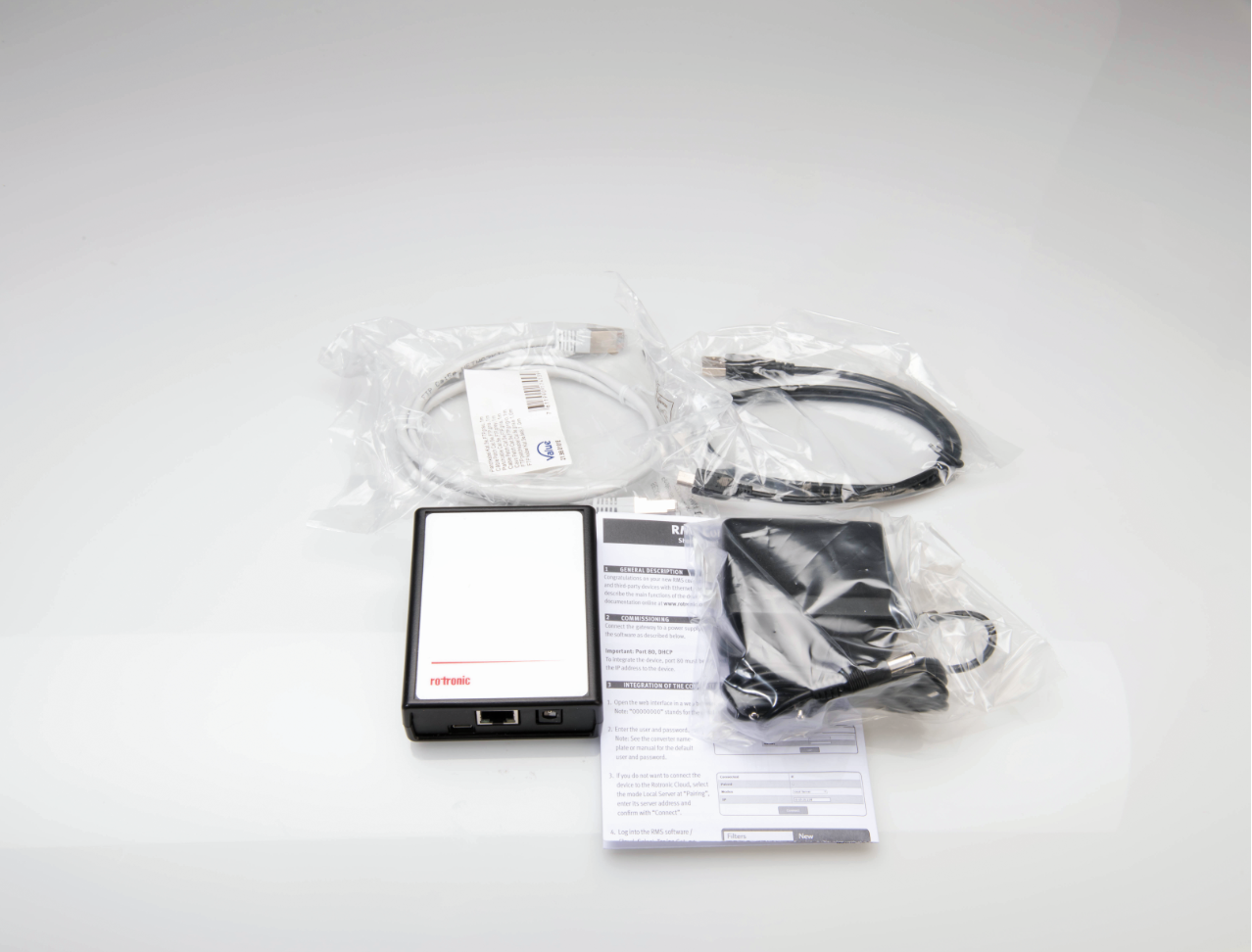 Package contents: 1 * RMS-CONVERTER-100. 1 * Short User Manual. 1 * RJ45 Ethernet cable. 1 * Power supply. 1 * USB A to Micro USB cable. |
| Step 4 | 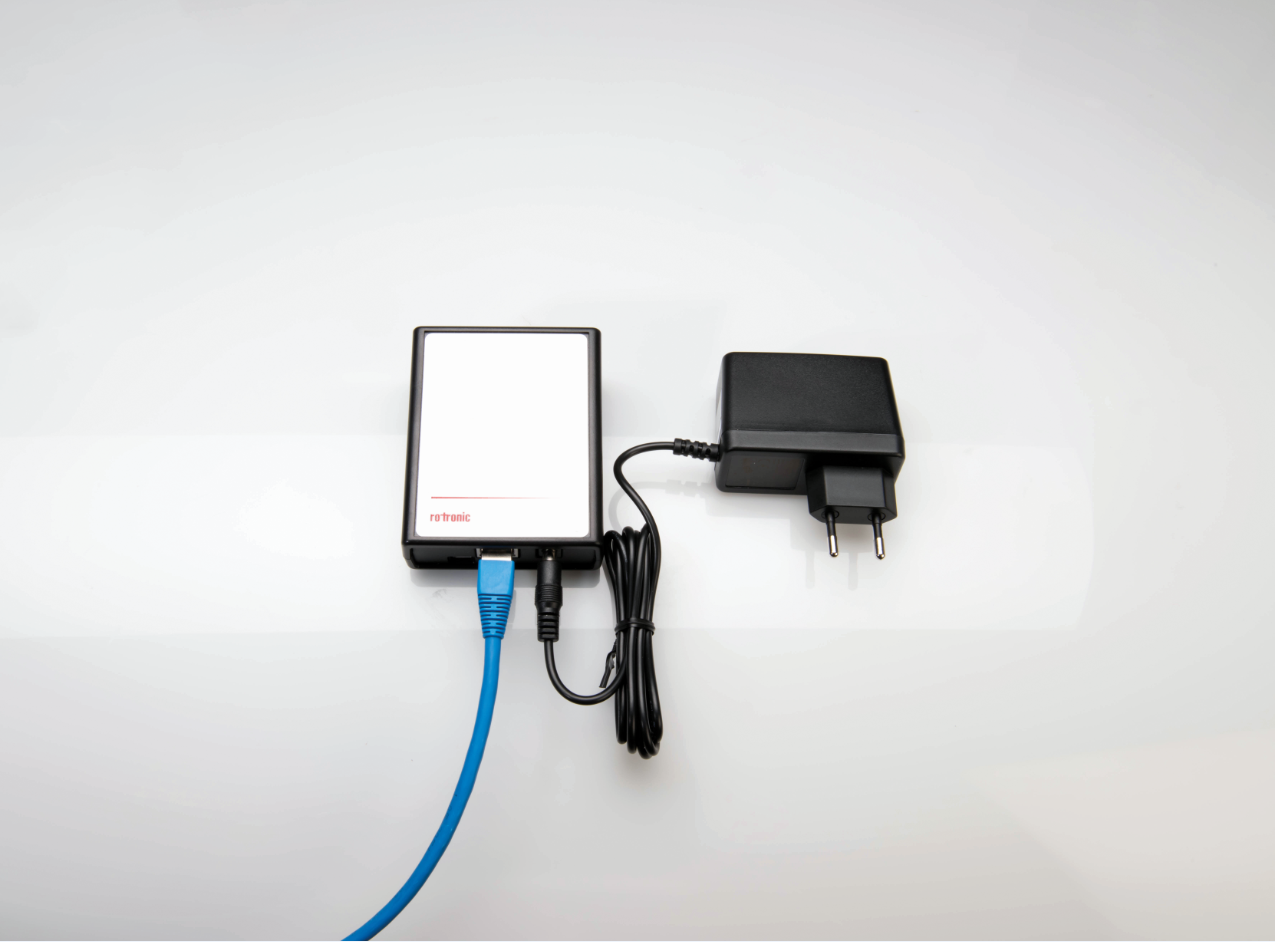 Setup: 1) Plug the RJ45 Ethernet cable into the RMS-CONVERTER-100. 2) Plug the other end of the RJ45 Ethernet cable to the network. 3) Plug the power supply into the RMS-CONVERTER-100. 4) Plug the power supply into a power source. |
| Step 5 | Configuration. |
| Step 6 | Pairing of the RMS-CONVERTER. |
| Step 7 | Integration of the RMS-Converter into RMS. |