Configure your LDAP
| Step 1 | From the start page, click on "Tools" > "Setup": 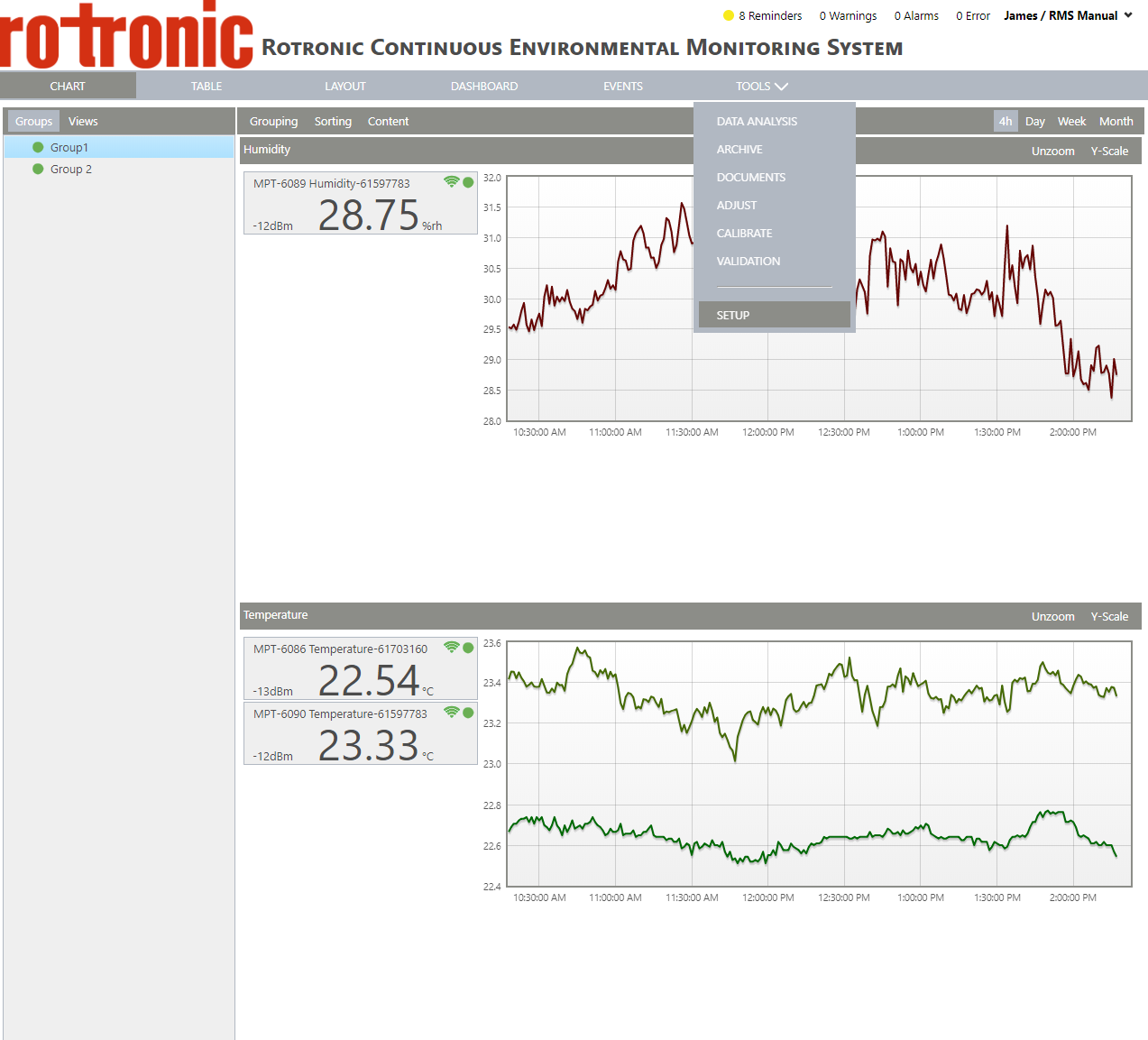 |
|---|---|
| Step 2 | On the left side, select "System": 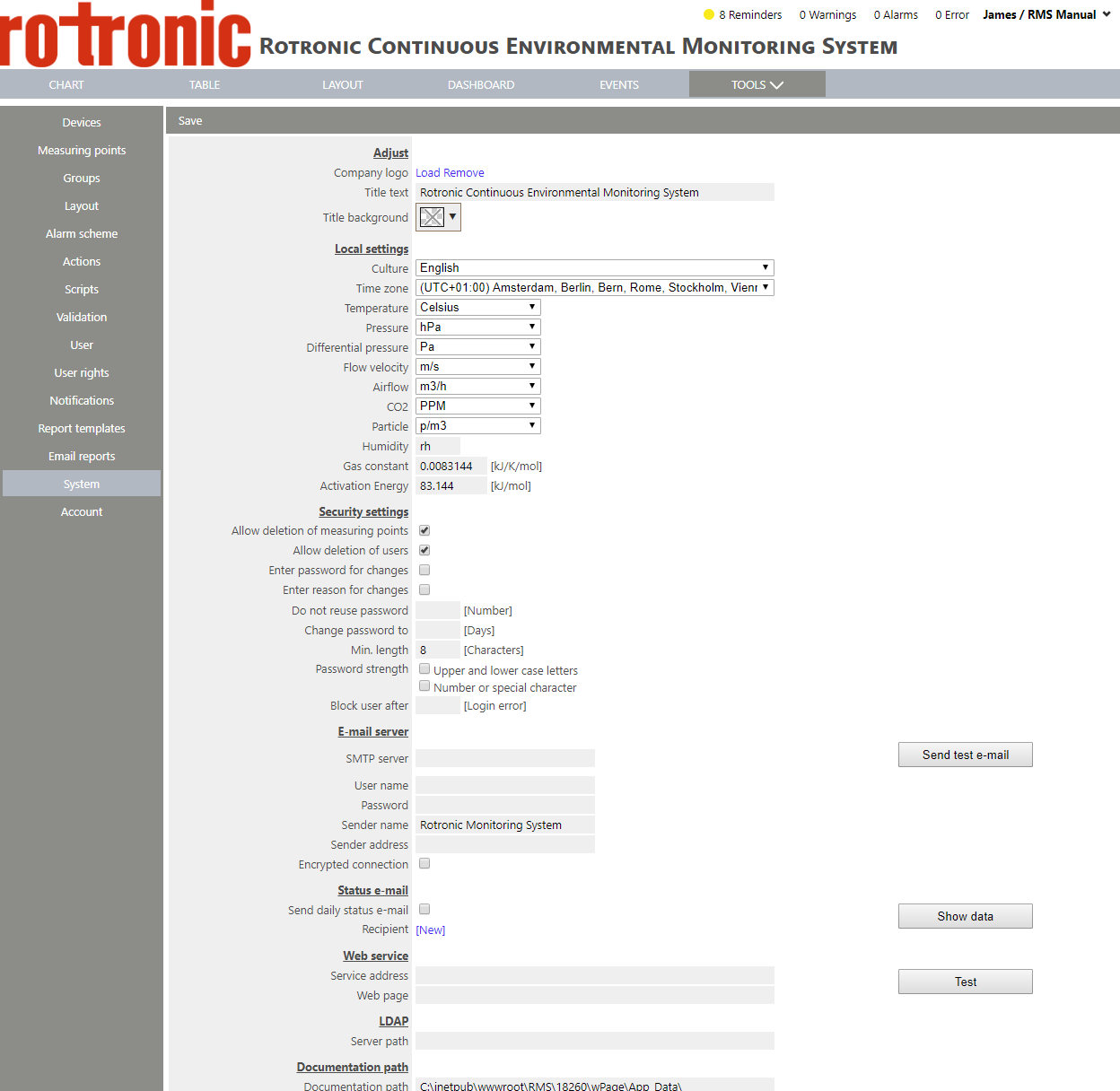 |
| Step 3 | Under "LDAP", it is possible to configure your LDAP settings: |
| Step 4 | Click on "Save" to save the settings. |
On the Server side, RMS requires a port to be specified in the LDAP connection string, as well as the LDAP:// prefix. This needs to be carried out by the local IT team.
-
Set the path to your LDAP server in the System Tools:
-
If your LDAP server requires authentication, you must customize the application pool settings:
-
In RMS, recreate users with the same user name and email address that are found in the active directory.
Please see the Windows LDAP Setup details.
Update V2.8.0:
RMS supports multiple LDAP servers.
Tools > Setup > System > LDAP
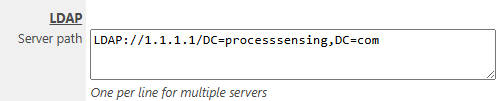
Several servers can be added here.
Updated: 13.09.2025