Personalize your System
| Step 1 | From the start page, click on "Tools" > "Setup": 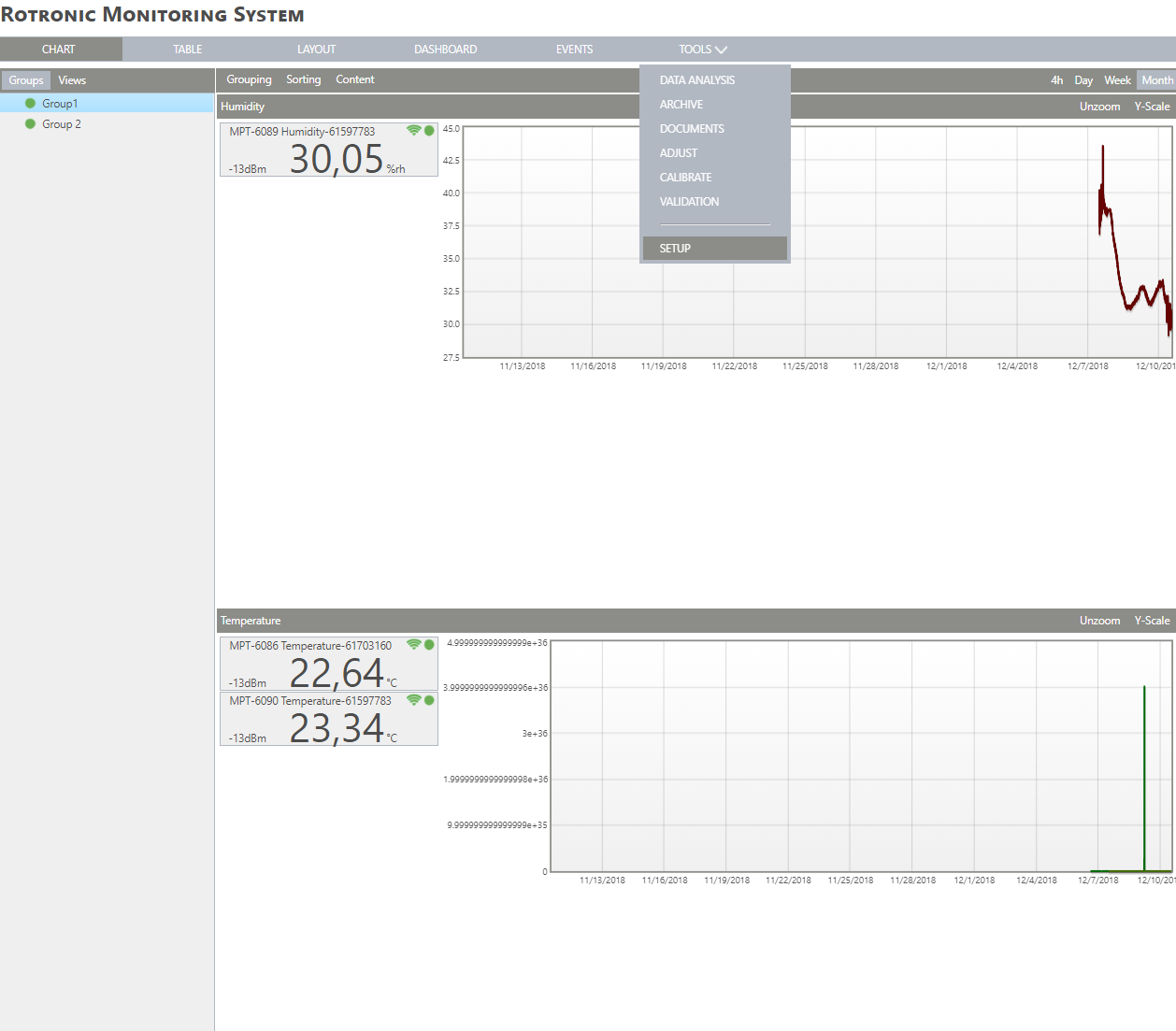 |
|---|---|
| Step 2 | On the left side, select "System": 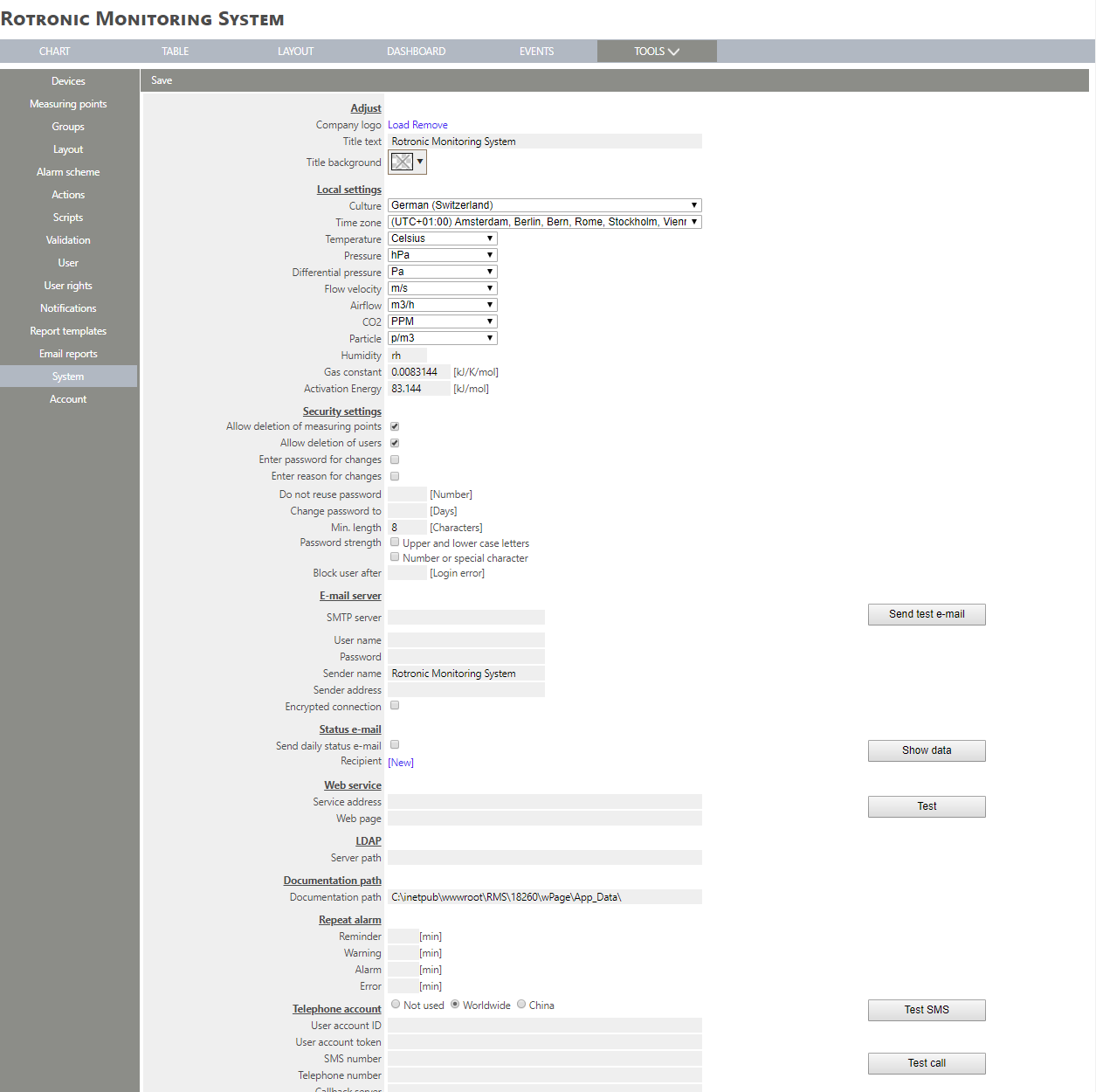 |
| Step 3 | Under "Adjust", it is possible to personalize the system. |
| Step 4 | - Find the required image within Windows Explorer and click on "Open": 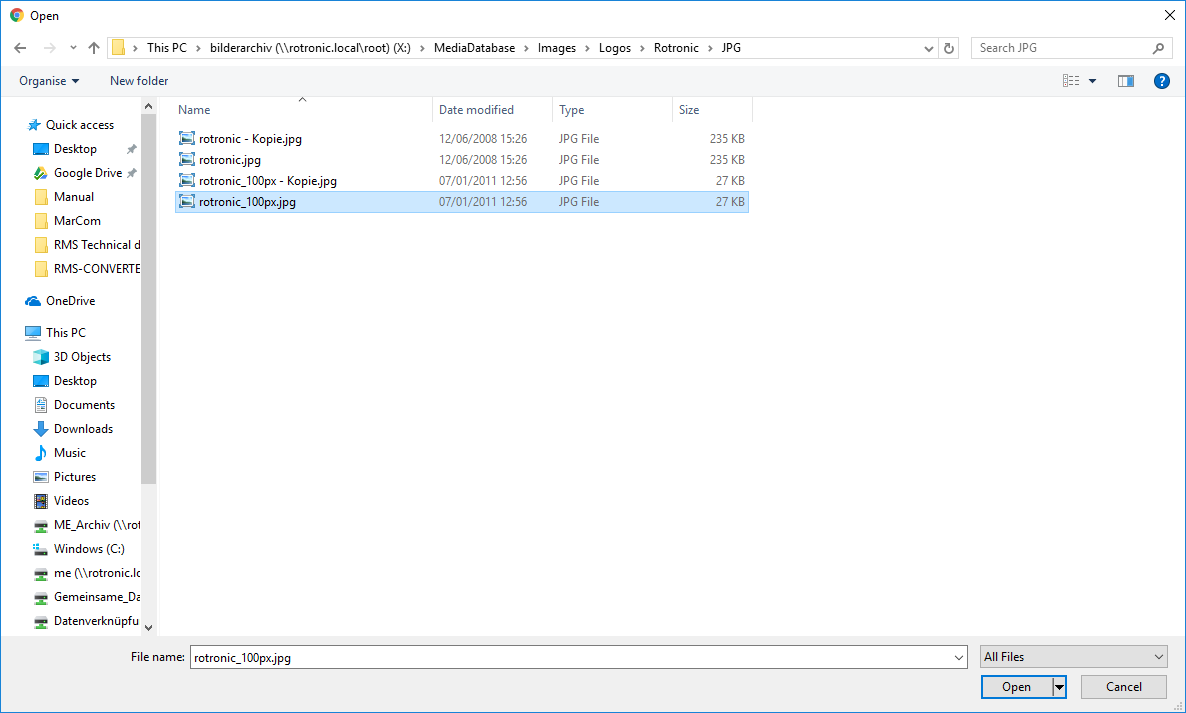 The logo will then appear on the top left of the screen. 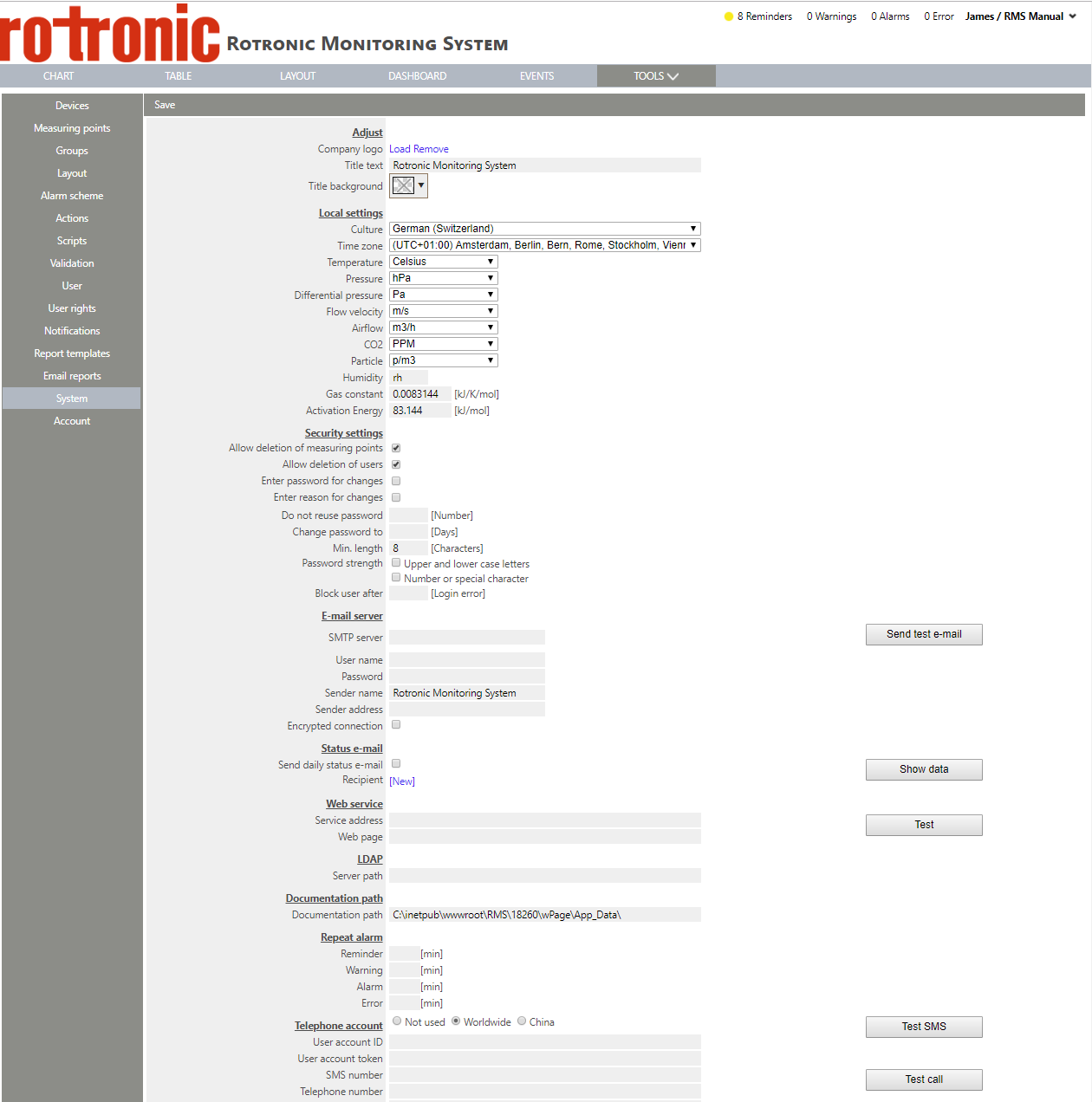 |
| Step 5 | 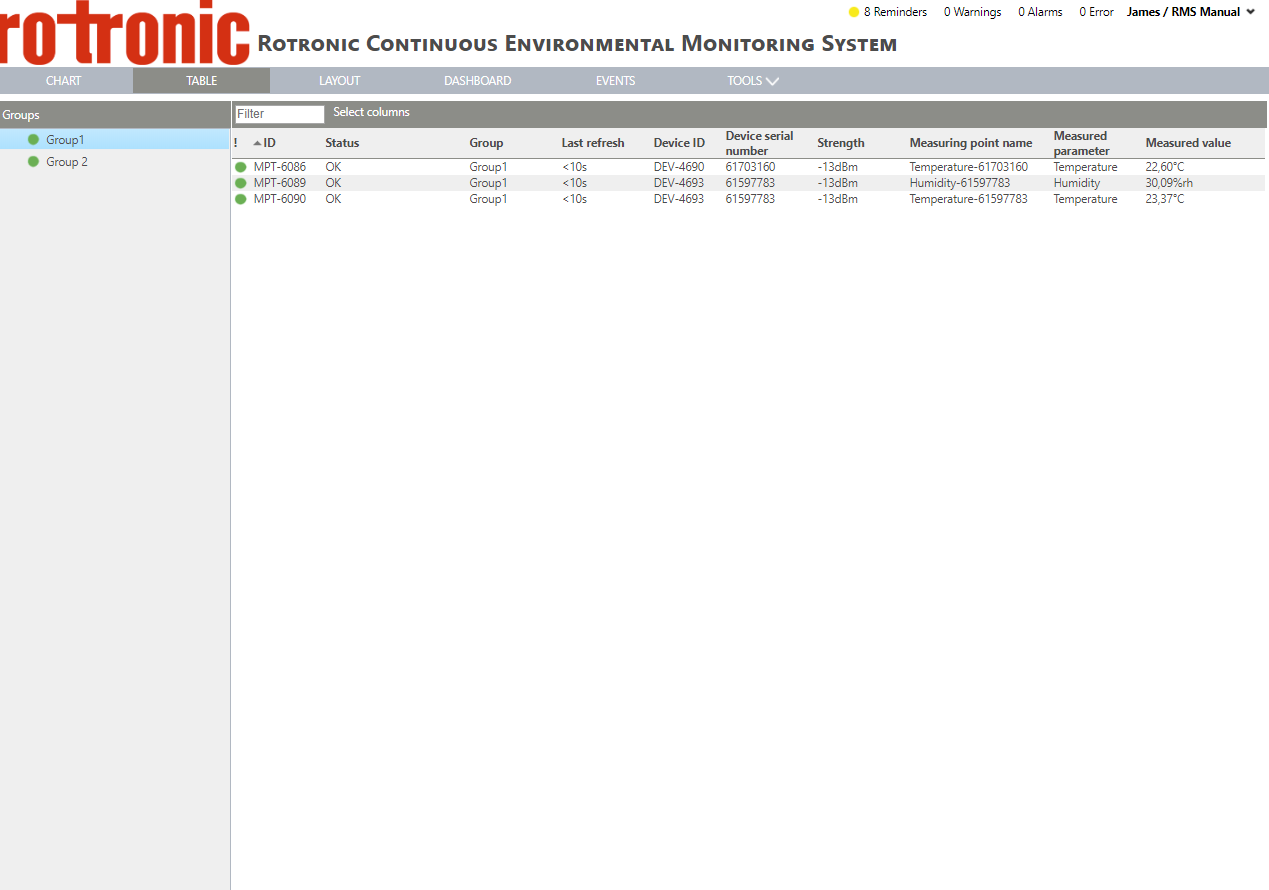 |
| Step 6 | 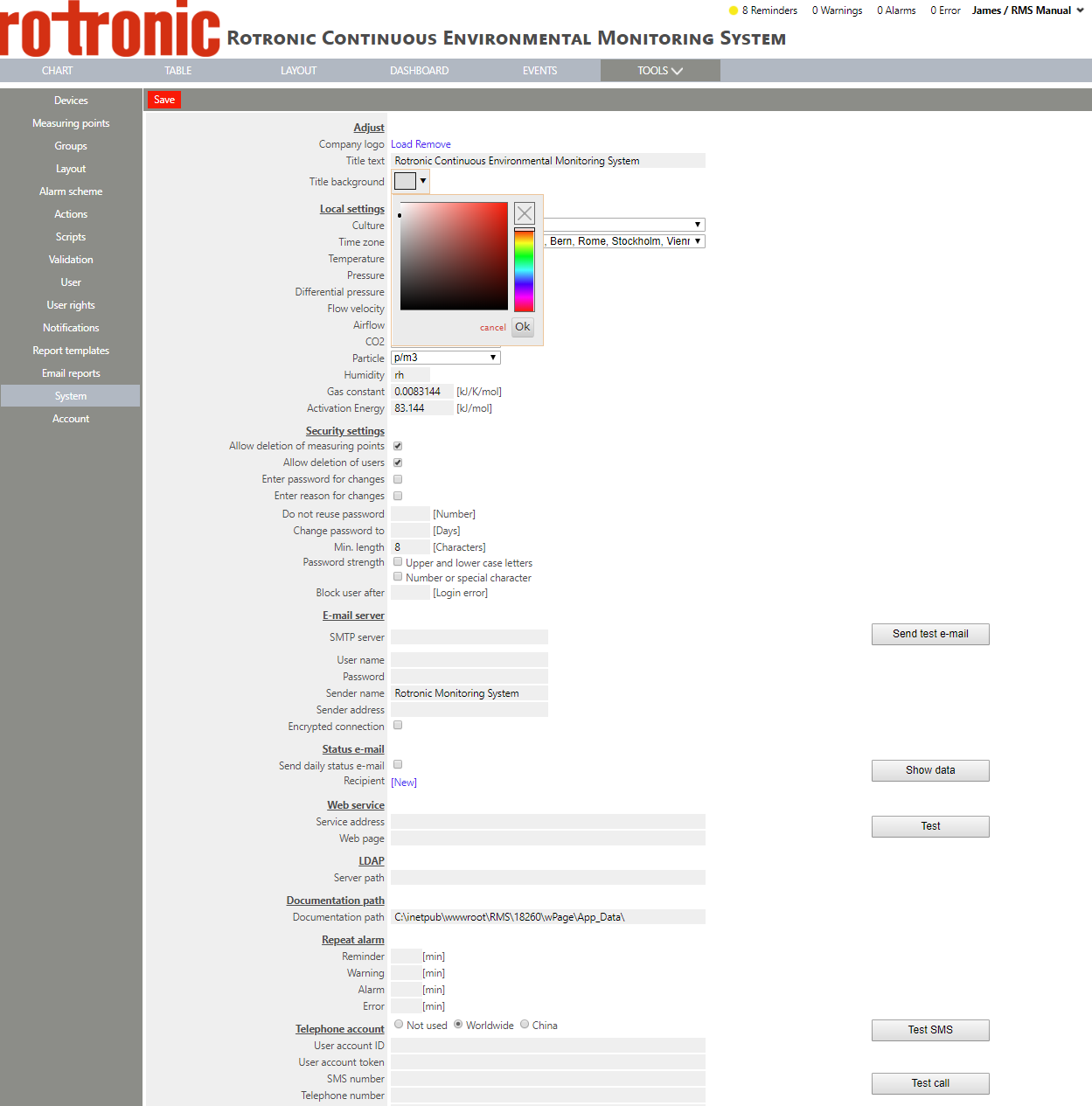 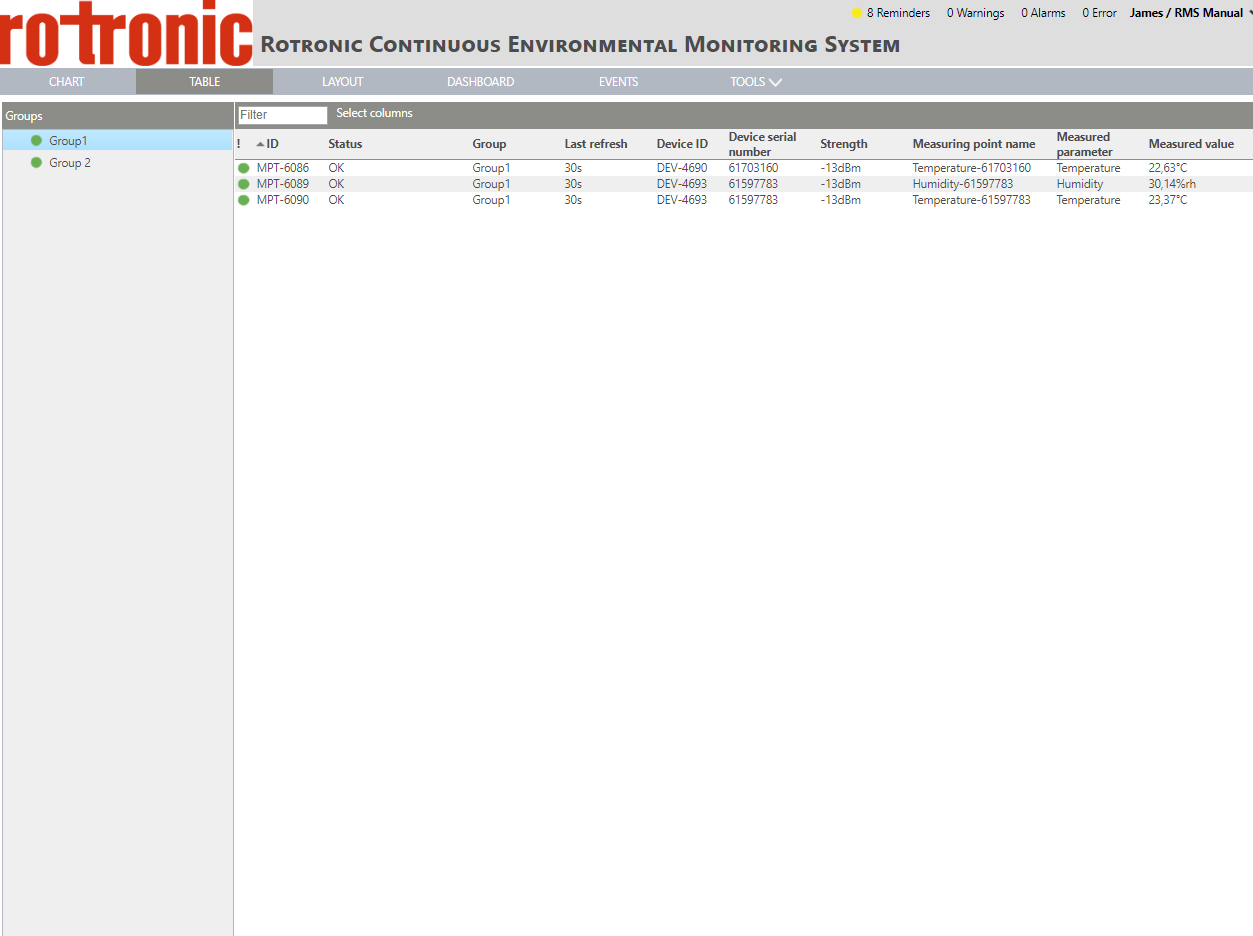 |