Configure your Local Settings
| Step 1 | From the start page, click on "Tools" > "Setup": 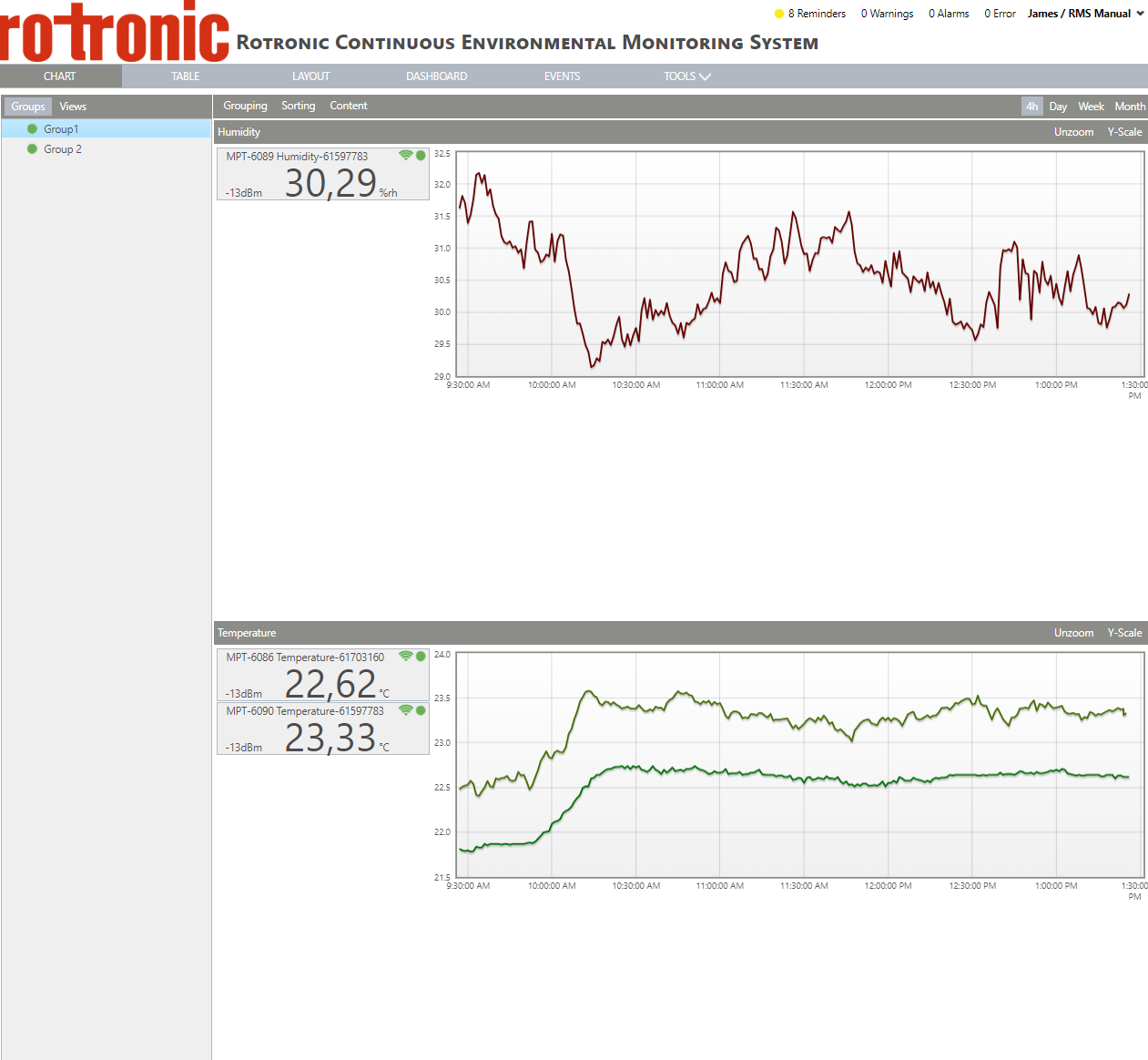 |
|---|---|
| Step 2 | On the left side, select "System": 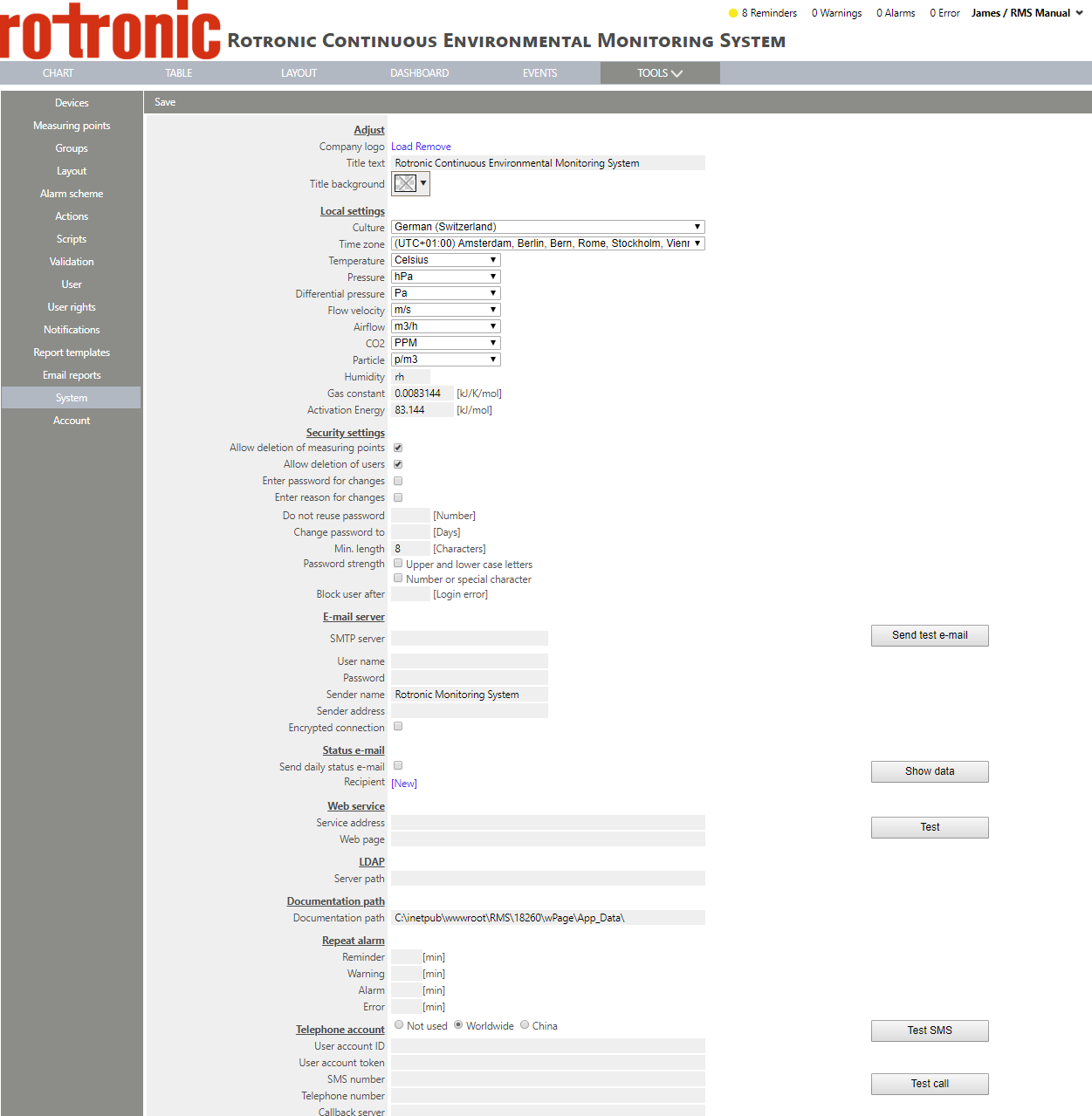 |
| Step 3 | Under "Local settings", it is possible to configure your local settings: For the parameter, this will define how the measurement are shown unless otherwise configured: - Temperature: select between "Celsius" and "Fahrenheit" from the drop down menu. Default: Celsius. - Pressure: select between "hPa", "in. Hg", "PSI" and "Pa" from the drop down menu. Default: hPa. - Differential pressure: select between "Pa", "inH2O", "mPSI", "mBar", "mmHg", "mmH2O", "Torr", "g/m3" from the drop down menu. Default: Pa. - Flow velocity: select between "m/s", "km/h", "ft/s", "mph", "kn" from the drop down menu. Default: m/s. - Air flow: select between "m3/h", "m3/s", "m3/min", "sccm", "ft3/s", "ft3/min", "ft3/h" from the drop down menu. Default: m3/h. - CO2: select between "PPM" and "%" from the drop down menu. Default: PPM. - Particle: select between "p/m3" and "p/ft3" from the drop down menu. Default: p/m3. - Humidity: define the units for relative humidity. Default: rh. - Gas constant: define the gas constant in kJ/K/mol. Default: 0.0083144. - Activation energy: define the activation energy in kJ/mol. Default: 83.144. |
| Step 4 | Click on "Save" to save the changes. 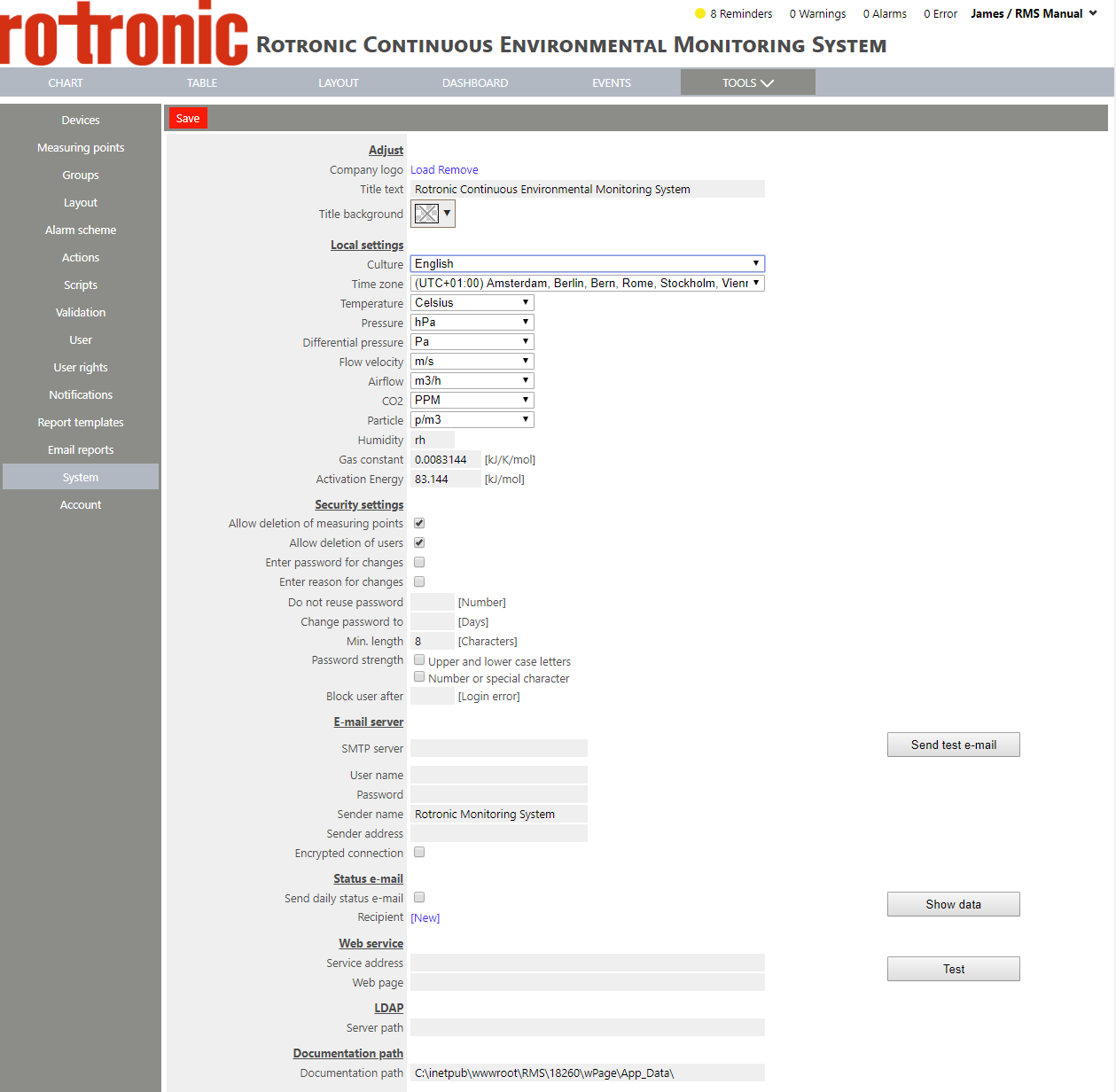 |