Tools>Setup>Actions Explained
The action setup tool is a function to generate actions for the alarm schemes and scripts.
Important feature: The actions provide more possibilities than simply using the notifications: Tools>Setup>Notifications Explained.
| Print Screen 1 | The user can select what to do: - New: Add a new action (Each action will have a unique ID: ACT-xxx). - Delete: Delete an action. - Save: Save the configuration. 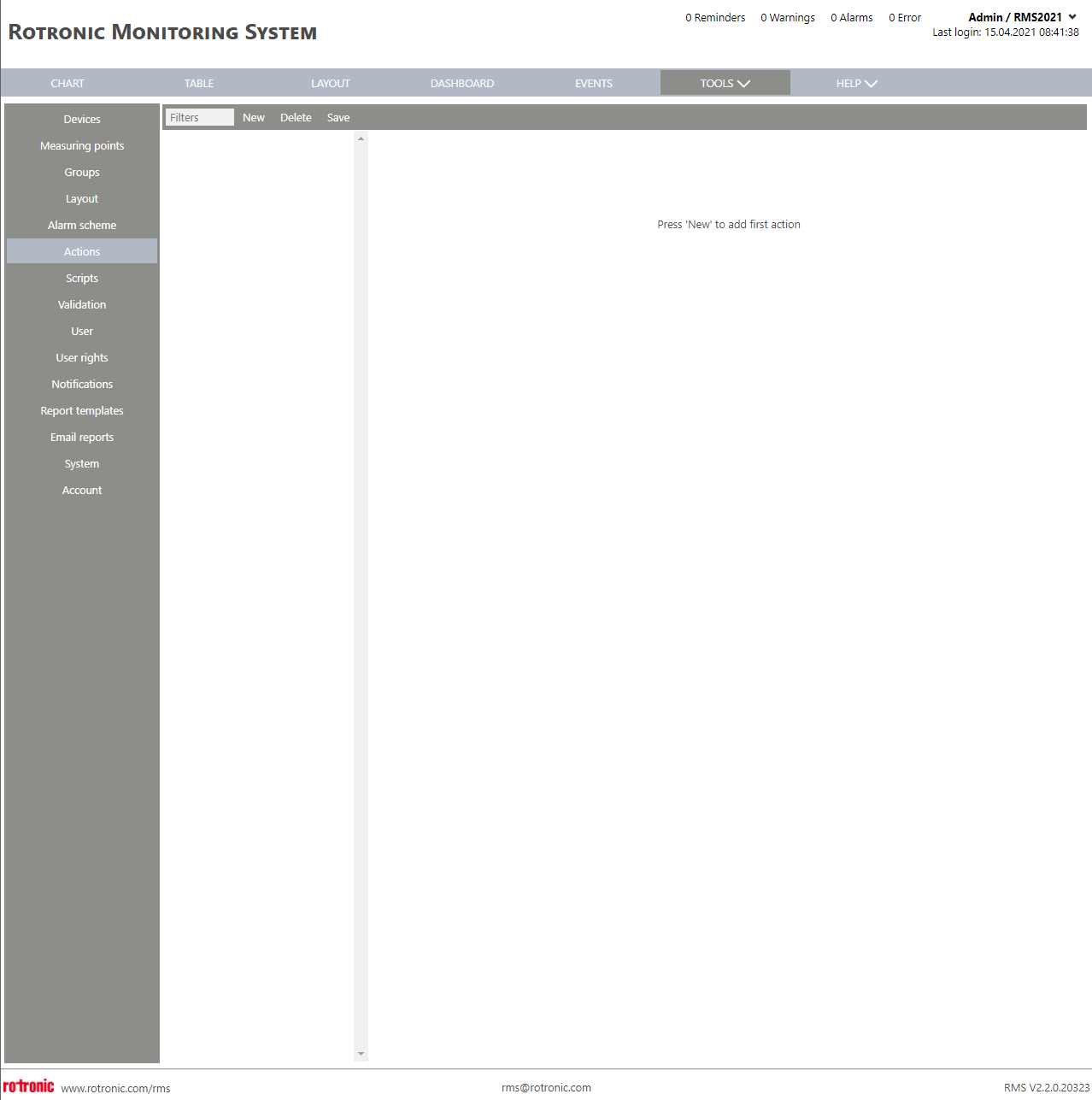 |
|---|---|
| Print Screen 2 | When the user selects new, the name for the new action can be added. Rotronic recommend adding a name that is easy to recognise afterwards. 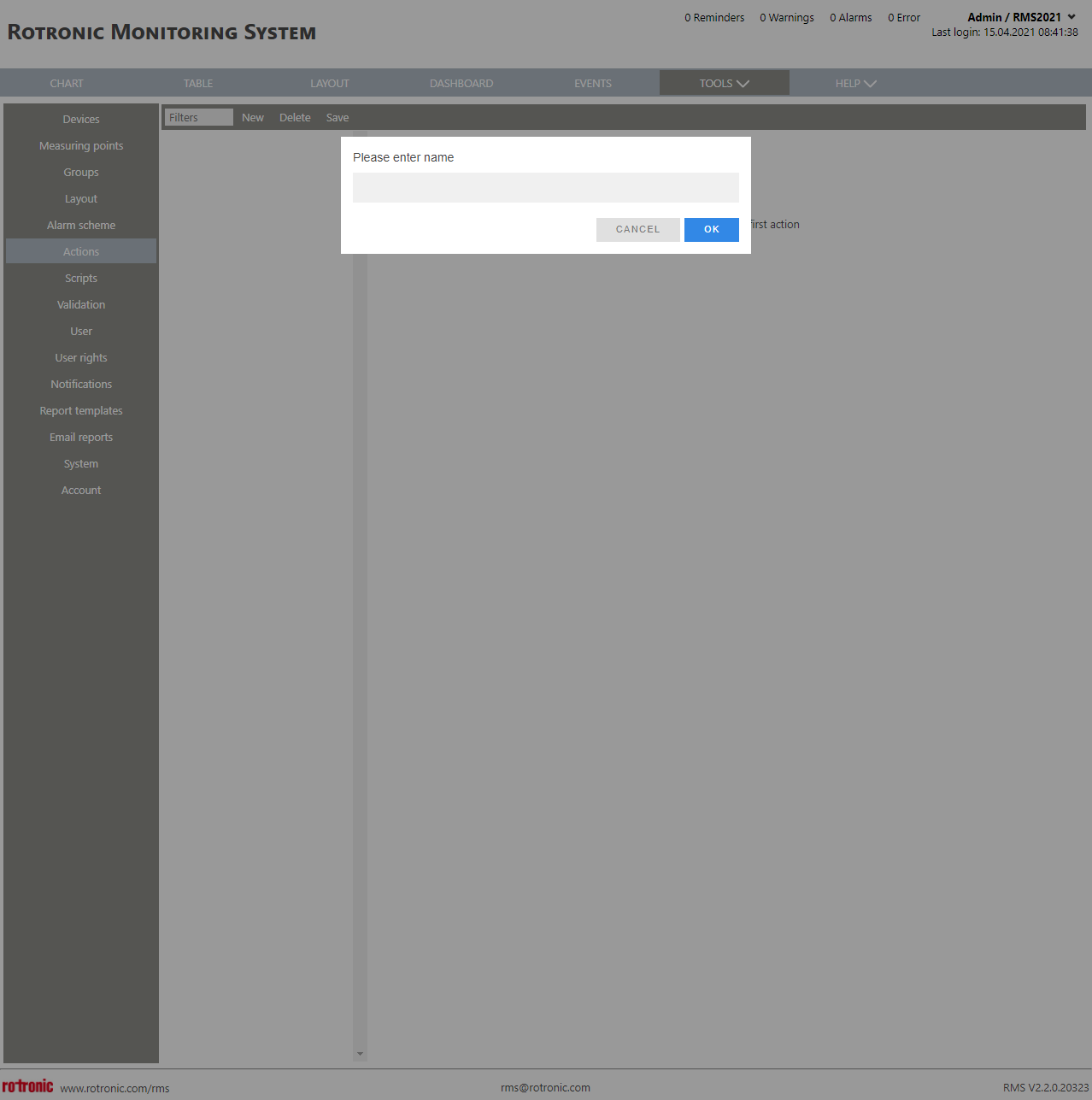 |
| Print Screen 3 | When a new action has been added and selected the user has various options: - ID: ACT-xxx automatically given by RMS. - Name: User configured action name (Recommendation: action + who/what: Send E-Mail to QA). - Applicable in: User configured group where the action is applicable. - Used by: Once a script or alarm scheme has been configured, its name will automatically appear here. The user can then setup the script accordingly.  Send E-Mail: Tick box automatically not set but can be user configured. - Recipient: User configured recipient of the E-Mail. - Web camera system: Tick box automatically not set but can be user configured. If selected an image is sent with the E-Mail. - Converter: User selected RMS-CONVERTER-100 required to use the web camera. - Web camera URL: User configured web camera URL required to use the web camera. - User name: User configured web camera user name required to use the web camera. - Password: User configured web camera password required to use the web camera. - Chart: Tick box automatically not set but can be user configured. If selected the chart is sent as an attachment in the E-Mail. - Time span chart [h]: User configured value of the chart time span. - Repeat: User configured repeat setup: Send SMS: Tick box automatically not set but can be user configured. - Recipient: User configured recipient of the SMS. - Repeat: User configured repeat setup: Phone call: Tick box automatically not set but can be user configured. - Recipient: User configured recipient of the phone call. - Repeat: User configured repeat setup: Switch Relay: Tick box automatically not set but can be user configured. - Relays: User selected RMS-DO-L-R relay. - Reset: User selected repeat setup: - Reset after [s]: User configured reset time. Send data via TCP: Tick box automatically not set but can be user configured. - IP address: User configured IP address where data is to be sent. - Data on "On": User configured data to be send when the action is triggered. - Data on "Off": User configured data to be send when the action is finished. |
| Update V2.8.0 | Searching, filtering and sorting of an alarm action The alarm action can be searched, filtered and sorted. Tools > Setup > Actions Enter the ACT-ID to it out of the action list. 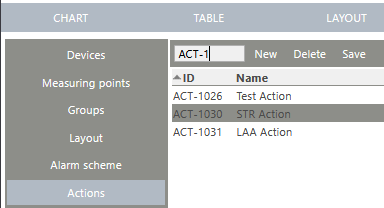 Active latching alarm mode on the RMS-DO-L-R When a RMS-DO-L-R is triggered by multiple measuring points, then the RMS-DO-L-R should not switch off if one of the measuring points is in alarm mode (Latching active). This can be configured to either Latching on/off. Tools > Setup > Actions New setting "On end of all alarms" for relay reset in alarm action 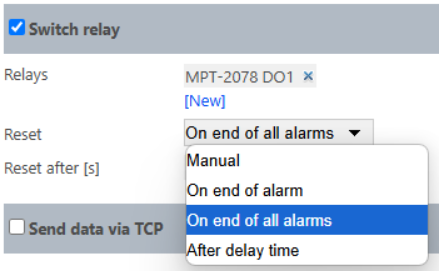 |
| Update V2.9.0 | Alarm Action with more than 10 relais possible Currently, a maximum of 10 relays can be configured in the "Switch Relay" section. This limit is increased to 100. After reaching the limit button new disappears. 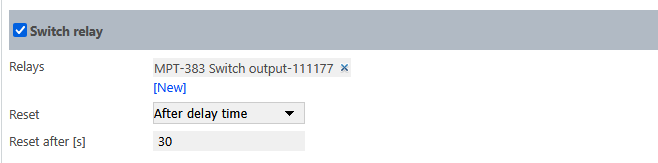 |
Updated: 19.11.2025