Tools>Setup>Groups Explained
The groups setup tool is a function to create and configure groups.
Important feature: Rotronic recommend creating a master group (for example the company name). The search function is easier to use in the master group rather than having to check each and every group individually.
| Print Screen 1 | The user can select what to do: - New: Add a new group (Each group will have a unique ID: GRP-xxx). - Rename: Rename an existing group. - Sort: Sort the groups alphabetically. - Delete: Delete a group. - Save: Save the configuration. 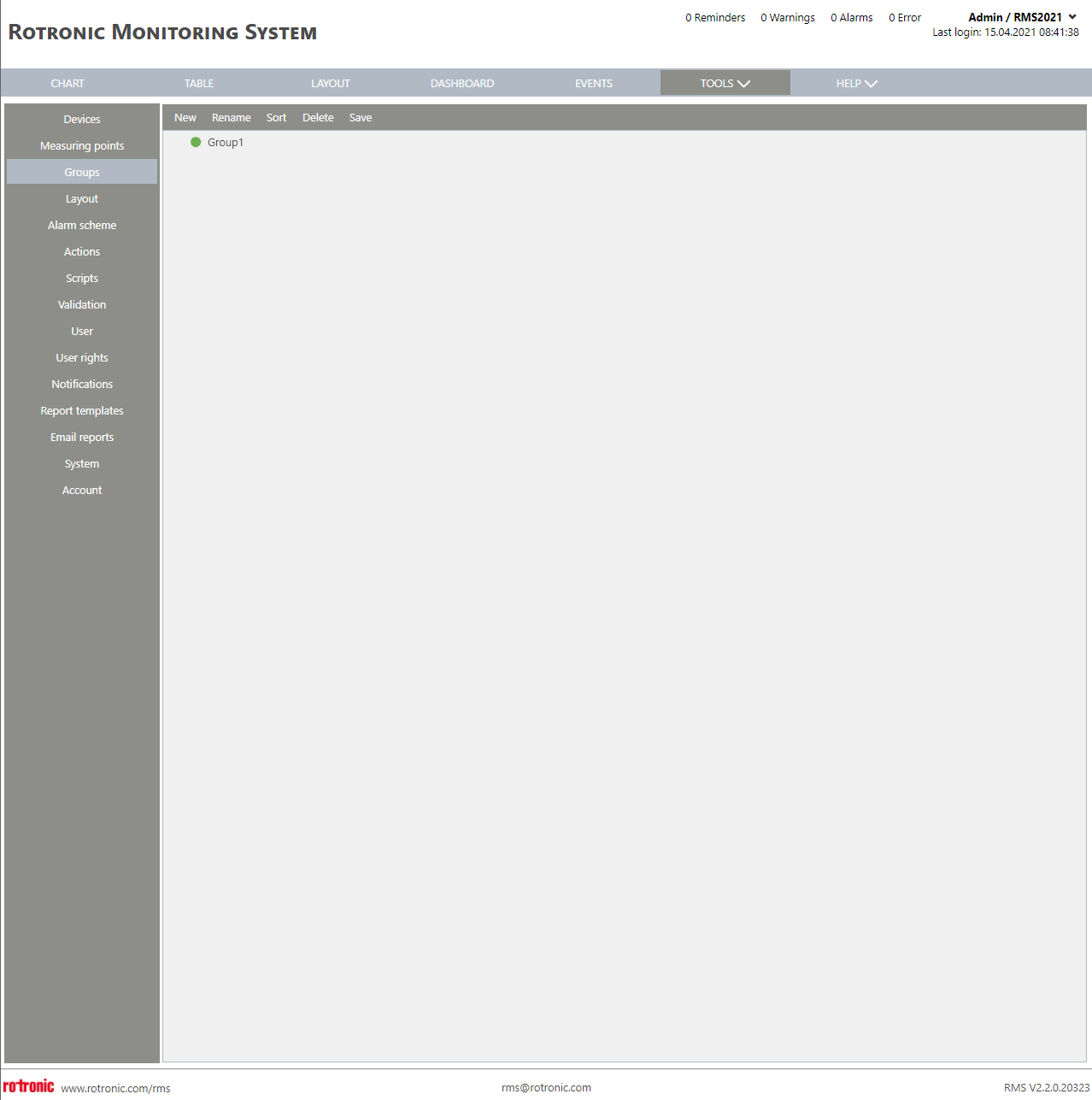 |
|---|---|
| Print Screen 2 | When the user selects a new group, a name is given to the new group. 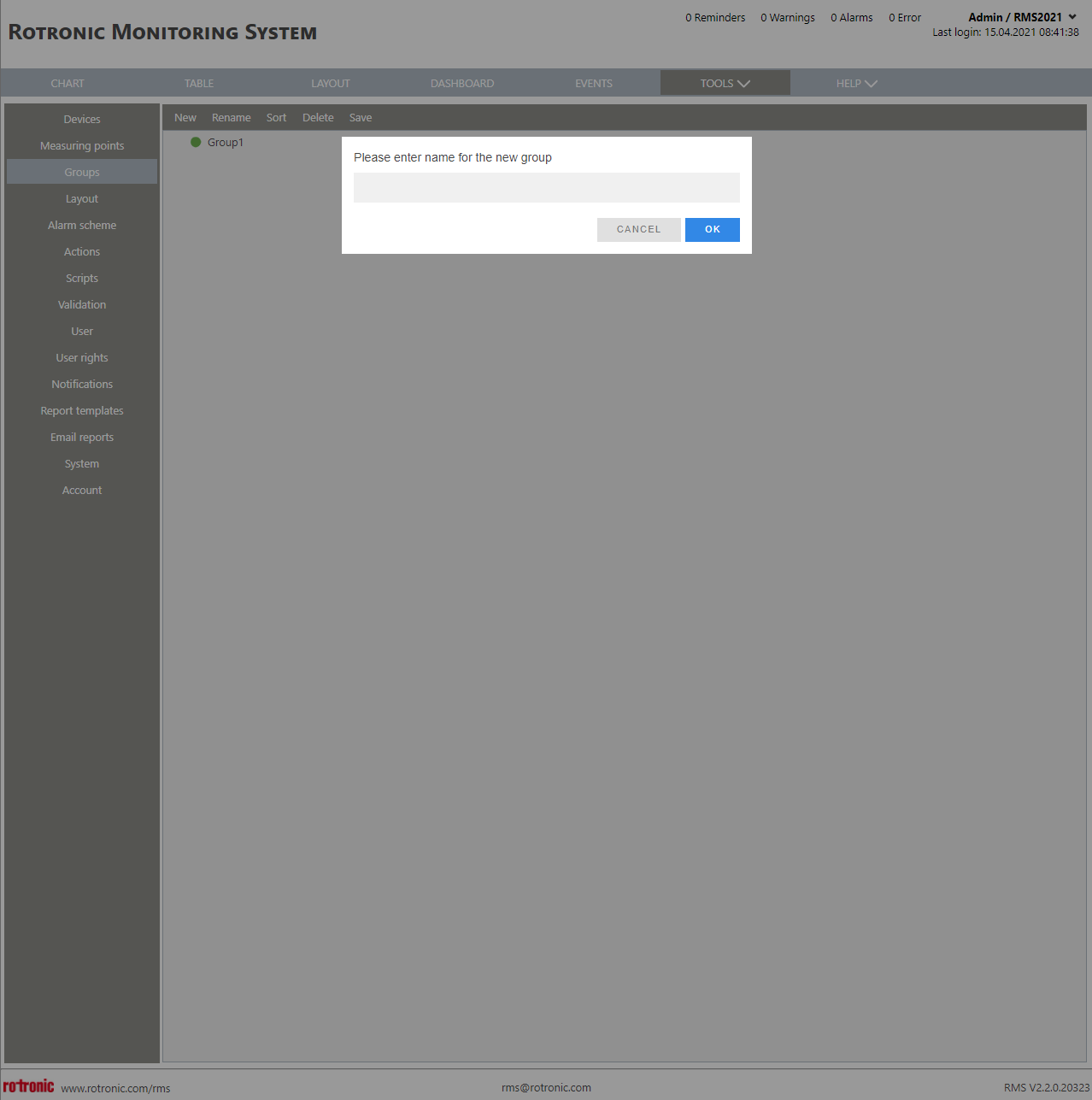 |
| Update V2.9.0 | Measurement point visible in several groups Measuring points are not visible anymore in several groups since RMS V2.6 New: New Settings in Measurepoint Setup: "View Group(s)" to define Groups, where the measuring point should also be visible - A measuring point is additionally visible in the defined View Groups: - Alarm and notification applies only to the group but not to the view group. - For the group tree color, the alarm of a ViewGroup is ignored Setting in Setup - Measurepoint: 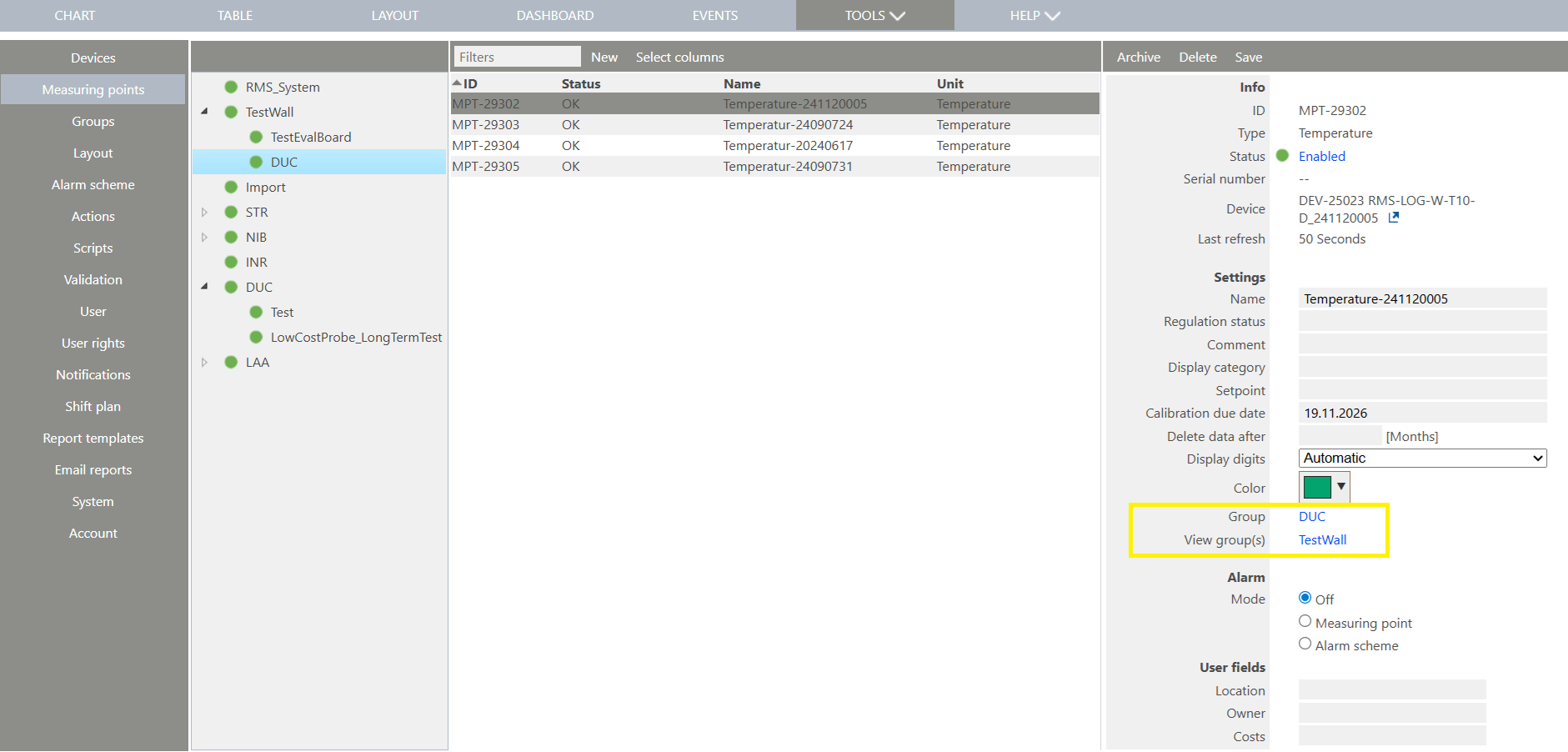 |
Update 19.11.2025