Tools>Setup>Validation Explained
The validation setup tool is a function to program the validation steps: Tools>Validation Explained.
Important feature: When carrying out a validation script, SMS and telephone calls and actions will not be carried out, only visible within the audit trail. E-Mails will be sent, with the title "Validation".
| Print Screen 1 | The user can select what to do: - New: Add a new validation script (Each validation script will have a unique ID: VAL-xxx). - Save: Save the configuration. - Options: Various options. 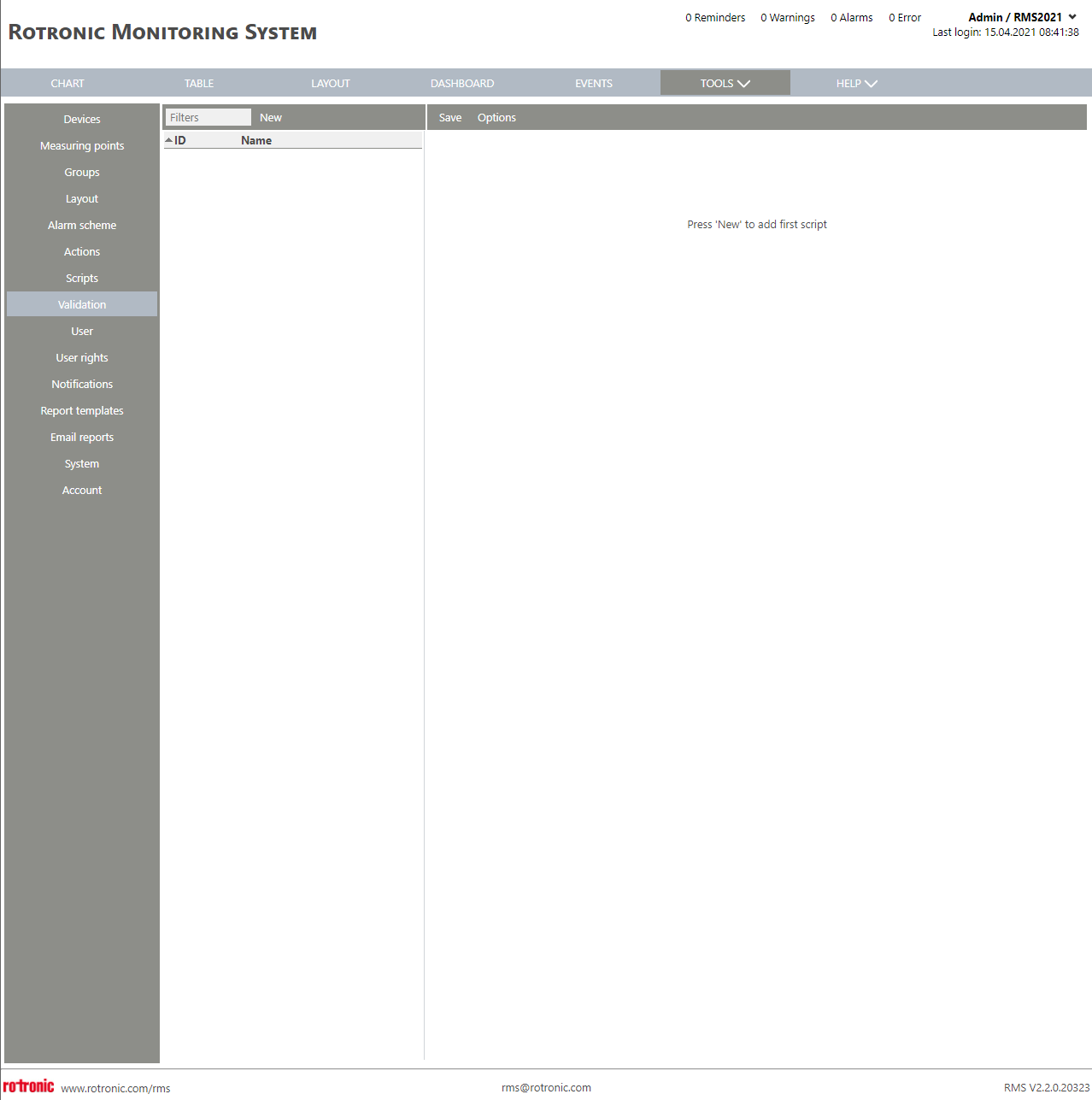 |
|---|---|
| Print Screen 2 | When selecting options, the user can select: - Delete: Delete the script. - Import CSV: Import a validation script. - Export CSV: Export the selected validation script. - Run Test: Goes to this page: Tools>Validation Explained. 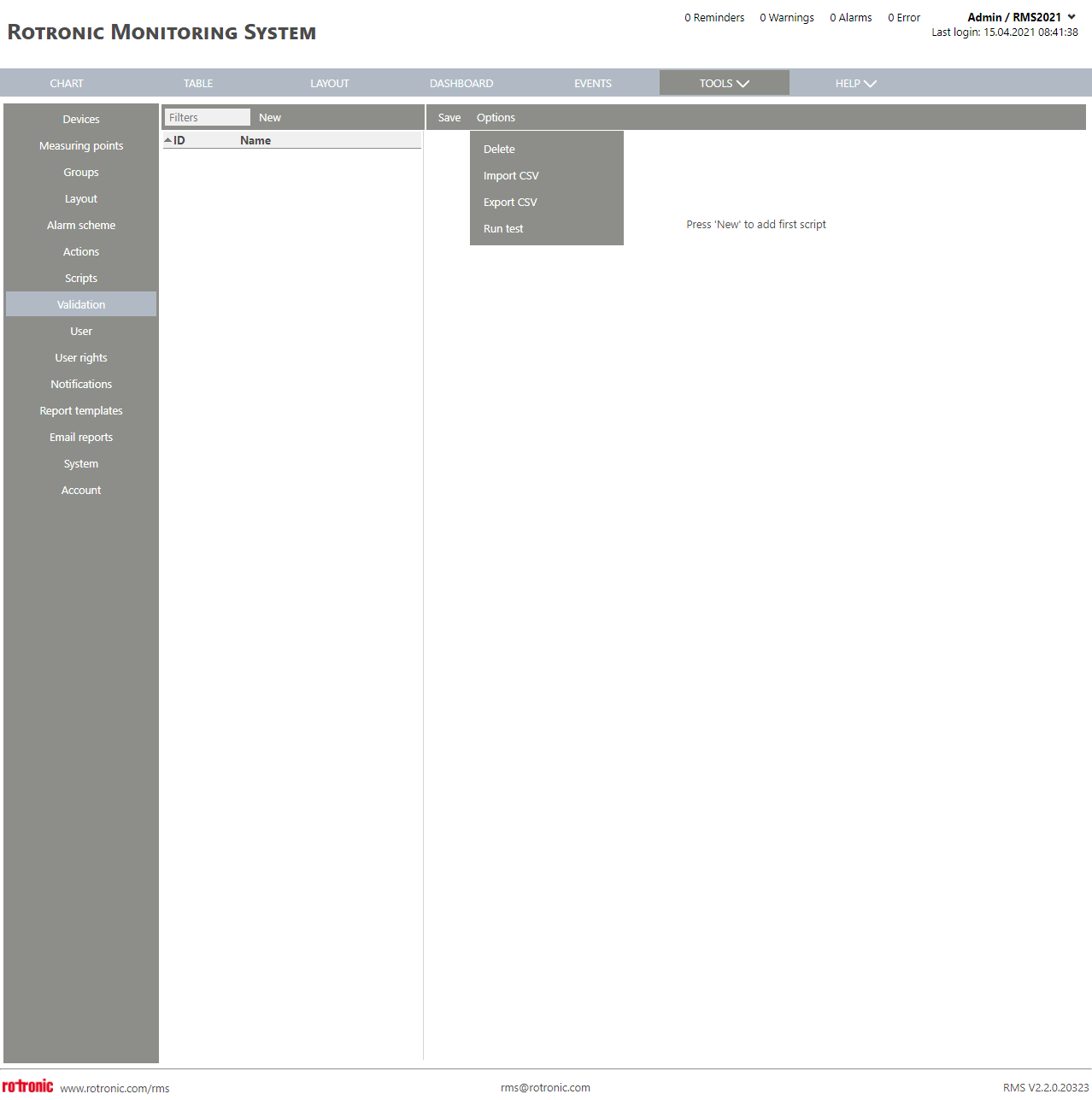 |
| Print Screen 3 | When the user clicks on load CSV, a new explorer window opens where the image can be selected. 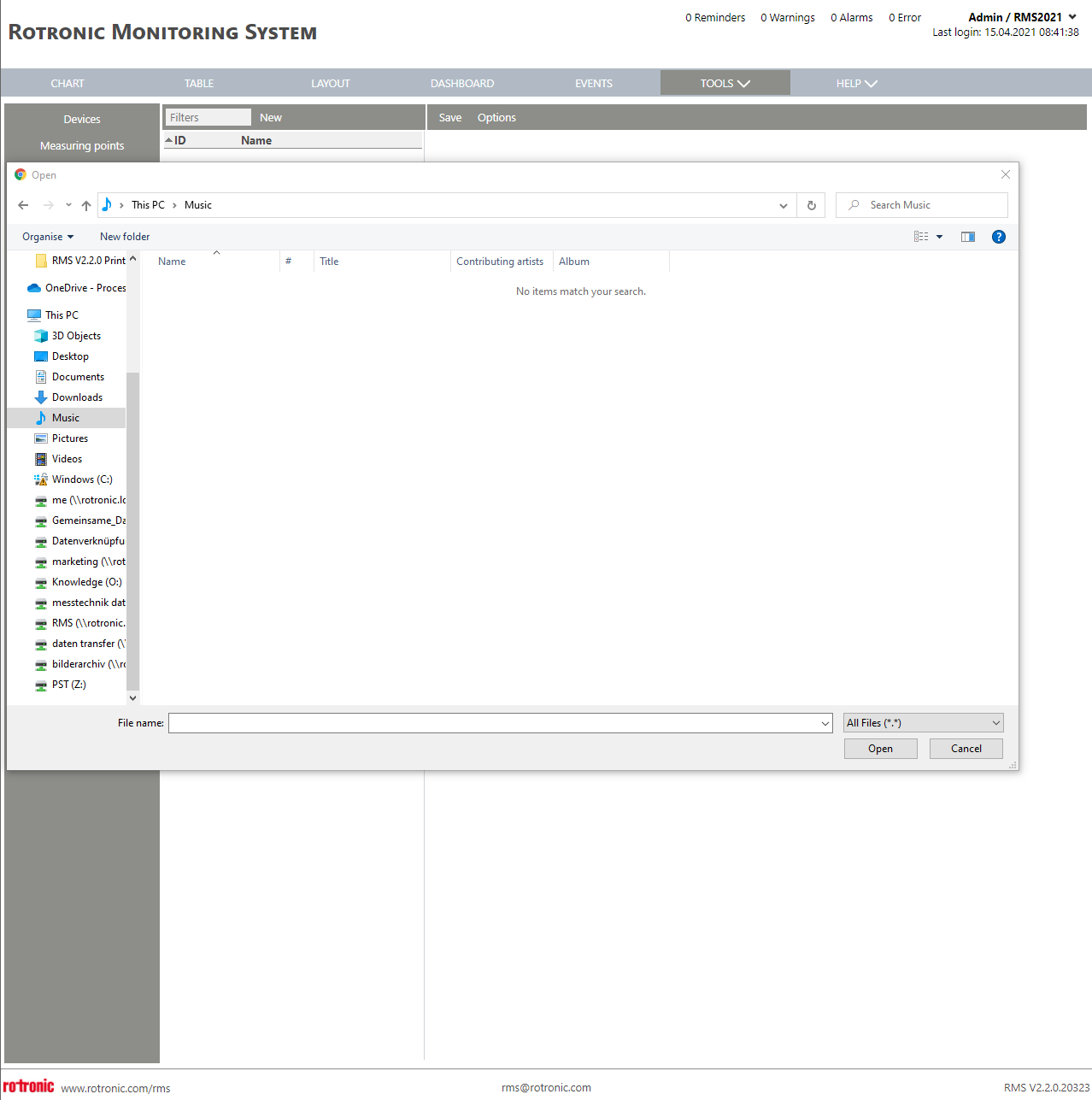 |
| Print Screen 4 | Click on new to add a new validation script. Select a test type: either a measure point test or a device test. 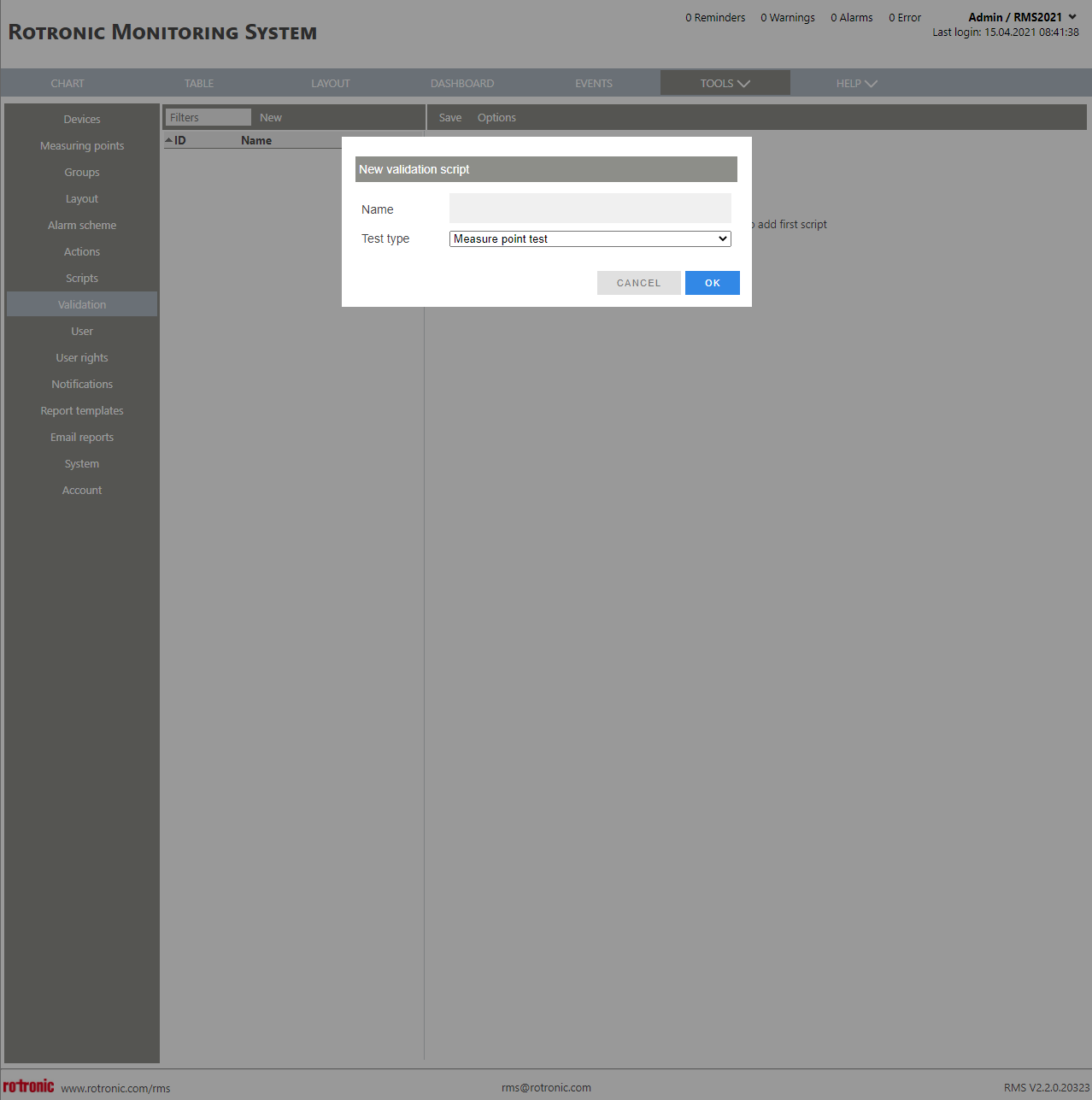 |
| Print Screen 5 | When a device test has been selected: - ID: VAL-xxx automatically given by RMS. - Name: User configured validation scheme name. - Test type: User configured device test or measure point test that is defined when setting up the validation script. - Description: User defined validation description. 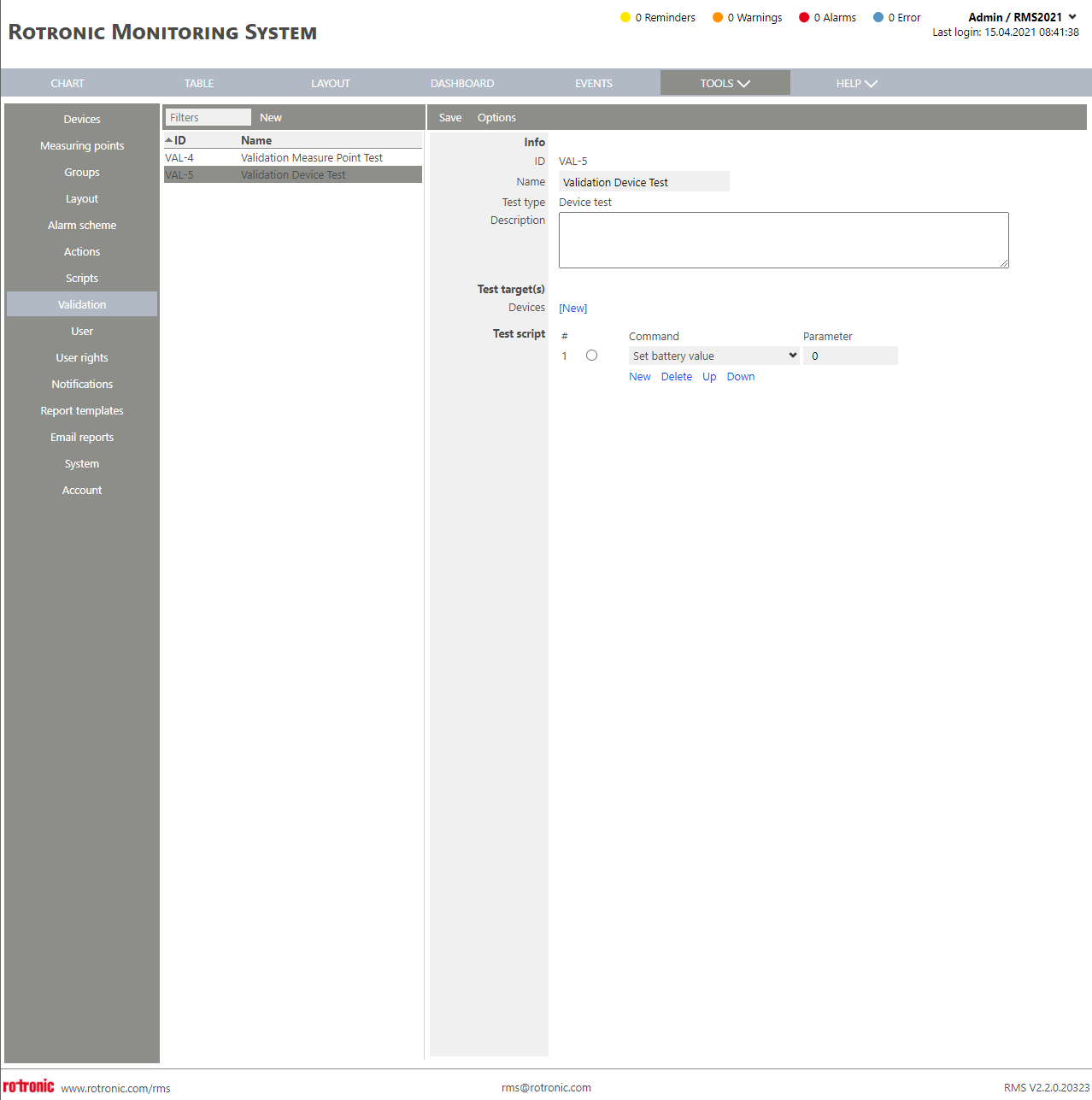 With a device, the following commands can be set: - Set Battery value. - Set Timeout. - Check alarm status. - Check notification E-Mail. - Check notification SMS. - Check notification telephone call. - Check action send E-Mail. - Check action switch relay. - Check action send TCP data. |
| Print Screen 6 | When a measure point test has been selected: - ID: VAL-xxx automatically given by RMS. - Name: User configured validation scheme name. - Test type: User configured device test or measure point test that is defined when setting up the validation script. - Description: User defined validation description. 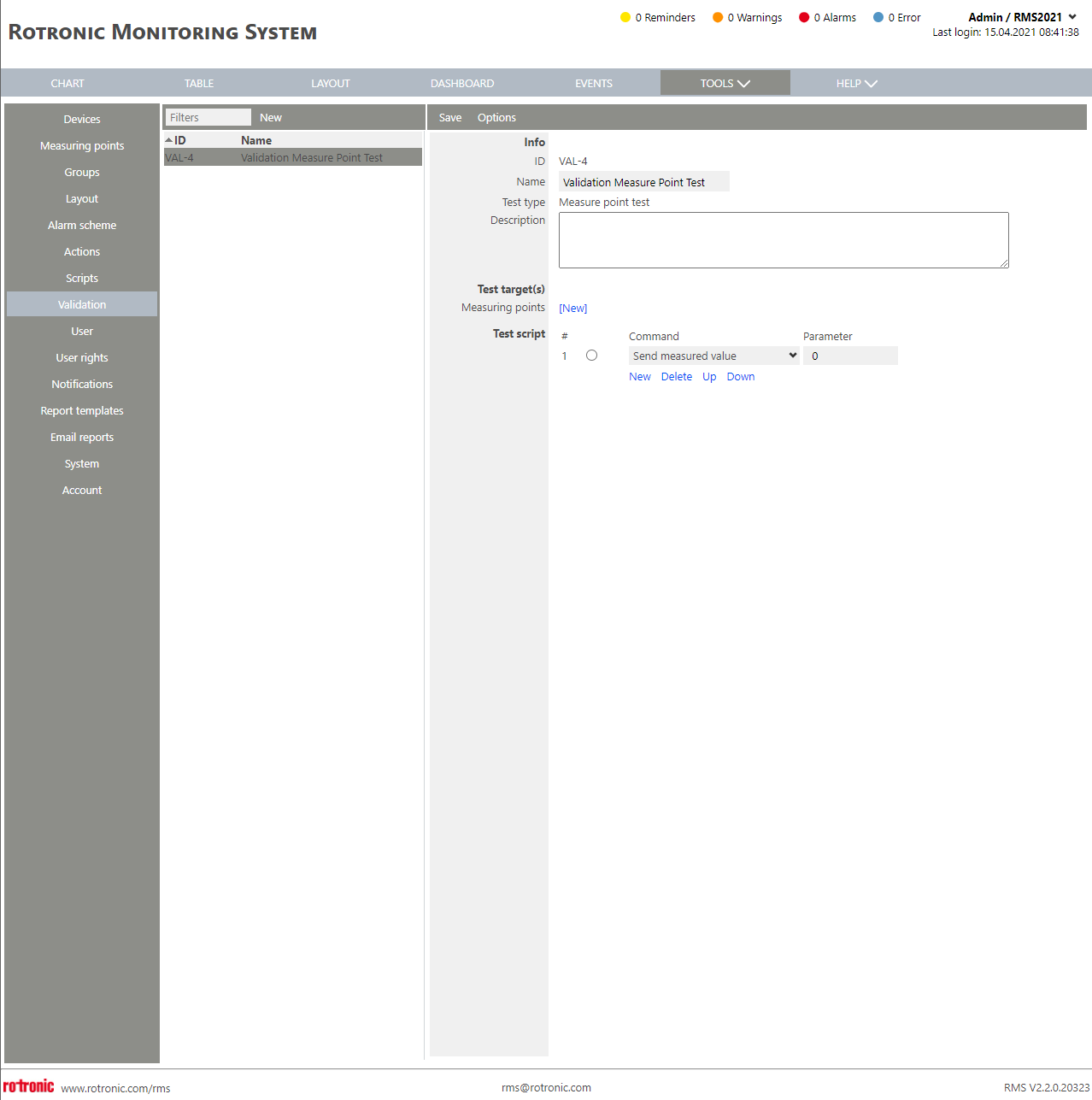 With a measure point, the following commands can be set: - Send measure value. - Set sensor error. - Set alarm delay (s). - Check alarm status. - Check notification E-Mail. - Check notification SMS. - Check notification telephone call. - Check action send E-Mail. - Check action switch relay. - Check action send TCP data. |
| Update V2.9.0 | New: Option to actually perform actions during validation Customer can allow relays to physically switch in a validation script, e. g. to make a lamp actually light up when running the validation script. - Enabling this function can be done via a new checkbox where the script can get started - see checkbox "Actually perform actions" 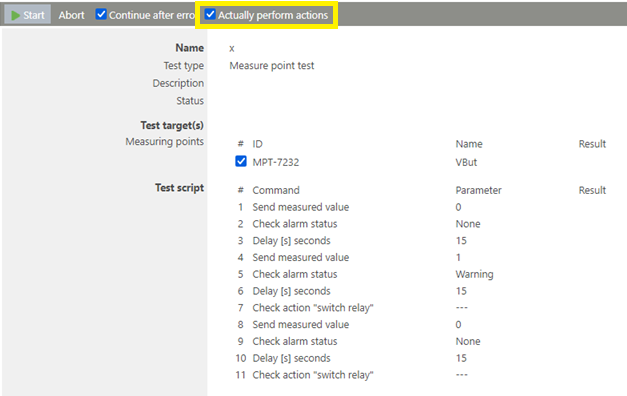 If this is enabled, the following is executed for real and not just "simulated" - Switching Relays - Sending data via TCP - Notification via SMS - Notification via Phone - (Notification via Email as before) Note: Additionally, to be able to check a device for a real "switch" of a relay, a new "Delay" script step can be added to have some more time "in the real world" |
Update 19.11.2025