Wireless Network Monitoring
The diagnose tool is a function to quickly review the status of the wireless communication within the last 24 hours.
The diagnose tool is measuring the following parameters:
- Device timeouts.
- Data gaps.
- Read out commands.
- Battery level.
- Wireless network settings.
The following status' can exist:
| Green | OK (x%Data readouts) | - No timeouts. - No data gaps. - <=1% read out commands. - No low battery. |
|---|---|---|
| Yellow | OK (x%Data readouts / Low battery) | - No timeouts. - No data gaps. - 1...10% read out commands. - Low battery. |
| Orange | Warning (x Timeouts / x Data readouts / Dublicate address / Low battery) | - 1 timeout. - No data gaps. - 10...50% read out commands. - No low battery. - Wireless address duplicated. |
| Red | Alarm (x Timeouts / x Data readouts / x Datagaps / Dublicate address / Low battery) | - >1 timeout. - >0 data gaps. - >50% read out commands. - No low battery. |
| Blue | Device offline | The device is offline. |
| Black | Disabled | The device is disabled. |
Important feature: whereas the color coding remains the same, the colors shown in the diagnose tool do not count towards the events from the audit trail.
| Print Screen 1 | The user can select what to review: - Groups: within the standard group structure, review a device status. - Gateways: all gateways are shown, review a device status that is connected to the specific gateway. - Rf nets: all network ID's are shown, review a device status that is within the specific network ID. 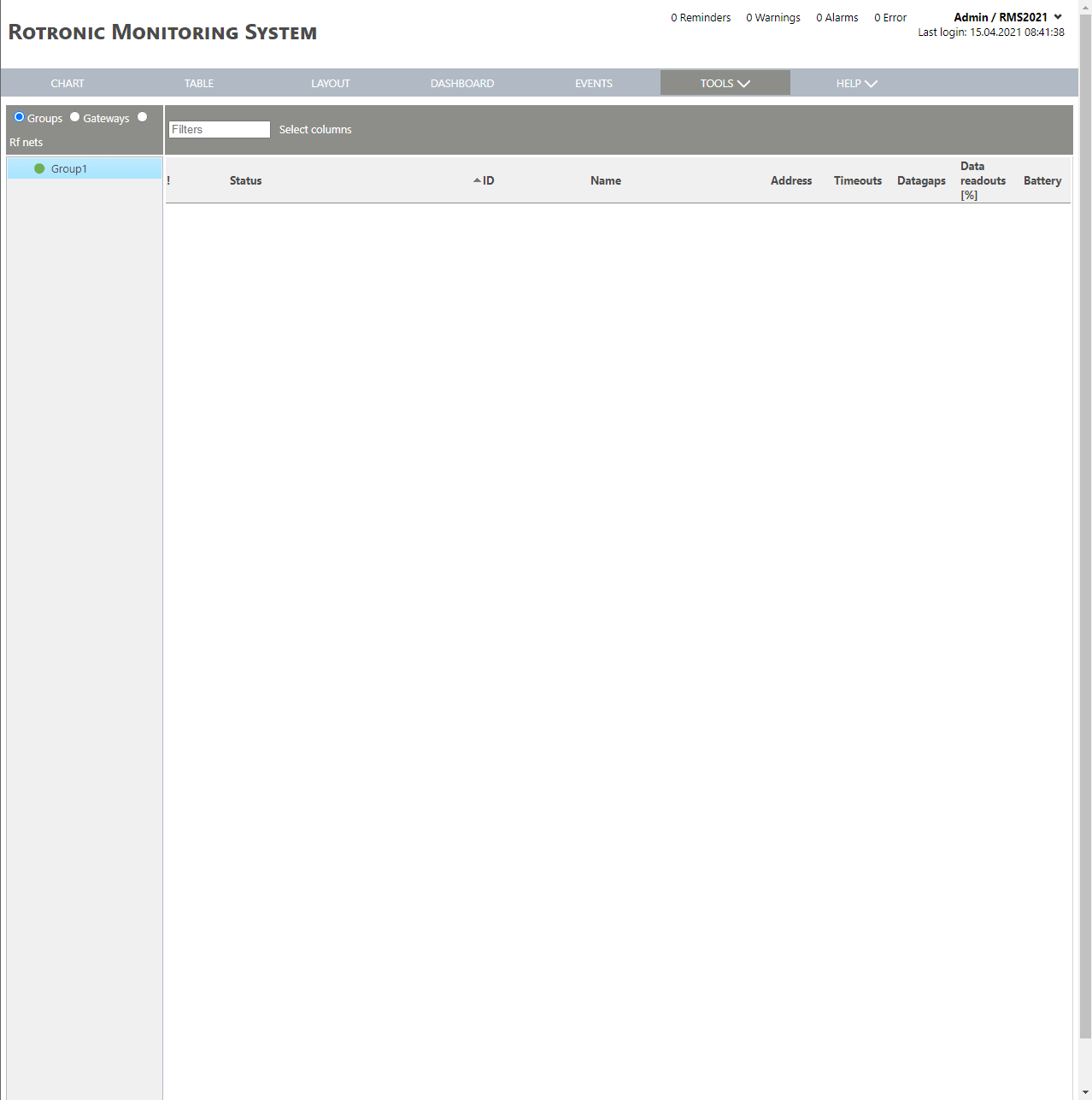 |
|---|---|
| Print Screen 2 | The columns shown in the device overview can also be selected. 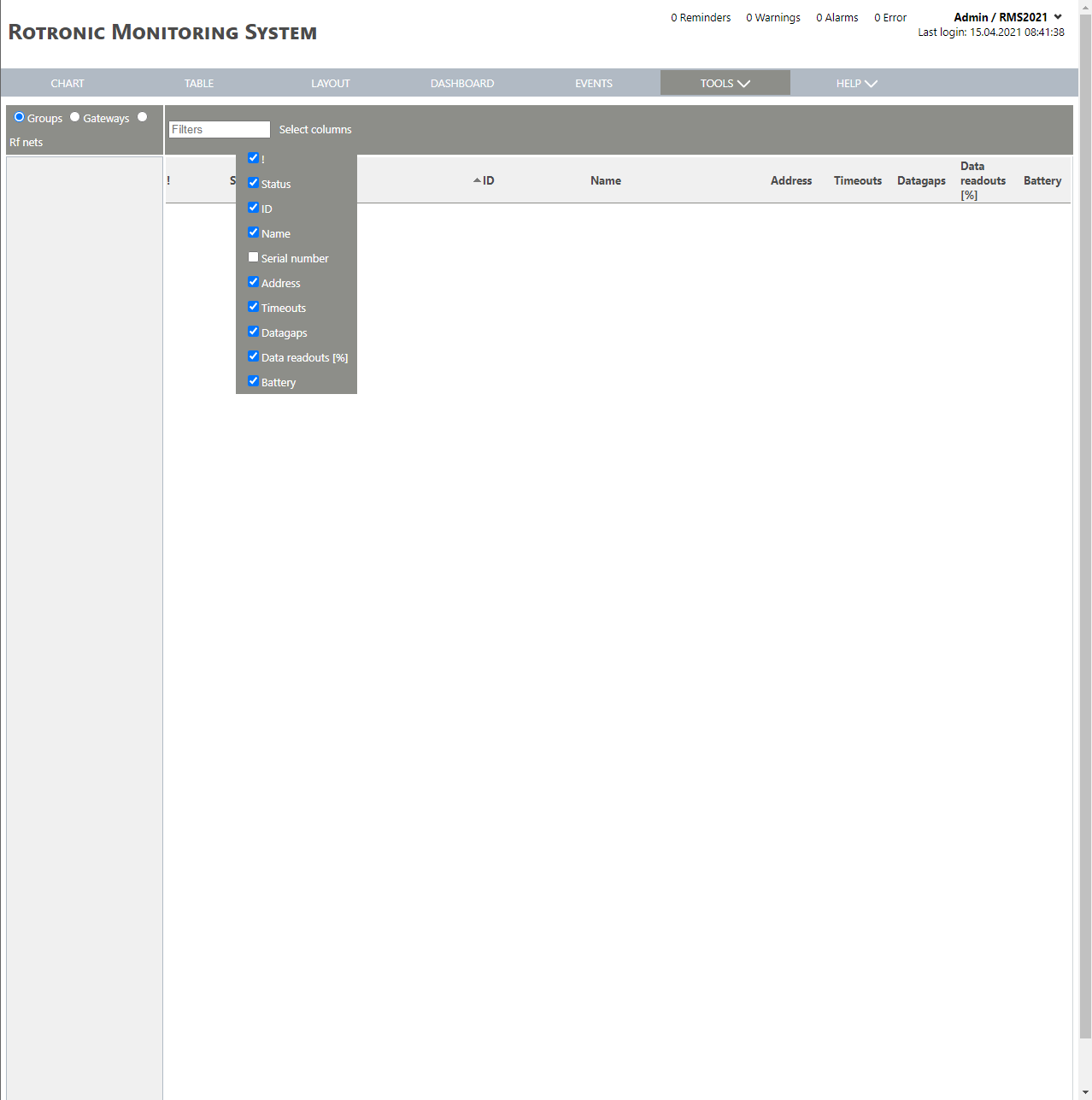 |